Automate LinkedIn Messaging in 2026: 5 Easy Steps
Last Updated: February 6, 2026 TL;DR: LinkedIn Messaging Automation in 5 Steps Choose cloud-based automation tools over browser extensions for account safety an...
Wilmer KarlssonTarstad
Last Updated: February 6, 2026
TL;DR: LinkedIn Messaging Automation in 5 Steps
- Choose cloud-based automation tools over browser extensions for account safety and LinkedIn compliance
- Prioritize personalization and targeting; generic templates get filtered to spam folders
- Start with 1st-degree connections, then layer InMails for unreachable titles to expand reach
- LinkedIn outreach achieves 10.3% reply rates vs 5.1% for email when personalized and strategic
- Mix automation with manual engagement; respond personally to replies and avoid appearing robotic
Table of Contents
- What is LinkedIn Messaging Automation and Why It Matters in 2026
- Step 1: Choose the Right Automation Tool Infrastructure
- Step 2: Build Your Targeting and Personalization Strategy
- Step 3: Set Up Your Campaign Sequence and Message Flow
- Step 4: Implement Safety Measures and Respect LinkedIn Limits
- Step 5: Monitor, Measure, and Optimize Your Campaigns
- Common Mistakes to Avoid and Pro Tips for Maximum Results
- FAQ: Your LinkedIn Messaging Automation Questions Answered
- Start Automating Your LinkedIn Outreach Today
What is LinkedIn Messaging Automation and Why It Matters in 2026 {#what-is-linkedin-messaging-automation-and-why-it-m}
LinkedIn messaging automation means using software to send connection requests and follow-up messages on your behalf, according to a predetermined schedule and strategy. It's not about blasting generic messages to thousands of people; it's about scaling your personalized outreach without burning out.
Here's why this matters in 2026: manual prospecting simply doesn't work anymore. You can only send so many messages per day manually before hitting LinkedIn's limits and exhausting yourself. Meanwhile, your competitors are automating, reaching more prospects, and booking more meetings.
The biggest misconception? That automation equals spam. It doesn't. LinkedIn automation helps sales teams book 3-5x more meetings per month than manual outreach when done correctly. The difference between spam and effective automation comes down to strategy. Spam is lazy; automation is strategic.
When you automate the right way, you're:
- Sending genuinely personalized messages based on prospect data and behavior
- Following up consistently without dropping leads through the cracks
- Testing messaging angles and timing to see what actually works
- Freeing yourself to focus on closing deals, not sending messages
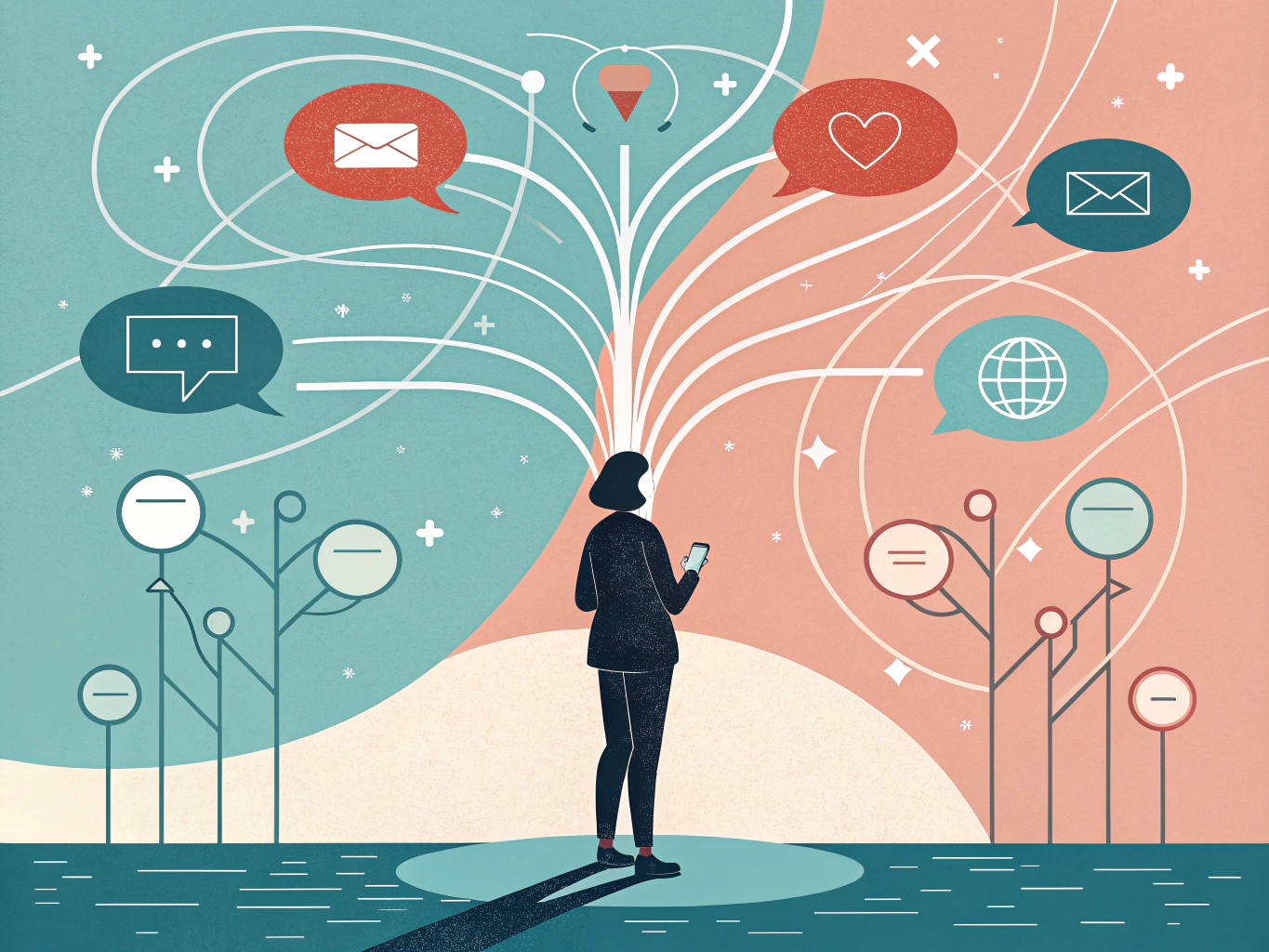
In 2026, scaling B2B outreach without automation isn't just inefficient; it's leaving money on the table.
Step 1: Choose the Right Automation Tool Infrastructure {#step-1-choose-the-right-automation-tool-infrastruc}
Before you send a single automated message, you need to pick the right tool infrastructure. This decision matters more than you'd think because it directly impacts your account safety and campaign effectiveness.
There are three main categories of LinkedIn automation tools: Chrome extensions, desktop applications, and cloud-based platforms. Here's the reality: Chrome extensions are the riskiest option. LinkedIn's detection algorithms are sophisticated, and Chrome extensions are low-hanging fruit for them. LinkedIn's official policy explicitly prohibits third-party software or browser extensions that scrape or automate activity on the platform, which means using them puts your account in a vulnerable position.
Desktop applications offer a middle ground, but they still run locally on your device, which means your IP address is directly tied to the automation activity. This creates a detection risk that grows with scale.
Cloud-based platforms are the clear winner for serious automation. Here's why: they operate from dedicated infrastructure with rotating IPs, randomized delays between actions, and sophisticated human-behavior mimicking that LinkedIn's systems struggle to flag. Cloud-based platforms invest heavily in safety infrastructure that mimics human behavior patterns, making your messaging campaigns look genuinely natural.
When evaluating cloud-based tools, prioritize these safety features: dedicated IPs that mask your actual location, smart delays that vary timing between messages, compliance monitoring that respects LinkedIn's rate limits, and transparent logging so you know exactly what's happening. Leading options include HeyReach, Expandi, Meet Alfred, and Dripify, each offering solid safety infrastructure.
The feature count matters less than the foundation. A tool with fewer bells and whistles but rock-solid safety infrastructure will outperform a feature-packed extension every time. You're building a sustainable system, not chasing quick wins that risk your entire LinkedIn presence.
Step 2: Build Your Targeting and Personalization Strategy {#step-2-build-your-targeting-and-personalization-st}
Here's the reality: you can build the most advanced automation workflow imaginable, but without strategic targeting and personalization, your messages end up in LinkedIn's "Other" tab, never to be seen again.
LinkedIn's inbox filtering system works in two tiers. Messages from first-degree connections and people in your network typically land in "Focused." Everything else gets sorted to "Other," where they're easy to ignore and often forgotten. Templated messages are the fastest way to end up in the Other tab or flagged by filters, because LinkedIn's algorithm evaluates each cold outreach message for structure, pacing, and uniqueness before deciding where it goes. Generic templates get caught immediately.
This is where prefiltration becomes your secret weapon. Before you even write a single message, use LinkedIn's search filters or Sales Navigator to identify prospects who actually fit your ideal customer profile. Filter by industry, company size, job title, and location. The more specific your targeting, the more relevant your personalization can be. You're not just sending fewer messages; you're sending smarter ones.
Personalization variables are your foundation. At minimum, use first names, company names, and job titles. But go deeper. Reference a mutual connection if one exists. Mention a recent company announcement or something from their profile that shows you actually looked. Point to a specific challenge their industry faces. These details take seconds to add but signal that you're not running a spray-and-pray campaign.
The shift in 2026 isn't about sending more messages; it's about sending fewer, better ones. Personalization over volume is the 2025-2026 trend; LinkedIn automation works best when it feels human and contextual. Your automation tool should enable this human touch, not replace it.
The difference between success and the spam folder comes down to this: are you automating your outreach, or automating your strategy? Strategic targeting and genuine personalization make all the difference.
Step 3: Set Up Your Campaign Sequence and Message Flow {#step-3-set-up-your-campaign-sequence-and-message-f}
Here's your section:
Now it's time to build the actual sequence that will run on autopilot. Start with your first-degree connections. These are your warmest prospects, and messaging them first establishes trust before you expand to harder-to-reach targets. This connection-first strategy maximizes response rates and keeps your account safe from spam flags.
Your basic sequence should look like this: Day 1, send your opening message to 1st-degree connections. Make it personalized, specific to their role or company. Day 3 or 4, follow up with those who didn't reply. Keep this message brief and value-focused, not pushy. Day 7, send a final follow-up before moving on.
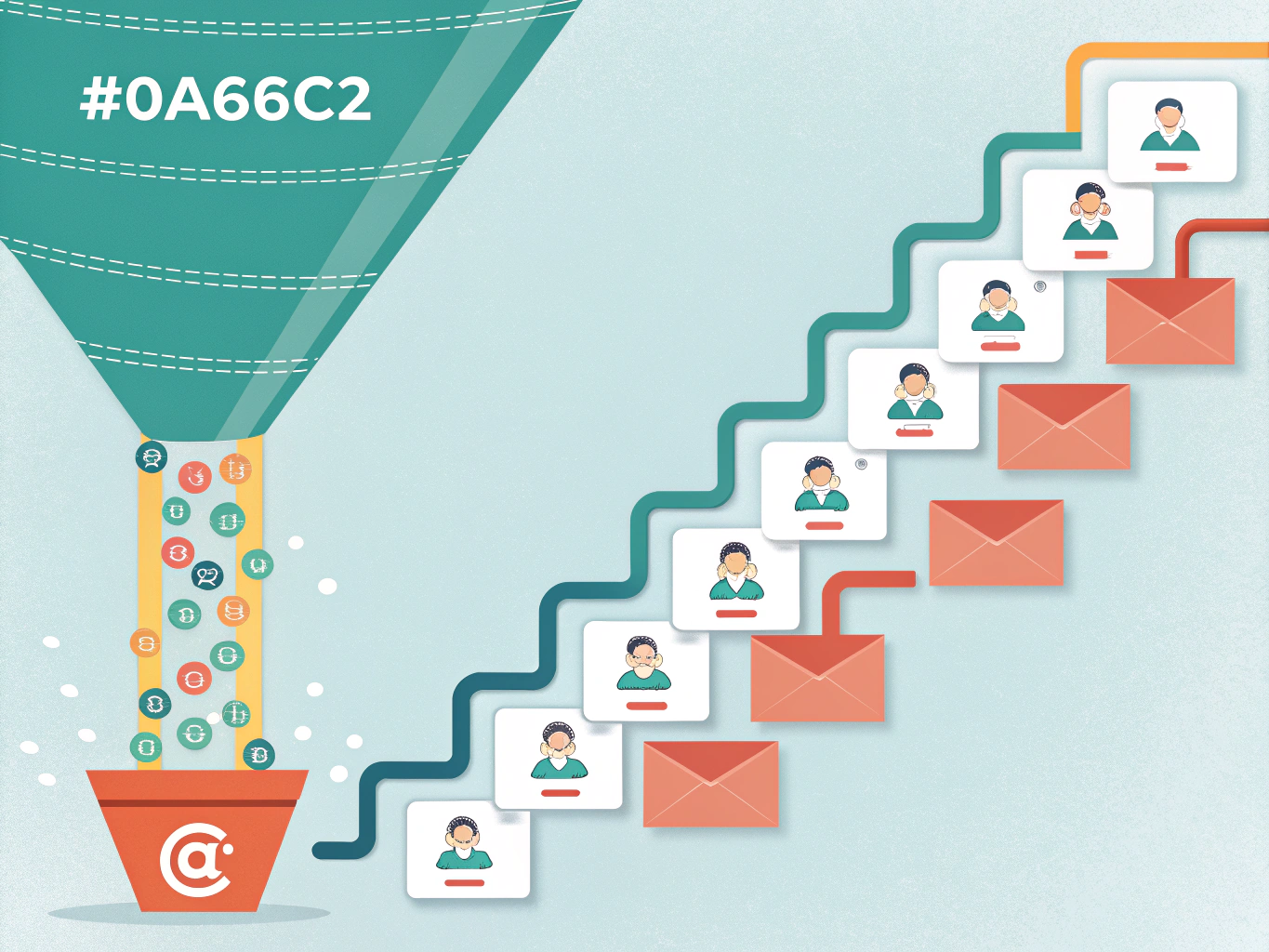
Here's the crucial part: enable stop-on-reply logic. The moment someone responds, the automation pauses for that contact. You take over the conversation manually, which is where actual deals get made.
For unreachable titles and premium prospects, layer in InMail campaigns. If you have LinkedIn Premium or Sales Navigator, you can send InMail to people you're not connected with, dramatically expanding your reach beyond your existing network.
To boost response rates further, combine LinkedIn with email. Multi-touch outreach combining LinkedIn and email with profile visits and follow-ups almost always beats one-off outreach. Send your LinkedIn message, then follow up with an email 2-3 days later referencing your message. This dual-channel approach keeps you visible without being annoying.
Stagger all messages with delays of at least 24 hours between contacts to avoid triggering LinkedIn's automation detection. The goal is to look human, not robotic. Test your sequence with a small group first, monitor replies, and refine based on what actually works for your specific audience.
Step 4: Implement Safety Measures and Respect LinkedIn Limits {#step-4-implement-safety-measures-and-respect-linke}
Listen: safety isn't optional when automating LinkedIn messaging. It's the difference between sustainable growth and a permanently restricted account. LinkedIn takes automation seriously, and you need to respect that.
Here's what you're up against. LinkedIn sets daily and weekly limits on activities like connection requests and messages; exceeding them can lead to restrictions or bans. Most accounts can safely send 20 to 50 connection requests daily, depending on account age and history. Message limits vary by account type, but new accounts should stay conservative: roughly 50 to 100 messages per week to start.
The real strategy isn't blasting your limits immediately. It's the warm-up period. Gradually increase your automation activity over the first two to four weeks. Start with 10 messages daily, then bump it to 20, then 30. This pattern signals normal human behavior instead of bot-like aggression.
Human-like behavior matters more than you'd think. Randomize delays between messages by 30 seconds to 2 minutes. Vary your sending times across different hours. Mix automated actions with manual activity: respond personally to replies, engage with posts, visit profiles manually. This blend keeps your account looking legitimate.
Monitor your account health religiously. Check your inbox daily and respond to messages personally; automated responses can feel cold and damage your reputation. Watch for LinkedIn warnings or sudden activity restrictions. If you notice reduced message delivery or connection request failures, scale back immediately.
Use cloud-based tools with dedicated IPs, human-like timing, and action limits to fly under LinkedIn's radar. The infrastructure matters. Your tool should support randomized delays and activity caps, not just send at maximum speed.
Safety isn't a feature you add later. It's built into every decision from day one. Cut corners here, and you'll spend months rebuilding trust on a shadowbanned account.
Step 5: Monitor, Measure, and Optimize Your Campaigns {#step-5-monitor-measure-and-optimize-your-campaigns}
You've built your automation system. You've launched your campaigns. Now comes the part that separates mediocre results from exceptional ones: ruthless optimization based on real data.
Start by tracking four critical metrics: connection acceptance rate, message open rate, reply rate, and meeting booking rate. These numbers tell you exactly what's working and what's hemorrhaging your outreach potential. Most automation tools come with built-in dashboards that display this data in real time. Use them. Check your metrics weekly, not monthly. Patterns emerge fast.
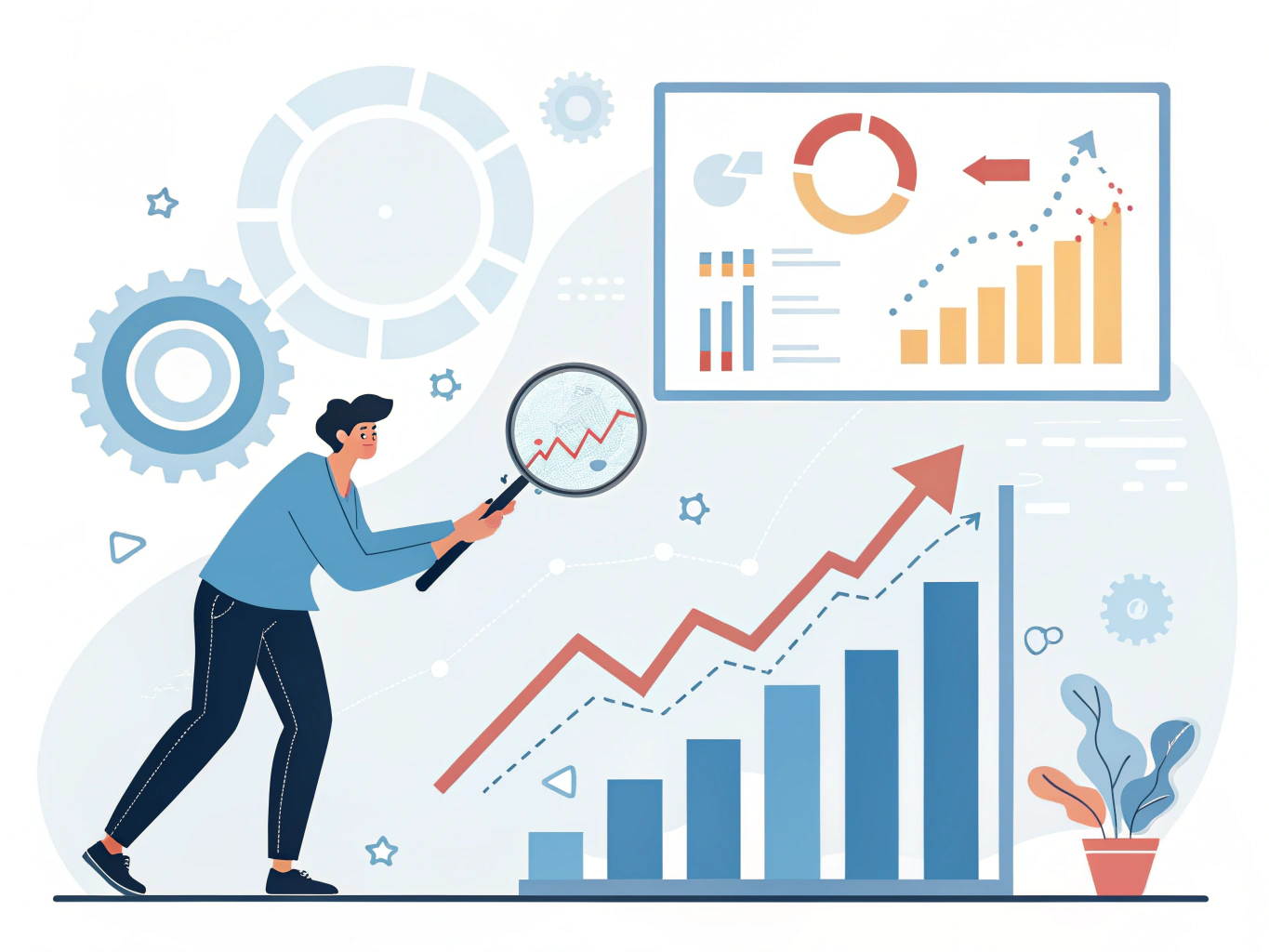
Here's where A/B testing becomes your competitive advantage. Test different message angles, subject lines, CTAs, and send times simultaneously. If your reply rate stalls at 4%, change your opening hook. If people accept connections but never open your messages, your preview text is failing. Small tweaks compound into massive wins.
LinkedIn outreach actually outperforms email significantly. Analysis of 70,000+ campaigns shows LinkedIn achieves a 10.3% reply rate versus 5.1% for email. That's a 2x advantage you're leaving on the table without optimization.
The key is iteration. Every week, identify your worst-performing variable and test a hypothesis to improve it. Scale what works; kill what doesn't. Continuous optimization isn't busywork, it's the engine that transforms your automation from a lead generator into a revenue machine. Your data doesn't lie. Listen to it.
Common Mistakes to Avoid and Pro Tips for Maximum Results {#common-mistakes-to-avoid-and-pro-tips-for-maximum-}
Automation is powerful, but careless execution tanks your results fast. Here's what actually works.
Mistakes that kill campaigns:
Don't rely solely on browser extensions. They're cheap, but LinkedIn actively blocks them, risking your account. Use cloud-based tools that respect LinkedIn's infrastructure instead.
Never send identical messages to hundreds of people. Generic outreach gets ignored or reported. Write like a human; keep first messages short, personal, and focused on recipient context, not your pitch. Spend 30 seconds researching each person before reaching out.
Ignore LinkedIn's daily limits at your peril. The platform caps connection requests, messages, and profile views. Exceed them, and you'll face temporary restrictions or permanent bans. Check your account settings regularly.
Stop automating replies to messages. When someone responds to your outreach, respond personally. This is where relationships form and deals close. Automation here feels robotic and kills trust.
Pro tips that drive real results:
Use AI to research prospects and draft initial messaging frameworks, not to generate mass templates. Tools like MeetAlfred or Expandi follow LinkedIn's guidelines while giving you efficiency gains.
Combine LinkedIn with email and phone outreach. Multi-channel campaigns generate 40% higher response rates than single-channel efforts. Don't put all eggs in one basket.
Build your lead list first, automate second. Quality targeting beats volume every time. Spend a week identifying ideal prospects before launching any campaign.
Mix automation with manual engagement. Post weekly, comment on prospects' content, and participate genuinely. This keeps your account looking active and human, which LinkedIn's algorithm rewards. Automation handles the repetitive work; you handle the relationship building.
FAQ: Your LinkedIn Messaging Automation Questions Answered {#faq-your-linkedin-messaging-automation-questions-a}
Is LinkedIn automation safe? How do I avoid getting banned?
Stay safe by using cloud-based platforms rather than Chrome extensions. LinkedIn's official policy prohibits third-party software that scrapes, modifies appearance, or automates activity, but cloud-based tools operate differently. Cloud platforms are safer because LinkedIn's detection algorithms target browser-based automation, not API-level connections. The key: choose reputable tools with strong compliance records, and never use free extensions promising "unlimited" messaging.
How many messages can I send per day?
LinkedIn doesn't publish exact limits, but experienced users report 50-100 personalized messages daily without triggering restrictions. The real factor isn't volume; it's quality. Generic, templated messages get flagged faster than genuinely personalized outreach. Start conservative (30-50 daily), monitor your account health, then scale gradually.
What's the difference between Chrome extensions and cloud-based tools?
Extensions run directly in your browser, making them easier to detect and riskier for your account. Cloud-based tools operate on remote servers, creating distance between your account and the automation. This architecture matters for long-term safety.
Can I automate responses to incoming messages?
Technically, some tools allow this, but we don't recommend it. Automated replies damage your credibility and violate LinkedIn's spirit. Automation should handle outreach; relationship-building requires your personal touch.
What metrics actually matter?
Track response rate (aim for 10-20%), meeting conversion rate, and reply quality. Don't obsess over open rates; LinkedIn doesn't provide them reliably. Focus on conversations that move toward your actual goal, whether that's sales, partnerships, or recruitment.
How do I know if my automation is working?
Set a baseline before automation, then compare. Are conversations happening? Are they qualified? Real results show up in your pipeline, not just message counts.
Start Automating Your LinkedIn Outreach Today {#start-automating-your-linkedin-outreach-today}
You've now got a clear roadmap for automating your LinkedIn outreach without the risk. Here's what matters: the five steps you've learned—choosing the right tool, building a solid targeting strategy, setting up personalized sequences, implementing safety guardrails, and monitoring your results—work together to create a system that scales.
LinkedIn automation isn't a nice-to-have anymore. LinkedIn automation helps sales teams book 3-5x more meetings per month than manual outreach when done with proper personalization and targeting. Your competitors are already implementing these systems, capturing leads and booking meetings while you're still sending manual messages one by one.
The difference between success and failure comes down to execution. You don't need to be perfect; you need to be consistent and strategic.

Here's your next move: Pick a tool that fits your budget and workflow. Build your first lead list this week. Launch your first campaign with 50-100 prospects and measure what happens. Optimize based on real data, not assumptions.
Want to amplify results? Start by strengthening your profile and engagement strategy. Check out our guides on LinkedIn profile optimization and engagement tactics to ensure your messaging lands with impact.
The time to start is now.