Best AI Tools for Video Content Creation in 2025
Why AI Video Tools Matter Now More Than Ever The numbers don't lie: AI video adoption has exploded from 18% to 41% in just one year, according to Wistia's 2025...
Wilmer KarlssonTarstad
Why AI Video Tools Matter Now More Than Ever
The numbers don't lie: AI video adoption has exploded from 18% to 41% in just one year, according to Wistia's 2025 State of Video Report. This isn't gradual change. This is a fundamental shift happening right now, and if you're still relying on traditional production methods, you're already falling behind.
Here's what's driving the urgency. Video now accounts for 60% of daily social media time, yet most creators and B2B professionals still treat it as an afterthought. Meanwhile, those adopting AI are moving faster than ever. Research shows 62% of marketers using AI tools report cutting content creation time by more than half, which translates directly to competitive advantage.
The financial reality is even more compelling. Companies using AI to create videos save up to 80% of time and budget compared to traditional production. That's not just efficiency; that's a business model advantage.
For B2B founders, LinkedIn creators, and content teams, the choice is binary: adapt or get outpaced. Your competitors are already experimenting with AI avatars, text-to-video platforms, and automated editing workflows. The barrier to entry has collapsed. Professional-quality video is no longer the domain of studios with six-figure budgets and production crews.
The democratization is real, and it's happening fast. You no longer need months of planning, thousands in equipment, or specialized technical skills. Modern AI tools handle everything from scripting and voiceovers to editing and distribution. What took weeks now takes hours. What cost thousands now costs dollars.
The question isn't whether AI video tools work. The evidence is overwhelming. The real question is how long you can afford to wait.

The Top AI Video Generators: Text-to-Video Powerhouses
The text-to-video space has exploded with serious contenders, each bringing distinct strengths to the table. Here's what actually matters when choosing your tool.
Kling AI stands out for raw value. Kling AI offers the best value for the price with video quality that rivals or surpasses pricier competitors, plus realistic lip-sync that makes AI avatars feel genuinely human. For budget-conscious teams, it's hard to beat.
Google Veo 3.1 takes the cinematic route. Veo 3.1 is a clear leap forward with improved stability and sound, delivering the kind of visual realism that felt impossible just months ago. Native audio and sound integration mean you're not stitching together separate elements; the tool understands how sound and motion should work together. This matters for B2B content that needs polish without the budget for traditional production.
Runway Gen 4 is your creative Swiss Army knife. Runway integrates AI into a comprehensive production suite with a browser-based timeline editor that feels almost like professional editing software. You get image-to-video conversion, camera controls, and frame-by-frame customization all in one place. It's less about single-prompt magic and more about actual creative control.
OpenAI Sora remains the premium play. Its storyboard and prompt-based controls offer precision, but access requires paid tier commitment. It's worth it if you're producing high-stakes content regularly.
InVideo AI takes a different angle, combining text-to-video generation with access to 16M+ stock assets. For teams drowning in editing work, this integration cuts production time dramatically. You're not just generating video; you're building complete pieces faster.
The real question isn't which tool is "best" universally. It's which one matches your workflow, budget, and quality standards. Most professionals find themselves using two or three in rotation rather than betting everything on one platform.
AI Avatar & Avatar-Based Tools: Bringing Your Brand to Life
Avatar-based video creation has become a practical necessity for B2B teams managing high-volume content demands. Rather than hiring actors or spending weeks on production schedules, you can now generate professional videos with AI avatars in minutes, scaling personalized messaging across your entire pipeline.
90% of the Fortune 100 use Synthesia for training and internal communications, and for good reason. It supports 140+ languages with natural lip-sync, making global onboarding and compliance training dramatically faster. For teams prioritizing ROI, Synthesia's enterprise tier eliminates per-video costs, letting you produce unlimited content once you've invested in the platform.
HeyGen takes interactivity further with 1000+ customizable AI avatars and real-time interactive features. The standout? You can feed your own data directly into videos, creating personalized sales demos or customer outreach at scale. With 175+ language support and advanced lip-sync technology, your message feels authentic across every market. This is particularly valuable for LinkedIn prospecting campaigns where personalization drives engagement.
DeepBrain AI offers 150+ ready-to-use avatars with collaborative workspace features, making it ideal for distributed teams. The voice cloning capability means you can maintain consistent brand voice across hundreds of videos without recording anything yourself. This matters when you're producing product explainers, training modules, or customer success content on a recurring basis.
The real advantage here isn't just speed; it's consistency and scalability. You're not dependent on talent availability or production schedules. Whether you need localized training videos, personalized sales outreach, or evergreen product demos, these tools handle the heavy lifting while your team focuses on strategy and messaging.
Start with Synthesia if you prioritize enterprise reliability and language support. Choose HeyGen for interactive, data-driven personalization. Pick DeepBrain AI if your team needs collaboration features and voice cloning capabilities.
Free AI Tools for Video Content Creation: Getting Started Without Breaking the Bank
The barrier to professional video creation just collapsed. You don't need a five-figure budget or years of editing experience anymore. Free and freemium AI tools are genuinely capable of producing content that rivals paid alternatives, especially for creators testing concepts before committing financially.
Start with Canva. Their AI video generator, powered by Google's Veo-3, transforms text prompts into polished clips with cinematic quality. The free tier gives you access to templates and basic generation; upgrading removes watermarks and unlocks premium stock footage.
CapCut remains the Swiss Army knife for quick turnarounds. The free version includes AI avatars, automated storyboarding, and a massive template library. It's genuinely hard to outgrow without hitting very specific professional needs.
For text-to-video workflows, Invideo AI's free plan accesses 16M+ stock media assets to build complete videos from simple prompts. You're looking at quality stock footage automatically matched to your script. The watermark trade-off is worth it while you're learning.
Want realistic AI presenters? Synthesia's free tier offers 3 minutes monthly with 9 avatars and voices across 140+ languages. Perfect for product demos or training content.
Here's the honest truth: free plans come with watermarks and usage caps. Most creators upgrade within weeks once they see results. But that's actually smart. Test the platform, validate your content strategy, then decide if paid features make sense for your goals. You're not sacrificing quality during that trial period; you're making an informed investment decision. Start free, upgrade strategically.
AI Video Editing Tools: Turning Raw Footage Into Polished Content
Raw footage is worthless without editing, but traditional editing software demands hours of tedious work. AI-powered editing tools are eliminating that friction entirely, letting you transform rough material into publication-ready content in minutes.

Descript flips the entire editing paradigm by treating video like a document. You edit the transcript, and the video follows automatically. Descript enables text-based video editing and filler word removal, meaning you can eliminate "ums" and "ahs" without hunting through timelines.
For interview-heavy content, HeyEddie.ai speeds up the rough-cut process in literal seconds by analyzing your footage with prompts, automatically identifying best moments and organizing them into a workable structure.
Adobe Premiere Pro's generative extend and auto reframe features handle the tedious stuff: resizing clips for different platforms, detecting natural scene breaks, and extending shots intelligently when you need more coverage.
CapCut democratizes professional editing with intuitive AI tools for captions, transitions, and effects. Auto-caption generation now works across 100+ languages with instant translation, making global distribution genuinely feasible for solo creators.
OpusClip turns long videos into viral shorts automatically, extracting high-impact moments from lengthy content and formatting them for TikTok, Instagram Reels, and YouTube Shorts simultaneously. One upload becomes a multi-platform content library.
The real productivity gain isn't about individual features; it's about removing decision fatigue. These tools handle scene detection, caption timing, platform optimization, and structural decisions so you focus on creative direction instead of technical busywork. That's where modern editing lives.
Best AI Tools for Social Media Video Content: LinkedIn, TikTok, Instagram & YouTube
Social media creators face a relentless demand for fresh content across multiple platforms, each with its own optimal format and audience expectations. The solution isn't creating separate videos for LinkedIn, TikTok, Instagram, and YouTube; it's repurposing intelligently.
Latte transforms long-form content into platform-optimized shorts by extracting the most engaging clips automatically. Feed it a 30-minute podcast or webinar, and it generates short-form versions tailored to each platform's specifications. This matters for B2B creators especially, where a single LinkedIn video can drive significant engagement when properly formatted.
Spikes Studio uses AI to find your best moments automatically, identifying standout segments in real-time and packaging them for TikTok, Instagram Reels, and YouTube Shorts. Instead of manually scrubbing through footage, you get algorithmic curation that prioritizes moments with genuine momentum.
quso.ai is trusted by 4M+ creators for video repurposing, combining smart scene detection with automatic caption generation. The platform handles the tedious work of segmentation and text overlay, which directly impacts watch time and retention metrics across social feeds.
Captions takes a different approach with conversational AI editing and built-in avatar support. For LinkedIn professionals building personal brands, avatar-based videos feel authentic while maintaining production quality without expensive equipment. The platform's editing interface mimics natural conversation, making video production feel less technical and more intuitive.
What ties these tools together is speed and scale. A webinar published Monday morning can become eight platform-specific videos by Tuesday, each optimized for its audience's behavior and algorithm. This matters for reach; LinkedIn rewards consistent, native content, while TikTok and Instagram reward frequent posting.
The competitive advantage belongs to creators who repurpose, not those who recreate. These tools eliminate the bottleneck between content creation and distribution, letting you focus on strategy rather than technical execution. For growth-minded B2B marketers, that efficiency directly translates to expanded reach and engagement without proportional time investment.
Specialized AI Video Tools: Avatars, Voice Cloning & Localization
The real competitive edge in video creation lies in specialized capabilities that transform generic content into branded, globally-relevant assets. Voice cloning technology stands out here, letting you embed your exact voice or a signature brand voice into videos without recording a single take. This matters because authenticity drives engagement, and your audience recognizes the difference between synthetic and personalized narration.
Localization has evolved beyond simple translation. HeyGen supports 175+ languages with authentic emotion and perfect lip-sync, while Synthesia enables flawless language lip-sync in 140+ languages. This isn't just text swapped for different regions; it's lip movements that genuinely match the spoken language, eliminating the uncanny valley effect that kills credibility.
Character reference models represent the next frontier. Hailuo AI's character reference model enables personalized video generation, allowing you to upload images of your brand ambassador or spokesperson and have them appear consistently across videos. Combined with real-time avatar customization, you control every visual element: clothing changes, background swaps, branded overlays, all without reshooting.
Dialogue generation with character-specific emotions takes narrative content beyond robotic delivery. Different characters speak with distinct emotional tones, pacing, and inflection, creating genuinely engaging storytelling rather than flat narration.
These capabilities solve a fundamental problem: creating professional, localized content at scale without proportional budget increases. For teams managing multiple markets or maintaining consistent brand presence globally, these tools compress what once required international production crews into a single workflow. That's not just convenience, it's competitive necessity.
Choosing the Right AI Video Tool: Comparison & Decision Framework
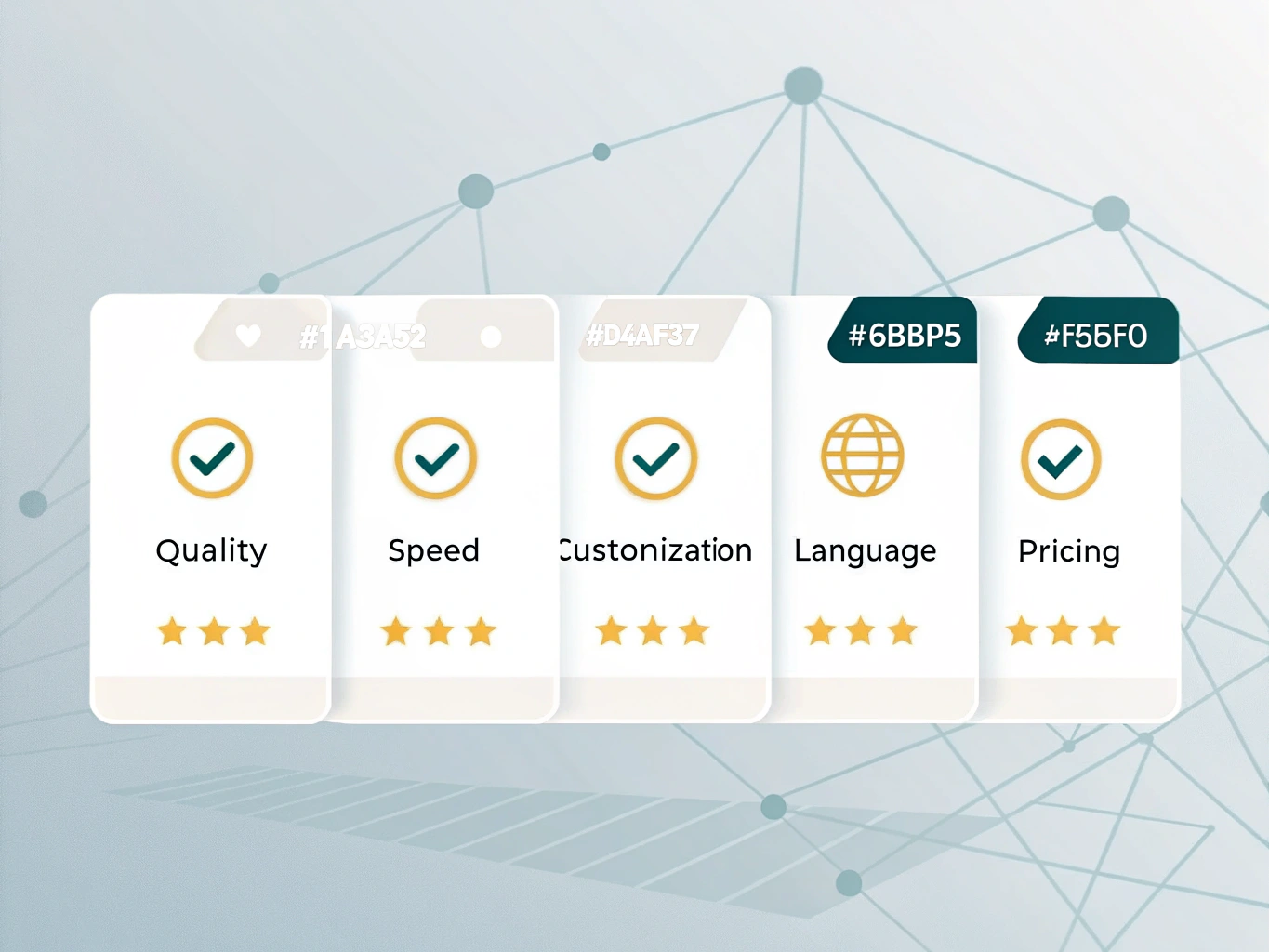
Selecting the right AI video tool depends on three core factors: your primary use case, budget constraints, and technical comfort level. Rather than chasing every new platform, focus on what you actually need to produce.
Use case drives tool selection. Text-to-video generators like Synthesia and HeyGen excel when you need rapid output for LinkedIn updates, training modules, or personalized sales videos. They handle scripting-to-finished-video in minutes. Conversely, if you're repurposing existing footage or polishing raw recordings, editing-focused tools like Runway or Descript deliver better results with finer control.
Budget considerations are straightforward. Most AI video tools offer free trials, letting you test before committing. Free tiers suit experimentation and low-volume creators. Serious production work demands paid plans, typically ranging from $25 to $100 monthly depending on output limits and features.
Learning curve varies significantly. Canva's interface feels intuitive for beginners with minimal onboarding. Adobe and Runway require more familiarity but reward you with professional-grade outputs and advanced customization. If speed matters more than polish, stick with simpler platforms. If quality is non-negotiable, invest the training time.
A practical approach: start with your most pressing need, test the free version, then expand your toolkit as your workflow demands it. Avoid tool sprawl. One solid platform beats five mediocre ones.
The Future of AI Video: Trends, Adoption, and What's Coming in 2025+
The AI video revolution isn't coming; it's already here, and the momentum is accelerating. 65% of video creators have already adopted AI tools, while 40% of content marketers plan to use blog-to-video tools in 2025. For those still on the sidelines, the gap between early adopters and everyone else is widening fast.
What's driving this shift? The technology itself is maturing rapidly. Longer-form video generation is moving beyond the 8-second limitation that once constrained AI creators. Dialogue quality is improving noticeably, realism is hitting new benchmarks, and real-time generation capabilities are emerging. AI-generated product demo videos are already boosting conversion rates by 40%, proving this isn't just hype; it's delivering measurable business results.
The job market reflects this transformation. Employment in AI video production is projected to grow 40-60% by 2030, creating new roles while reshaping existing ones. This isn't about replacement; it's about evolution.

Here's what you need to do now: experiment with at least one AI video tool this month. Don't wait for perfect conditions or complete familiarity. The creators pulling ahead aren't waiting; they're learning by doing, iterating, and building skills that'll define their competitive edge in 2025 and beyond.
Getting Started: Your Action Plan for AI Video Success in 2025
The time to act is now. Video content isn't a nice-to-have anymore; it's essential for staying visible in 2025. Here's your roadmap.
Step 1: Know your why. Are you creating LinkedIn thought leadership videos? Product demos? Training content? Short-form social clips? Your primary use case determines which tools fit best. B2B founders especially benefit from focusing on one format initially, then expanding.
Step 2: Test before committing. Pick two to three tools relevant to your use case and run free trials. Spend a few hours with each. You'll quickly discover which interface clicks with you and which output quality matches your standards. Most platforms offer 7 to 14-day free access, no credit card required.
Step 3: Create and measure. Launch your first video this week. Post it where your audience lives. Track engagement, click-through rates, and conversions. This isn't about perfection; it's about data. What resonates tells you what to create next.
Step 4: Systematize wins. Once you identify your best-performing format or template, document it. Create a simple process you can repeat weekly. Consistency beats perfection every single time, and AI tools make repetition effortless.
Step 5: Stay ahead. The AI video space evolves monthly. Follow tool updates, test new features, and join creator communities. Your competitive edge comes from moving faster than your competitors, not waiting for the "perfect" tool.
Start today. Your future self will thank you.