Auto Connect on LinkedIn in 2026: The Easy Guide to Growing Your Network
What Is LinkedIn Auto Connect and Why It Matters in 2026 LinkedIn auto connect is exactly what it sounds like: automation software that sends connection request...
Wilmer KarlssonTarstad
What Is LinkedIn Auto Connect and Why It Matters in 2026
LinkedIn auto connect is exactly what it sounds like: automation software that sends connection requests on your behalf, based on criteria you set. Instead of manually clicking through profiles and hitting "Connect" hundreds of times per month, the tool does this work automatically while you focus on what actually matters: building relationships and closing deals.
Here's why this matters right now. LinkedIn generates 80% of B2B leads from social media, and that number isn't dropping in 2026. For founders, sales teams, and marketers, having a strong, targeted network isn't optional anymore; it's how you stay competitive. The problem is that manual connection building is brutally time-consuming. We're talking hundreds of hours per year spent on repetitive clicking.
Auto connect flips this equation. The software handles the mechanical work, sending personalized requests to your ideal prospects based on job title, industry, company size, or location. You're not spamming; you're systematically reaching the right people. In 2026, combining smart automation with genuine personalization is the new standard. The tools that work best aren't fully hands-off; they're built to complement your strategy, not replace your judgment.
The real value isn't just time saved. It's consistency. Manual outreach gets abandoned when you're busy. Automation keeps your network-building engine running, 24/7, so opportunities never slip through the cracks.
How LinkedIn Auto Connect Works: The Complete Process Explained
LinkedIn auto connect tools work by automating the process of sending connection requests on your behalf. Here's how they function across different formats.
The Three Main Types
There are three types of LinkedIn auto connect tools: browser extensions, cloud-based tools, and desktop apps. Browser extensions run directly in your Chrome or Firefox window and require your computer to stay powered on while they work. They're simple to install but limited by your device's uptime.
Cloud-based tools operate on remote servers, meaning they run 24/7 without needing your computer on. This makes them ideal if you want consistent activity while you sleep or work. Desktop applications install directly on your computer and offer the most control over settings and customization, though they still require your device to be active.
Understanding LinkedIn's Limits
You are capped at 100 connection requests per week on LinkedIn. This official limit applies whether you're sending requests manually or using automation tools. Smart tools work within this boundary, spreading requests evenly throughout the week to avoid triggering LinkedIn's spam filters.
What Automation Actually Does
Beyond sending requests, effective tools track who accepts your invitations, measure response rates, and trigger automated follow-up messages based on your preferences. They handle the repetitive heavy lifting while you focus on crafting meaningful connection strategies. The best tools provide visibility into your outreach performance, showing you exactly what's working and what needs adjustment.
Is LinkedIn Auto Connect Safe and Legal? What You Need to Know
The short answer: LinkedIn automation is completely legal when done responsibly. LinkedIn automation legality guide What gets people in trouble isn't the automation itself; it's spammy behavior that violates LinkedIn's terms of service.
Think of it this way. LinkedIn penalizes patterns, not tools. Mass generic outreach, identical connection messages sent to thousands of people, and bot-like activity that screams "I'm automated" will trigger their detection systems. That's the real risk. Responsible automation, by contrast, mimics natural human behavior and stays well within acceptable limits.
Here's how quality tools protect your account. They incorporate random delays between connection requests, so your activity looks genuinely human. It is completely safe to automate LinkedIn connections with the right tool when it includes daily limits and activity monitoring that keep you under LinkedIn's radar. Tools should include random delays between sent connection requests and daily limits as standard features.
The safest approach combines smart tool selection with intentional strategy. Personalize your outreach. Vary your messaging. Space out your activities. Keep daily connection requests reasonable, somewhere between 20 to 50 depending on your account age and history.
LinkedIn wants engaged professionals building real relationships, not spammers flooding inboxes. When you use automation to enhance genuine networking rather than replace it, you're operating in the clear. The tools exist; the responsibility sits with you to use them thoughtfully.
The Power of Personalization: Why Generic Messages Fail (And How to Win)
Here's the hard truth: a generic connection request on LinkedIn gets ignored or rejected. Worse, it actively hurts your results.
When you send the same templated message to hundreds of prospects, LinkedIn's algorithm flags it as spam. Your acceptance rate plummets, and your account credibility takes a hit. Personalized requests achieve 45% acceptance rate compared to 15% for generic messages. That's a 3x difference. For someone sending 50 invitations weekly, that gap means 15 extra connections monthly from one simple change.
Here's why personalization works: it signals effort. When someone sees their name, company, or a shared interest in your message, they know you're not blasting 500 identical requests. They feel seen. Trust builds faster. Engagement follows naturally.
The good news? Modern auto connect tools make personalization at scale actually possible. You're not manually crafting each message anymore. Dynamic fields pull directly from prospect profiles: first name, job title, company, industry, mutual connections. A tool might automatically insert "I noticed you work at TechCorp" or "We both follow industry leaders in SaaS" into your message template. The result feels personal without requiring hours of manual work.
Start simple. Reference something specific: their recent job change, a company they work for, an industry you share. Even first-name personalization beats generic. Avoid obvious automation triggers like "Hi there" or vague compliments that could apply to anyone.
The ROI is clear. Better acceptance rates mean more qualified connections. More connections mean more conversations, more opportunities, more revenue. Personalization isn't extra work when you automate it properly. It's the difference between a tool that works and one that wastes your time.
Best Practices for LinkedIn Auto Connect in 2026: Do's and Don'ts
Before you send a single connection request, define your Ideal Customer Profile. Who are you actually trying to reach? What industry do they work in? What's their job title? What company size makes sense for your goals? The more specific you get here, the better your results. ICP targeting strategy for LinkedIn automation shows that filtering by industry, location, job title, and company size dramatically improves acceptance rates compared to spray-and-pray approaches.
Start slow and scale strategically. Don't send 500 connection requests on day one. Begin with 20-30 per day, then gradually increase as you monitor your acceptance rate and account health. This approach keeps you under LinkedIn's radar while you verify your messaging actually resonates.
Personalization isn't optional. Every connection request should reference something specific about the person: their recent post, their company, a shared connection, or their industry focus. Generic "I'd like to add you to my network" messages get ignored or reported. Spend an extra 30 seconds making each request feel intentional.
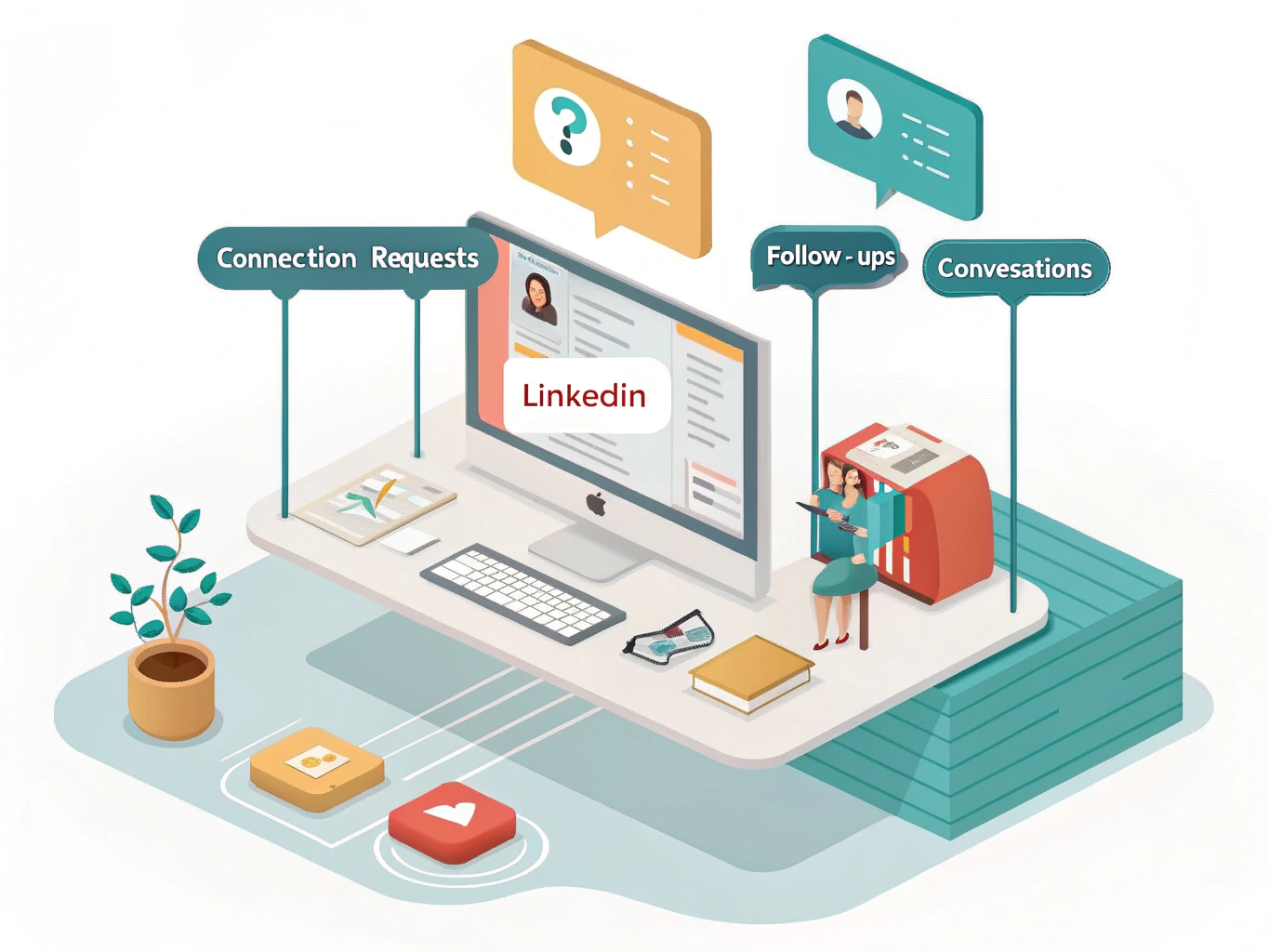
Build a multi-step sequence: initial connection request, a follow-up message three days later if they accept, then a value-first message that actually helps them. This progression feels natural and builds trust rather than jumping straight to a pitch.
Monitor your acceptance rates weekly. If you're seeing below 30% acceptance, your targeting or messaging needs adjustment. Track what works and double down on it.
Finally, respect LinkedIn's boundaries. Never exceed 100 connection requests per week, avoid rapid activity spikes that look suspicious, and never use mass generic messaging. Human-behavior mimicking automation tools that pace your activity naturally keep your account safe while you build genuine professional relationships.
LinkedIn Auto Connect Tools Compared: Which One is Right for You
The right auto connect tool depends on your budget, technical comfort level, and growth goals. Here's what each option brings to the table.
InTouch Tool works as a browser extension with a free tier, making it accessible for beginners testing the waters. It processes 1.3 million connection requests and messages weekly, so you know the infrastructure is solid. Best for: solopreneurs and freelancers wanting zero setup friction.
Octopus CRM stands out for affordability and practical features like email bypass and auto-endorsement capabilities. It helps you look more human while automating repetitive tasks. Best for: sales professionals managing multiple outreach campaigns.
SalesRobot takes a cloud-based approach with AI-powered personalization and multi-channel outreach beyond LinkedIn. This means you're not putting all eggs in one basket. Best for: growth-focused teams wanting integrated prospecting across platforms.
Meet Alfred emphasizes collaboration, letting teams work together on campaigns. Trusted by over 89,000 users across 87 countries, it's proven at scale. Best for: agencies and companies needing team-based LinkedIn automation.
LinkedRadar prioritizes budget-conscious users with cloud-based operation and behavior mimicking that feels natural. Best for: bootstrapped startups and side hustles.
HeyReach caters to enterprises with unlimited accounts and sophisticated automation workflows. Best for: larger organizations with complex outreach requirements.
Start by identifying which features matter most: cost, ease of use, team capabilities, or advanced personalization. Most tools offer trials, so test the top two contenders with your actual workflow before committing.
The Future of LinkedIn Growth: Beyond Auto Connect in 2026

Auto connect is a tool, not a strategy. The professionals winning on LinkedIn in 2026 understand this distinction completely.
The era of spray-and-pray outreach is over. Mass automated outreach is less effective in 2026; tailored conversations work better. What's replacing it is something better: automation that creates space for authenticity. When you use auto connect intelligently, you're not trying to reach everyone. You're freeing yourself to have real conversations with the people who matter most.
The future of LinkedIn growth belongs to those who blend innovation with genuine human connection. Intent data and personalization aren't nice-to-haves anymore; they're baseline expectations. Your network will feel the difference between someone who automated a generic connection request and someone who actually knows who they're reaching out to.
Think of auto connect as your foundation, not your ceiling. Use it to expand your network systematically, then invest your real energy where it counts: in meaningful dialogue, thoughtful comments, and relationships that go deeper than a profile view.
LinkedIn success relies on blending innovation with meaningful human connection. The professionals building the strongest networks aren't the ones with the most connections. They're the ones who treat automation as a lever for connection, not a replacement for it.
Your network's quality will always outweigh its size. Use that truth to guide every strategy decision you make.