LinkedIn Messaging Automation: Complete Guide 2026
Last Updated: February 6, 2026 TL;DR: LinkedIn Messaging Automation Essentials LinkedIn automation can boost meetings by 3-5x when done with personalization, ta...
Wilmer KarlssonTarstad
Last Updated: February 6, 2026
TL;DR: LinkedIn Messaging Automation Essentials
- LinkedIn automation can boost meetings by 3-5x when done with personalization, targeting, and safety measures
- Safe daily limits: 10-20 connection requests, 50-100 messages; adjust based on your Social Selling Index (SSI)
- Cloud-based tools with human-behavior mimicking are safer than Chrome extensions; LinkedIn's AI detects obvious bots
- Personalization and quality targeting matter more than volume; the spray-and-pray era is dead in 2026
- Follow LinkedIn's rules, use multichannel outreach, and maintain genuine interactions to avoid account restrictions
Table of Contents
- What is LinkedIn Messaging Automation and Why It Matters
- How LinkedIn Messaging Automation Works: The Mechanics
- LinkedIn Messaging Automation Limits and Safety Guidelines for 2026
- The Evolution of LinkedIn Automation: Why the Old Playbook Doesn't Work Anymore
- Best Practices for Safe, Effective LinkedIn Message Automation
- Top LinkedIn Messaging Automation Tools: Comparison and Selection Guide
- LinkedIn Messaging Automation FAQs
- Key Takeaways: Your LinkedIn Automation Action Plan
- Conclusion: Scaling Your LinkedIn Presence Responsibly in 2026
What is LinkedIn Messaging Automation and Why It Matters {#what-is-linkedin-messaging-automation-and-why-it-m}
LinkedIn messaging automation is the use of software tools to automatically send connection requests, messages, and follow-ups on LinkedIn without manual intervention. Rather than spending hours crafting individual outreach messages, these tools handle repetitive tasks like initial contact sequences, response tracking, and timely reminders. When executed properly with personalization and targeting, automation can help sales teams book 3-5x more meetings per month than manual outreach.
Here's the critical distinction: automation doesn't mean spam. The misconception that automated equals impersonal has stuck around because early tools were genuinely terrible. They blasted generic messages to thousands of irrelevant profiles, tanking sender credibility and violating LinkedIn's terms. Modern automation is different. It's about precision, not volume. Today's tools let you target specific industries, job titles, and company sizes, then personalize messages with real data about each prospect before sending. The system handles the logistics; you control the strategy.
Why does this matter in 2026? B2B sales cycles haven't gotten shorter. If anything, they're more fragmented. Decision-makers are harder to reach, and manual outreach alone won't cut it anymore. Sales teams are expected to generate more pipeline with the same headcount. Founders bootstrapping their startups can't afford to spend entire days on LinkedIn prospecting. Automation optimizes repetitive work so you can focus on real conversations with qualified prospects.
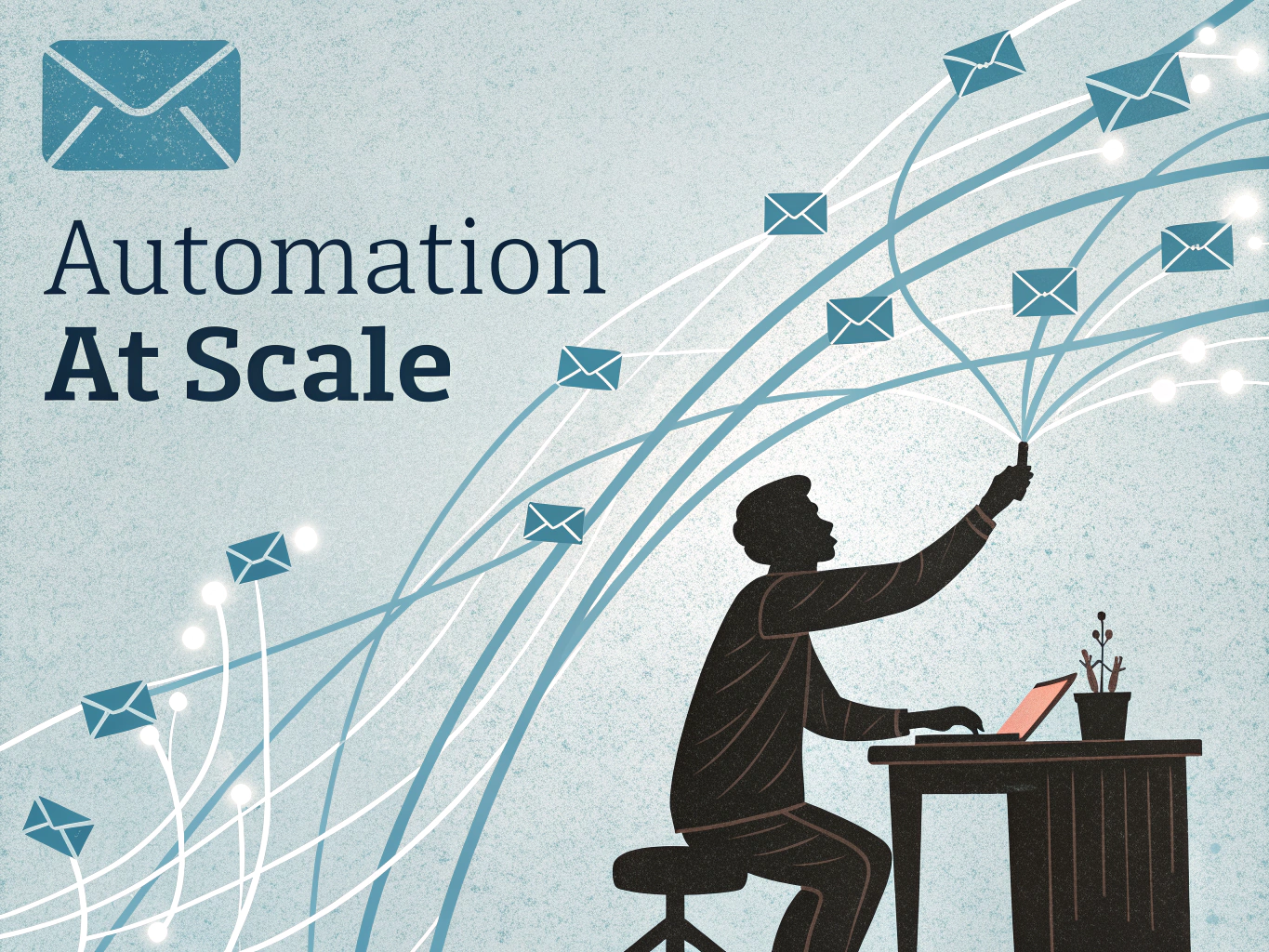
The rest of this guide walks you through doing this safely and effectively, with guardrails that keep your account healthy and your outreach actually convertible.
How LinkedIn Messaging Automation Works: The Mechanics {#how-linkedin-messaging-automation-works-the-mechan}
LinkedIn automation tools work like a tireless assistant that handles repetitive tasks while you focus on strategy. Think of it as outsourcing the grunt work; the tool manages timing, sequencing, and follow-ups so you don't have to manually track dozens of conversations.
LinkedIn automation tools operate in one of three ways: Chrome extensions, desktop applications, or cloud-based platforms. Chrome extensions are lightweight and easy to install but run only when your browser is open. Desktop applications offer more control and run independently. Cloud-based platforms are the gold standard, operating 24/7 without needing your computer active, making them superior for scaling campaigns safely.
The automation itself handles several core actions: sending connection requests, direct messages, follow-ups, and profile visits. The magic happens through intelligent spacing. Rather than blasting 100 messages instantly (which LinkedIn's algorithm flags as suspicious), tools introduce random delays between actions, mimicking natural human behavior.
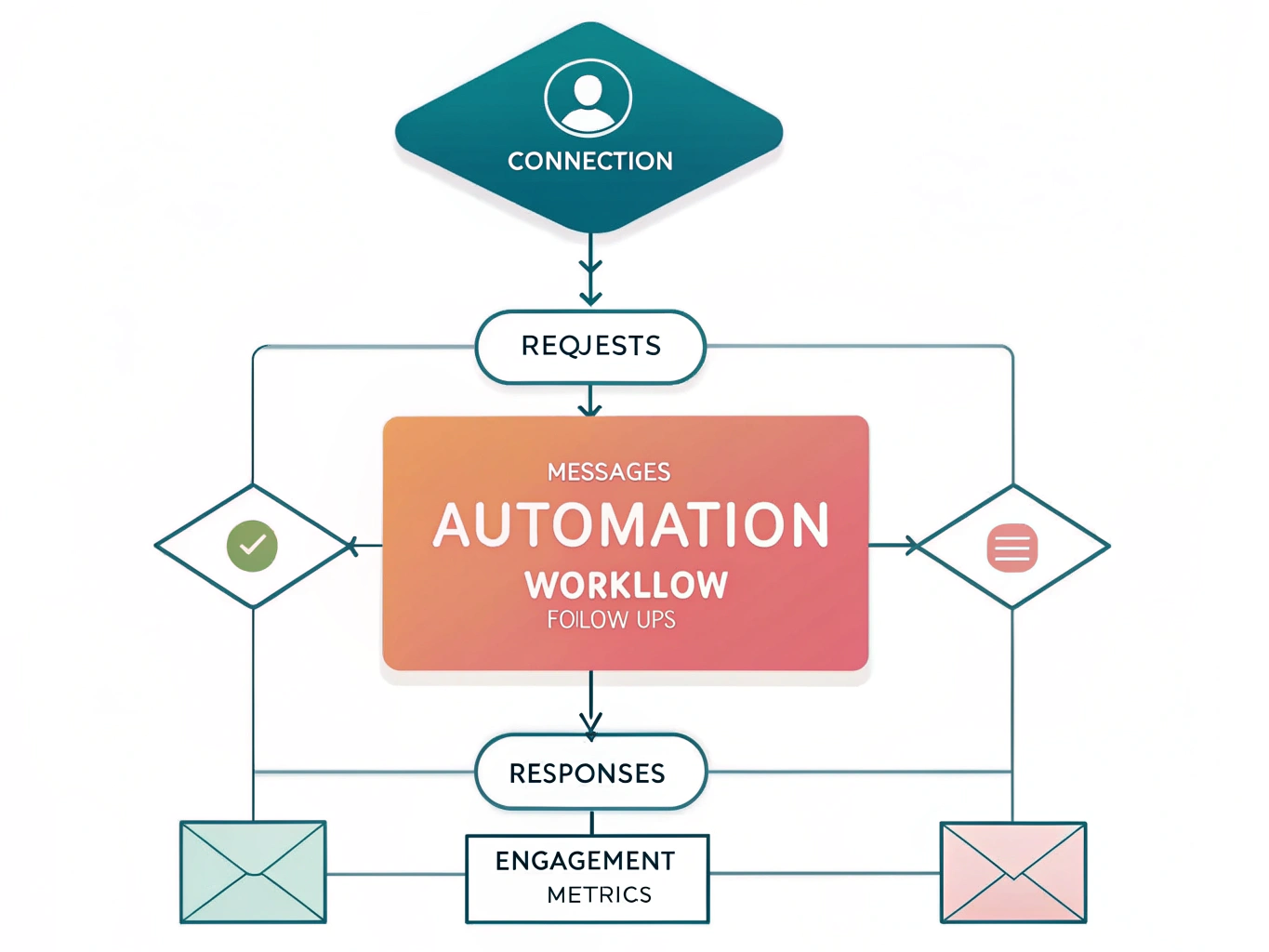
Personalization transforms generic outreach into authentic conversations. Personalization tags like first names, company names, and other profile data make automated LinkedIn messaging seem more authentic. A message saying "Hi John, I noticed you work at TechCorp" lands differently than "Hi there."
Critically, not everything can be automated safely. Sending mass connection requests without follow-up messaging, commenting on posts, or endorsing skills carries higher suspension risk. Stick to direct messaging and connection requests with proper pacing, and your account stays protected.
LinkedIn Messaging Automation Limits and Safety Guidelines for 2026 {#linkedin-messaging-automation-limits-and-safety-gu}
LinkedIn's automated messaging carries real consequences, so understanding the platform's current safeguards is non-negotiable. The rules have evolved significantly since the wild-west days of mass automation.
Here's what you need to know for 2026. Most accounts can safely send 10-20 connection requests per day and 50-100 messages daily, depending on your account type and history. But these aren't hard caps anymore. LinkedIn now uses a dynamic Account Health Score or Trust Score that adjusts your limits based on multiple factors: account age, network quality, engagement patterns, and your Social Selling Index (SSI) score.
Your SSI matters more than ever. This score reflects the quality of your selling activities on LinkedIn, and accounts with higher SSI scores get more automation breathing room. If you're starting fresh, be conservative. If you've built genuine engagement over years, you'll have more flexibility.
LinkedIn's AI detection has become sophisticated. The platform identifies inhuman patterns like consistent 24/7 activity or robotic typing speeds, triggering warnings or temporary blocks. Violate guidelines repeatedly, and you face escalating consequences: temporary message blocks, account restrictions, shadow banning (where your content reaches almost nobody), or permanent suspension.
The practical takeaway: automate strategically, not aggressively. Respect the daily limits, maintain genuine engagement alongside automation, and keep your account activity looking human. Mix automated outreach with personal touches. Respond promptly to conversations. Update your profile regularly.
Think of these limits not as restrictions holding you back, but as guardrails protecting your investment. Your LinkedIn account is a business asset worth protecting through compliant, thoughtful automation practices.
The Evolution of LinkedIn Automation: Why the Old Playbook Doesn't Work Anymore {#the-evolution-of-linkedin-automation-why-the-old-p}
If you've been using the same LinkedIn automation playbook from 2024, stop. The rules have fundamentally changed, and accounts that haven't adapted are getting penalized hard.
The spray-and-pray era is officially dead. Accounts using obvious automation patterns now face 5x higher restriction rates, and LinkedIn's new Guardian AI update has made detection nearly impossible to evade. This isn't about hitting harder; it's about hitting smarter.
Here's what's shifted: volume no longer equals results. Generic, templated messages get ignored instantly by savvy users, who now recognize automation the moment they see it. Meanwhile, intent-based outreach converts at 10-25% compared to 1-3% for cold outreach. That's not a marginal improvement; that's a complete reversal of priorities.
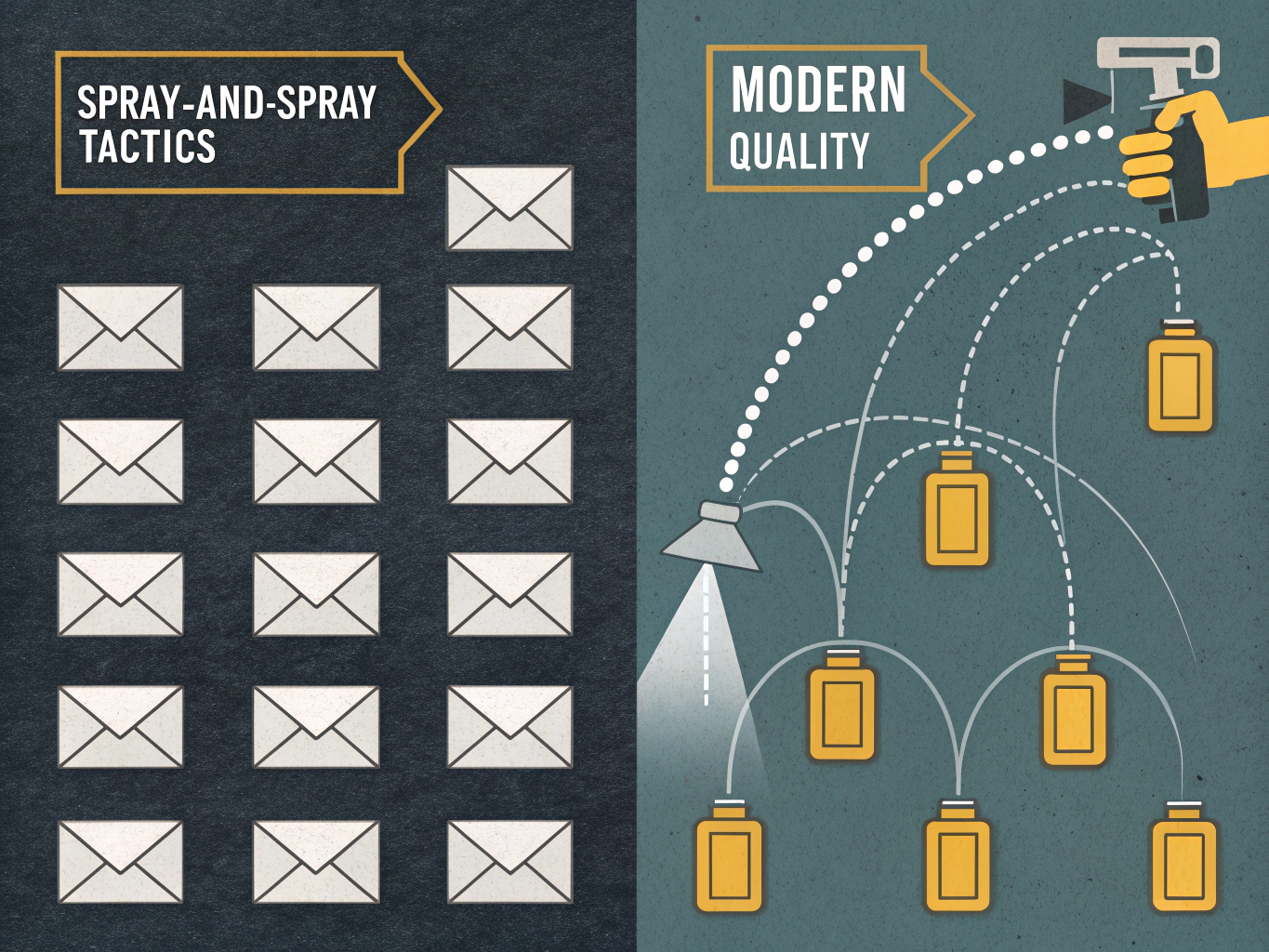
LinkedIn's detection system now uses dynamic scoring based on account health and behavior patterns, not just hard caps on message volume. This means you could send 50 personalized messages and face zero restrictions, or send 20 generic ones and trigger immediate warnings.
The message is clear: personalization and targeting quality now determine success far more than message volume. Your old playbook isn't just outdated; it's actively working against you.
Best Practices for Safe, Effective LinkedIn Message Automation {#best-practices-for-safe-effective-linkedin-message}
The difference between automation that works and automation that gets you flagged comes down to one thing: strategy. Here's what actually works in 2026.
Start with the right tools. Cloud-based platforms that mimic human behavior with random delays and natural pacing are significantly safer than Chrome extensions. La Growth Machine's infrastructure shows how legitimate tools invest in safety features that protect your account while scaling outreach.
Target with precision, not spray and pray. Filter by industry, job title, company size, and recent activity signals. Message your existing 1st-degree connections first before attempting 2nd or 3rd-degree outreach. This connection-first strategy reduces friction and improves deliverability significantly.
Personalization drives results. Generic templates fail. Use dynamic variables to reference the prospect's recent posts, company news, or mutual connections. Customized messages outperform templates dramatically, averaging 8.6% reply rates when tailored properly.
Combine channels for better conversions. LinkedIn messages alone underperform compared to multichannel sequences that layer in email outreach. This gives prospects multiple touchpoints and increases response rates.
Monitor your account health. Watch your Social Selling Index and adjust daily activity limits accordingly. Spread actions throughout the day with random delays to mimic natural behavior and avoid detection systems.
Stay genuinely engaged. Automation works best alongside authentic activity. Like comments, share content, respond to messages manually. This balance keeps your account looking human and trustworthy.
A/B test message variations consistently. Track response rates, reply times, and conversion patterns. Small optimizations compound into significantly better results over time.
Top LinkedIn Messaging Automation Tools: Comparison and Selection Guide {#top-linkedin-messaging-automation-tools-comparison}
The right automation tool depends on your risk tolerance, team size, and budget. Think of it this way: cloud-based platforms are inherently safer than Chrome extensions because they operate on LinkedIn's servers rather than your browser, making them harder for LinkedIn's detection systems to flag.
When comparing tools, prioritize these features: random delays between actions, dynamic personalization that adapts copy to each prospect, daily activity limits that prevent spammy behavior, and support for multiple sender accounts. These aren't nice-to-haves; they're what separate tools that work from those that get accounts suspended.
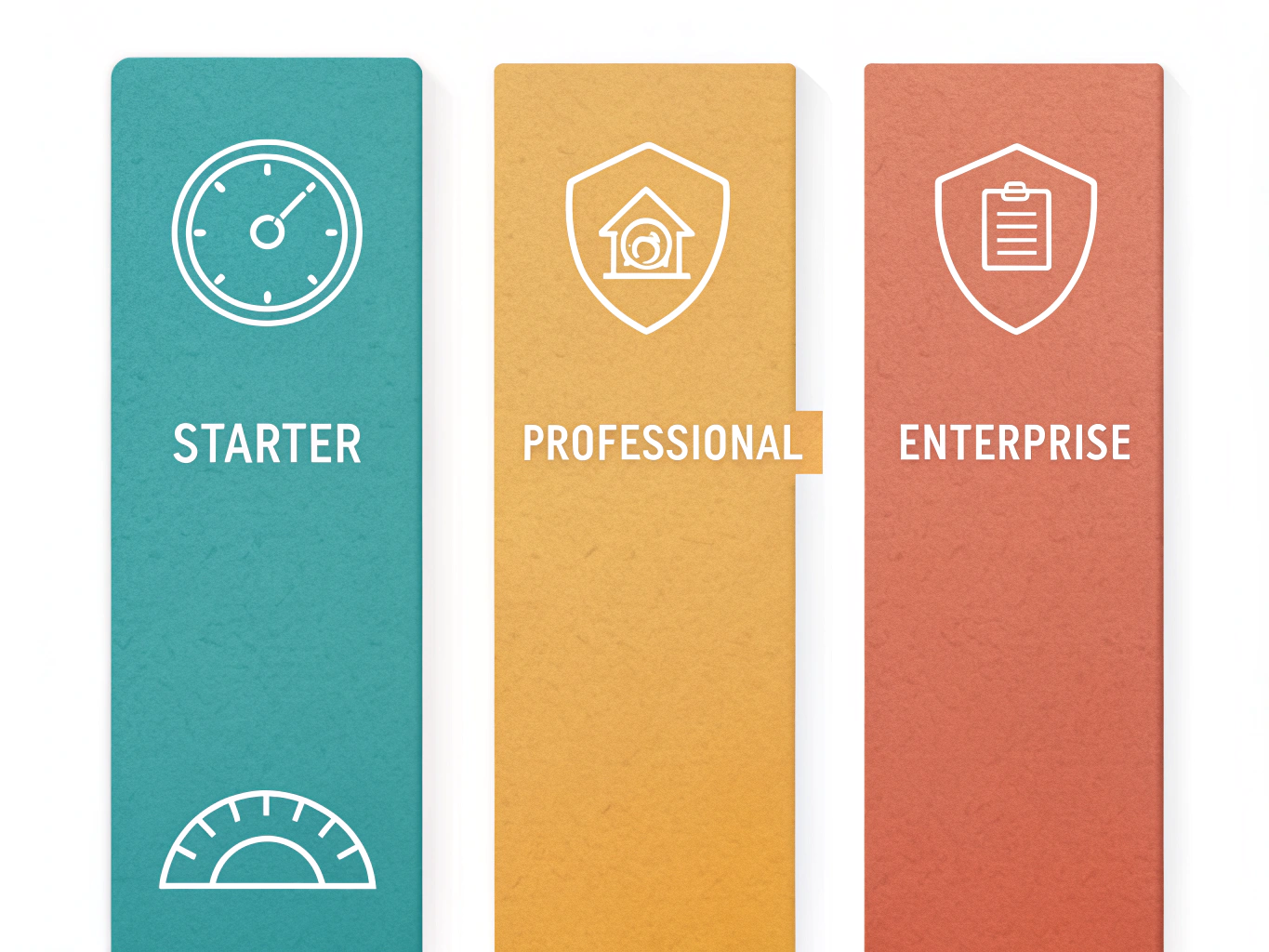
Entry-level options like Dux-Soup and Magical offer free trials and basic automation, ideal if you're testing the waters or have a small outreach volume. You won't break the bank, but personalization is limited.
Mid-tier tools like Expandi deliver advanced dynamic personalization and random delays designed to mimic human behavior, making them solid for growing sales teams. HeyReach pricing and features starts at $79 per sender monthly, scaling to $1,999 for unlimited access. Expandi is a cloud-based platform with advanced dynamic personalization and random delays between activities designed to mimic human behavior.
Enterprise solutions like La Growth Machine and Snov.io handle complex workflows, team collaboration, and multichannel campaigns. Expect to invest $200+ monthly, but you gain sophisticated reporting and account safety features.
Choose based on what you're actually doing. Sales teams need personalization and multi-account management. Recruiters benefit from advanced filtering and follow-up sequencing. Content creators might only need basic outreach automation. Avoid overpaying for enterprise features you won't use, but don't cheap out on safety features either. Your account's longevity is worth the investment.
LinkedIn Messaging Automation FAQs {#linkedin-messaging-automation-faqs}
Is LinkedIn automation legal and safe?
LinkedIn's terms of service technically prohibit automation, but the platform doesn't actively hunt down users who automate responsibly. The real distinction: LinkedIn doesn't hate automation; it hates bad user experiences. Personalized, thoughtful outreach rarely triggers penalties. Mass spam does.
Will I get banned?
Not if you're strategic. Since LinkedIn introduced stricter limits in 2021, many established tools report zero account bans when used responsibly. The key: stay within daily limits (typically 50-100 connection requests, 20-30 messages), vary your timing, and always personalize messages.
Cloud-based vs. Chrome extensions: what's the difference?
Browser extensions inject code directly into LinkedIn's interface, making them easily detectable. Cloud-based solutions operate through residential IPs and mimic human behavior more convincingly. For safety, cloud-based tools are the industry standard.
Can I automate with a free account?
Technically yes, but you'll hit restrictions faster. Free accounts have lower daily limits, making automation less effective. Premium accounts offer more flexibility, though paid tools work with both.
Account got restricted?
Stop all automation immediately. Wait 48-72 hours before resuming. If permanently banned, you'll need a new account. Prevention beats recovery every time.
Key Takeaways: Your LinkedIn Automation Action Plan {#key-takeaways-your-linkedin-automation-action-plan}
You're ready to automate smarter than ever before. Here's your concrete action plan:
Start conservative, scale strategically. Launch with 10-20 connection requests and 50-100 messages daily. Monitor your Sender Score Index (SSI) closely; if it dips, dial back immediately. This isn't about hitting numbers; it's about staying safe while you test what works.
Personalization is non-negotiable. Every message needs prospect-specific details: their recent post, company news, or mutual connection. Use dynamic variables to inject names and details automatically. Generic templates get ignored and flagged.
Target ruthlessly. The spray-and-pray approach died years ago. Build precise lists based on job title, industry, company size, and engagement signals. Quality targeting converts 5-10x better than volume ever will.
Combine channels for multiplier effects. Pair LinkedIn automation with email outreach to boost meeting bookings by 3-5x. LinkedIn opens the door; email closes it. For deeper guidance on optimizing your overall approach, explore LinkedIn engagement tips and profile optimization strategies.
Stay human. Automate the repetitive work, but spend real time engaging authentically. Comment on posts, respond to messages personally, build actual relationships.
Test constantly. A/B different message angles, subject lines, and timing. Small improvements compound into significant results over weeks.
You've got this. Start today.
Conclusion: Scaling Your LinkedIn Presence Responsibly in 2026 {#conclusion-scaling-your-linkedin-presence-responsi}
We're at an inflection point. LinkedIn automation in 2026 isn't about sending 500 messages and hoping for replies. It's about sending 50 messages that actually resonate.
The professionals winning right now understand this shift. They're using automation to handle repetitive tasks, freeing up mental energy for what machines can't do: genuine relationship building, strategic thinking, and authentic personalization. As Humanlinker notes, "automation isn't about replacing humans; it's about facilitating work while maintaining relevant and engaging communication."
Your competitive edge comes from testing, learning, and iterating. The campaigns that succeed aren't set-and-forget operations. They're continuously refined based on what your audience actually responds to.
But none of this works without respect for LinkedIn's rules and your connections' time. Platform compliance and ethical practices aren't obstacles; they're what separate sustainable growth from temporary gains followed by account suspensions.
Ready to implement a smarter approach? Explore LinkedIn engagement strategies and start optimizing your presence today.