LinkedIn Messaging Read Receipt: How It Works in 2026
What Are LinkedIn Read Receipts? The Complete Overview LinkedIn read receipts are simple but powerful: they're small indicators showing exactly when someone has...
Wilmer KarlssonTarstad
What Are LinkedIn Read Receipts? The Complete Overview
LinkedIn read receipts are simple but powerful: they're small indicators showing exactly when someone has opened your message. Instead of wondering whether your connection even saw your outreach, you get concrete confirmation.
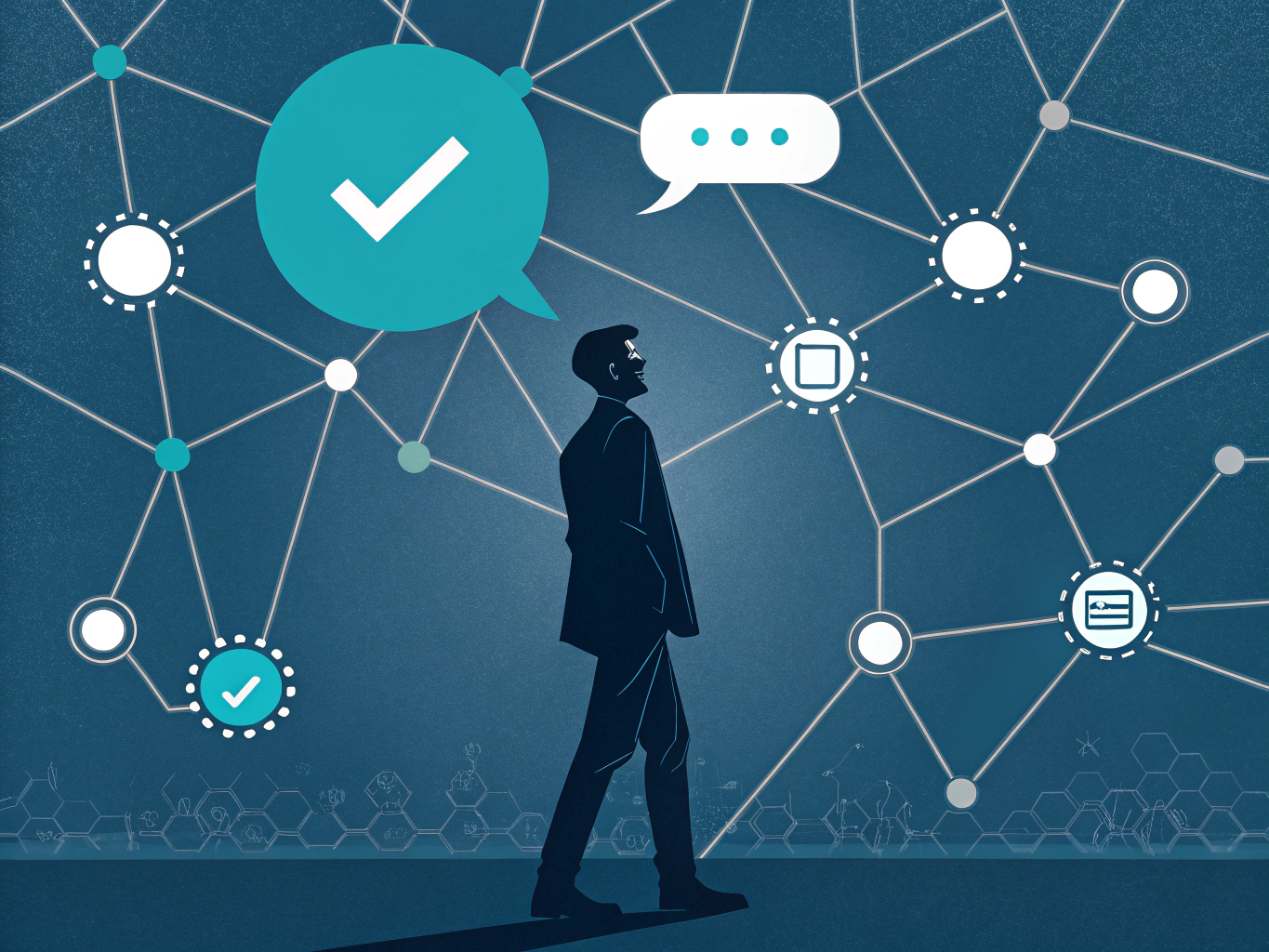
The feature breaks down into three distinct statuses: sent (message left your inbox), delivered (reached LinkedIn's servers), and read (your recipient actually opened it). This transparency fundamentally changes how B2B professionals approach outreach.
According to Snov.io, LinkedIn introduced read receipts in 2017 to enhance messaging transparency. What started as a premium feature has since expanded; research from Cleverly confirms that read receipts are available for both free and Premium LinkedIn accounts, making this tool accessible to everyone.
Why does this matter? Sales professionals rely on read receipts to optimize follow-up timing and gauge genuine interest. Recruiters use them to identify engaged candidates. Networkers leverage them to understand which connections actively engage with their messages. Rather than second-guessing whether silence means disinterest or just a missed notification, you have clarity.
Understanding read receipts transforms your messaging strategy from guesswork into data-informed action. It's the difference between hoping someone noticed your message and knowing they did. For anyone serious about professional growth on LinkedIn, this distinction is essential.
How LinkedIn Read Receipts Work: The Step-by-Step Breakdown
LinkedIn's read receipt system works through a simple visual hierarchy that tells you exactly where your message stands in the recipient's awareness. Understanding these indicators is crucial for timing follow-ups and gauging engagement.
Here's how it breaks down: when you send a message, a single check mark appears next to it, confirming the message has left your account successfully. This doesn't mean the recipient has seen it yet; it just means LinkedIn's servers accepted it.
Once your message lands in the recipient's inbox, a double check mark replaces the single one. This indicates delivery, but again, they haven't necessarily opened it. Some professionals confuse this stage with actual engagement, which can lead to premature assumptions about read status.
The real indicator of engagement is when the double check mark is accompanied by the recipient's profile picture, displayed at the bottom right of your message. According to Snov.io, this profile picture thumbnail is LinkedIn's way of saying the message has been opened and read. This is the moment you know they've actually viewed your content.
On desktop, you can hover over that profile picture icon to reveal the exact timestamp of when they read your message. This precision helps you understand not just whether they read it, but when, allowing you to contextualize their response time and engagement patterns.
The system relies on pixel tracking or JavaScript technology that activates when a recipient opens the message thread. This happens in real-time, so the indicator updates instantly.
This three-tier system eliminates guesswork from professional communication. Rather than wondering if someone saw your message, you have concrete visual proof of each stage. This clarity transforms how you approach follow-ups and measure the effectiveness of your outreach strategy.
The Critical Two-Way Rule: Why Both Parties Must Enable Read Receipts
Here's the section:
Here's where LinkedIn's read receipt feature hits a wall: it only works when both people have enabled it. If your recipient hasn't turned on read receipts, you'll see nothing. If you've disabled them, they're left guessing too. Read receipts only work when both sender and recipient have enabled the feature, which creates a frustrating blind spot for sales professionals relying on this data.
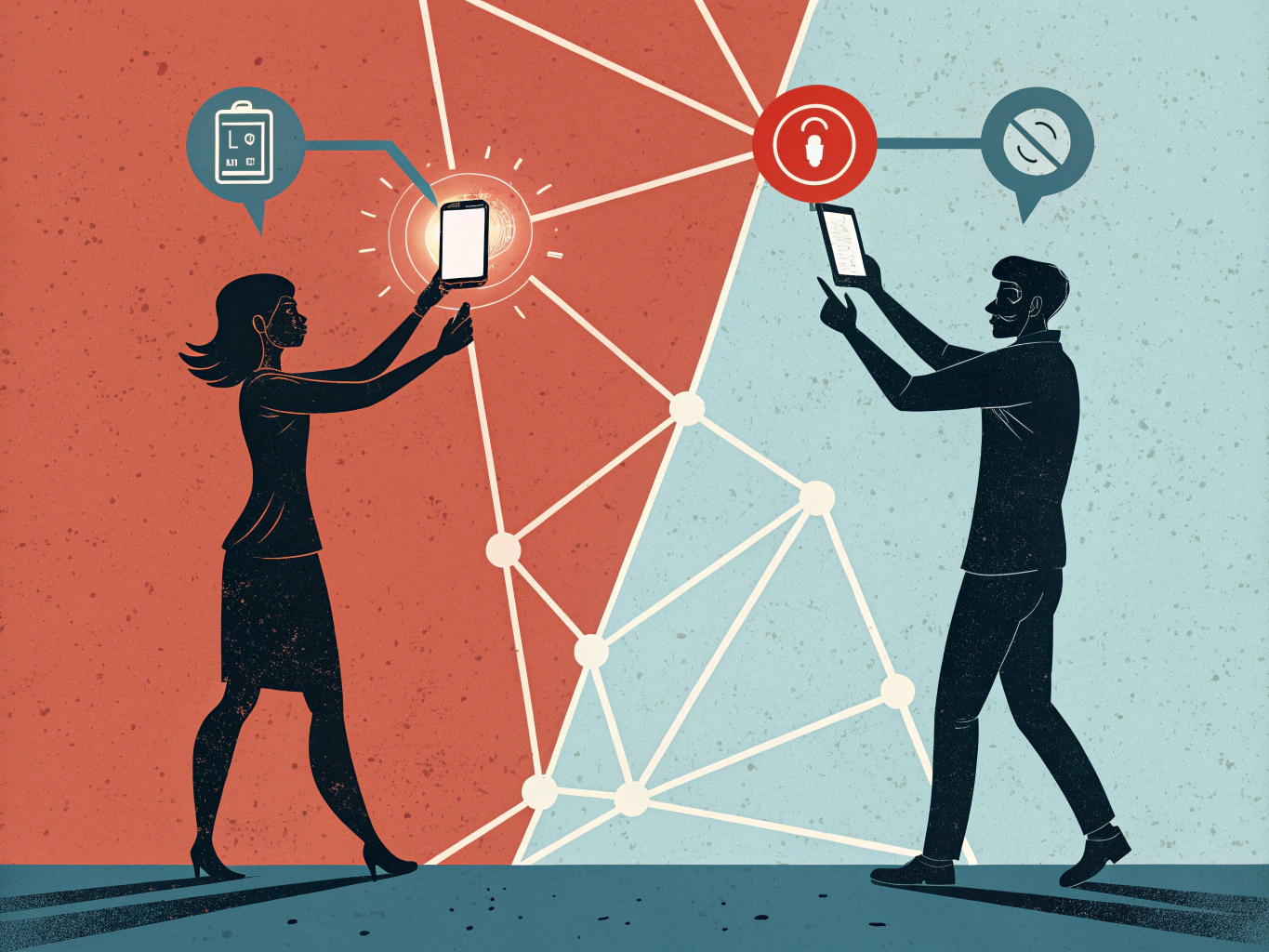
This limitation cuts deeper than it seems. Many influential decision-makers and executives disable read receipts intentionally, protecting their time and attention from sales pressure. You could craft the perfect outreach message, but if they've opted out, you're flying blind.
There's more. Read receipts are not visible for InMail messages, group chats, or unaccepted connection requests. That means your most important outreach channels, the ones designed for cold outreach and group engagement, won't show delivery confirmation.
The practical takeaway: don't make read receipts your primary metric for measuring campaign success. They're useful when you have them, but they're incomplete data. Pair them with response rates, profile views, and actual engagement metrics for a clearer picture of what's working. The uncertainty is real, but it's manageable when you adjust your expectations.
How to Enable and Disable LinkedIn Read Receipts: Step-by-Step Guide
LinkedIn read receipts are enabled by default, which means your contacts can see when you've opened their messages. If that level of transparency doesn't sit right with you, disabling this feature takes just a few clicks.
On Desktop
Head to Settings & Privacy in the top right corner of your LinkedIn homepage. From there, select Data Privacy, then scroll down to find Messaging experience. You'll see the read receipts toggle; simply switch it off. That's it. According to LinkedIn's official help center, this setting applies to your entire account, not just individual conversations.
On Mobile
Open the LinkedIn app and tap your profile icon at the bottom. Go to Settings, then Communications, and locate Messaging experience. Toggle off read receipts the same way you would on desktop. The process is nearly identical across both platforms.
What You Should Know
Here's the catch: disabling read receipts works both ways. You won't see when others read your messages either. It's an all-or-nothing setting; you can't cherry-pick who sees your activity.
Why Disable Them
Some professionals prefer turning off read receipts to reduce pressure around response times, maintain privacy, or simply avoid the awkwardness of being "seen" without immediately replying. If you're managing multiple conversations or dealing with demanding stakeholders, this setting can help you reclaim some breathing room.
The takeaway: you're in control here. Whether you keep read receipts on or off depends entirely on your communication style and comfort level. Test it both ways and see what feels right for your professional workflow.
Strategic Advantages: Why B2B Professionals Should Keep Read Receipts On
Read receipts transform LinkedIn messaging from guesswork into strategic intelligence. When you know whether a prospect has opened your message, you gain a competitive edge that directly impacts your bottom line.
For sales professionals, read receipts mean identifying hot leads instantly. You'll stop wasting follow-ups on messages that never got opened while doubling down on prospects who are actively reading your outreach. This precision alone cuts through LinkedIn noise that sabotages most cold campaigns.
The data backs this up. Cold messages with just one ask per message received a minimum reply rate of 49%, and knowing which prospects read those messages lets you refine what works. You'll understand if your opening hook resonates or if your subject line needs reworking. This feedback loop drives continuous improvement in your messaging strategy.
Recruiters benefit equally. Read receipts reveal whether candidates are genuinely interested or just politely ignoring your outreach. You can time follow-ups when engagement signals are strongest, dramatically improving acceptance rates. The same applies to networking; you'll know who's actually considering your value proposition versus who's ignoring you.
Beyond conversion metrics, read receipts reduce decision fatigue. Instead of wondering "Did they see this?" you have clarity. You'll spend less mental energy second-guessing yourself and more time on strategic prospecting. This psychological advantage compounds over weeks and months.
The efficiency gains are substantial. By eliminating dead-end conversations early, you reclaim hours weekly. Those hours redirect toward warm leads and genuine opportunities. For sales teams managing hundreds of conversations, this efficiency multiplier translates directly to revenue growth and higher conversion rates across your entire pipeline.
Critical Limitations and What Read Receipts Don't Tell You
Here's the reality: a read receipt is just the beginning of the story, not the ending.
When someone opens your message, you've confirmed visibility. That's it. Read receipts only confirm a message was seen, they don't guarantee a reply. Someone reading your message tells you nothing about whether they're interested, whether they'll respond, or what they actually think about your proposal. A busy recruiter might skim your outreach in two seconds and move on. An executive might read it while distracted and forget about it entirely.
Then there's the notification preview problem. On mobile, users often read messages through preview notifications without ever opening the chat app itself. Those reads don't always register in your read receipt data, creating blind spots in your understanding of engagement.
Timing matters too. Read receipts can lag significantly, sometimes showing as read hours after someone actually viewed your message. This delay can throw off your follow-up strategy if you're relying on real-time signals.
Here's another wrinkle: influential people and privacy-conscious professionals often disable read receipts entirely. This means the absence of a read receipt doesn't mean your message wasn't seen; it might just mean they've opted out of the feature for confidentiality reasons.
The smartest approach is treating read receipts as context, not proof. Combine read receipts with other metrics for a complete picture: reply rates, profile visits, and engagement with your content. Use read receipts to inform timing and strategy, but never let them be your only measure of whether an outreach attempt is working. They're one data point among many.
The Privacy Paradox: When and Why to Disable Read Receipts
Here's the reality: read receipts aren't for everyone, and that's okay.
The moment someone sees that grey checkmark next to your message, an invisible clock starts ticking. Read receipts can create significant psychological pressure in professional settings, turning casual conversations into high-stakes exchanges. You've been seen, so now you're expected to respond. Immediately. Thoughtfully. Perfectly.
For many professionals, this pressure is exhausting. You might need time to gather your thoughts before replying to a recruiter or crafting a response to a senior executive. You might want to batch your messages and respond during dedicated work blocks rather than jumping between conversations all day. You might simply prefer the breathing room that comes with a little mystery.

Here's the trade-off worth considering: disabling read receipts can provide peace of mind and freedom to respond on your own timeline. You lose strategic visibility into who's engaged with your outreach, but you gain control over your communication rhythm and reduce professional anxiety.
The best choice depends entirely on your role and communication style. If you're actively recruiting or networking, read receipts provide valuable data. If you're managing inbox overwhelm or protecting your mental health, disabling them makes sense. Some professionals even toggle them on and off depending on their current workload.
There's no universally correct answer here. Choose the setting that lets you show up as your best self, not the one that makes you feel perpetually on call.