LinkedIn Messaging Strategy: Complete Guide to B2B Outreach
Wilmer KarlssonTarstad
Last Updated: February 18, 2026
Key Takeaways
- LinkedIn messaging generates 18-25% reply rates with InMails versus 3% for cold email
- Personalization and value-driven messaging outperform generic templates by 2x consistently
- Multi-touch sequences across 7-10 touchpoints over 2-3 weeks double engagement rates
- Healthy reply rates are 10-15% for cold outreach; 20-30%+ indicates strong performance
- Automation tools combined with human review maintain authenticity while scaling outreach safely
What Is LinkedIn Messaging and Why It Matters for B2B Growth
LinkedIn messaging isn't just another communication tool. It's your direct line to decision-makers, and it works.
Here's the reality: with over 1 billion users globally, LinkedIn serves as the hub for professional networking, making it the largest professional network on the planet. But size alone doesn't matter. What matters is conversion.
InMails have an average reply rate of 18-25%, while cold emails average just 3%. That's not a marginal difference. That's the difference between a strategy that works and one that wastes your time.
Sales teams consistently rank LinkedIn as the most effective B2B lead generation channel compared to cold calling and email. It outperforms because it operates on trust. When someone receives a message on LinkedIn, they see your full profile, your connections, your credibility. You're not a nameless sender; you're a peer in their professional network.
This matters for founders building their first sales pipeline, account executives hunting enterprise deals, and marketing professionals nurturing relationships at scale. LinkedIn messaging lets you reach prospects who ignore emails, bypass gatekeepers, and start conversations that actually lead somewhere.
The challenge isn't access to prospects. It's strategy. Most professionals send generic connection requests followed by immediate pitches. They wonder why response rates tank. The difference between mediocre results and real pipeline growth is understanding the psychology of LinkedIn messaging and executing a system that works.
This guide covers exactly that system.
The Psychology of Effective LinkedIn Messages: Personalization Over Pitch
Here's the section:
The difference between a message that gets ignored and one that sparks a conversation comes down to one fundamental principle: people respond to people, not pitches.
Personalized messages raise response rates by up to 32% compared to generic templates. This isn't coincidence. It's psychology. When someone receives a message that references their recent post, mentions a specific achievement, or acknowledges their company's recent news, their brain registers recognition. You've signaled that you see them as an individual, not a name on a list.
Messages sent through shared connections see 25% higher reply rates, which reveals another layer: trust transfers. A mutual connection acts as a psychological bridge, reducing the perceived risk of engaging with you.
But personalization without purpose falls flat. The real leverage comes when you combine recognition with immediate value. This means opening with insight, not asks. Share an observation about their industry, reference a challenge their role typically faces, or mention how your experience aligns with their goals. The goal isn't to sell; it's to demonstrate that you've done your homework and that continuing the conversation benefits them.
Authenticity matters more than polish. Robotic, templated language triggers skepticism because recipients can spot it instantly. Your recipient will also review your profile before responding, so consistency between your message tone and your professional presence builds credibility.
The psychology is simple: show genuine interest first, demonstrate value second, and ask for action third.
Word count: 318 words
LinkedIn Messaging Types: Connection Requests, Direct Messages, and InMails
LinkedIn gives you three distinct channels to reach prospects, each with different costs, acceptance rates, and strategic purposes. Knowing when to deploy each one separates successful B2B outreach from wasted effort.
Connection Requests with Messages
This is your entry point. When you send a connection request, you can include a personalized note (up to 300 characters). The catch: they must accept before you can message them directly. Personalized connection requests see reply rates around 9-10%, compared to just 5-6% without personalization. That's nearly double the response rate for minimal extra effort. Use this channel when you're building relationships with decision-makers you genuinely want to connect with long-term, or when your prospect list is smaller and more targeted.
Direct Messages to Connections
Once someone accepts your request, direct messaging becomes available. This is your workhorse channel, delivering 25-35% response rates with zero cost. DMs feel more personal than InMails and sit in the same inbox as messages from existing contacts, giving them credibility. Deploy DMs for warm leads, follow-ups after webinars, or deeper conversations with prospects already in your network. The lower friction makes this ideal for nurturing campaigns.
InMails (Premium)
InMails reach prospects who haven't connected with you yet, bypassing the acceptance barrier. The tradeoff: they cost money (part of LinkedIn Premium or Sales Navigator subscriptions) and pull lower response rates of 18-25%. However, InMails under 400 characters get about 22% higher response rates and good personalization adds another ~15%. Use InMails strategically for high-value targets where you can't get a warm introduction, or when scaling outreach to a large prospect list.
For context, a healthy LinkedIn reply rate sits around 10-15%, with 20-30%+ considered strong. Budget constraints and campaign goals should drive your channel selection, but the most effective B2B strategies combine all three.
Crafting High-Converting LinkedIn Messages: Templates and Framework
The most effective LinkedIn messages follow a simple three-part structure: context, insight, soft call-to-action. This framework works because it respects your prospect's time while demonstrating why the conversation matters.
The Framework
Start by showing you've done your homework. Reference something specific: a recent post they published, a company announcement, a mutual connection, or a detail from their profile. This proves you're not blasting generic messages to hundreds of people.
Next, deliver a single insight or observation relevant to their world. This is where research shows people are more likely to engage with messages that reflect genuine personality instead of robotic templates. Share a relevant article, ask a thoughtful question, or mention how someone in their industry solved a similar challenge. The key: make it about them, not your product.
Finally, end with a soft ask. A question beats a demand every time. Instead of "Let's schedule a call," try "Would it be worth a quick conversation about this?"
Critical Rules
Keep your message between 80-120 words maximum. Anything longer gets cut off and requires scrolling, which kills reply rates. Linked Helper recommends keeping your first message short, personal, and focused on the other person's context, not your pitch.
Avoid tired openers like "I saw your profile" or "We help companies like yours." These scream template. Instead, be specific and human.
Ready-to-Use Templates
Post engagement: "Hi Sarah, loved your take on [specific point from their recent post]. We've seen similar patterns with clients in [industry]. Would be curious if you've noticed [relevant question]?"
Industry connection: "Hey Marcus, noticed you recently joined [company]. Congrats. I worked with [mutual connection] on something similar last year. Thought you might find [specific insight] useful given your new role."
Value-first: "Hi Jennifer, I came across your profile and saw you're focused on [their goal]. Found this resource recently that might be relevant. Worth a look?"
Each template demonstrates value upfront, mentions something specific, and invites conversation rather than pitching.
LinkedIn Messaging Automation: Tools, Safety, and Best Practices
Automation on LinkedIn is a double-edged sword. Done right, it saves hours on repetitive tasks like connection requests and follow-ups. Done poorly, it tanks your account.
Here's the reality: LinkedIn actively detects and penalizes bot-like behavior. The platform limits you to roughly 20 connection requests daily and monitors message patterns closely. But that doesn't mean automation is off-limits. It means you need to be smart about it.
The safest approach combines automation with human judgment. Always review first-touch messages to high-value prospects manually. For lower-priority outreach, use Spintax and message variations to prevent detection of repetitive patterns. Tools like HeyReach and Meet Alfred let you manage multiple accounts from a unified inbox while maintaining authentic communication. Randomized delays between actions and proxy support further protect your account health.
Think of automation as your assistant, not your replacement. Use it to handle the mechanical work: scheduling follow-ups, spacing out connection requests, managing multi-touch sequences. Keep the human element where it matters most: crafting compelling opening lines, personalizing outreach to key decision-makers, and responding thoughtfully to conversations.
LinkedIn automation involves using software to handle tasks on your profile, aiming to build a more comprehensive and active presence. The goal isn't to look like a bot; it's to work smarter without sacrificing authenticity.
Your account safety depends on three things: staying within LinkedIn's behavioral limits, using randomized patterns, and keeping a human in the loop for high-stakes messages. Respect those boundaries, and automation becomes your competitive advantage. Ignore them, and you risk losing access to your network entirely.
Measuring Success: Metrics, Follow-Up Sequences, and Optimization
You're not done when you hit send. The real magic happens in the follow-up, and follow-up messages account for 50-70% of total responses in outreach campaigns. This isn't luck; it's leverage.
Start tracking these four metrics immediately: connection acceptance rate (what percentage of requests do people approve?), reply rate (how many connections actually respond?), meetings booked (your real conversion metric), and downstream deals closed. These numbers tell you if your strategy works or needs adjustment.
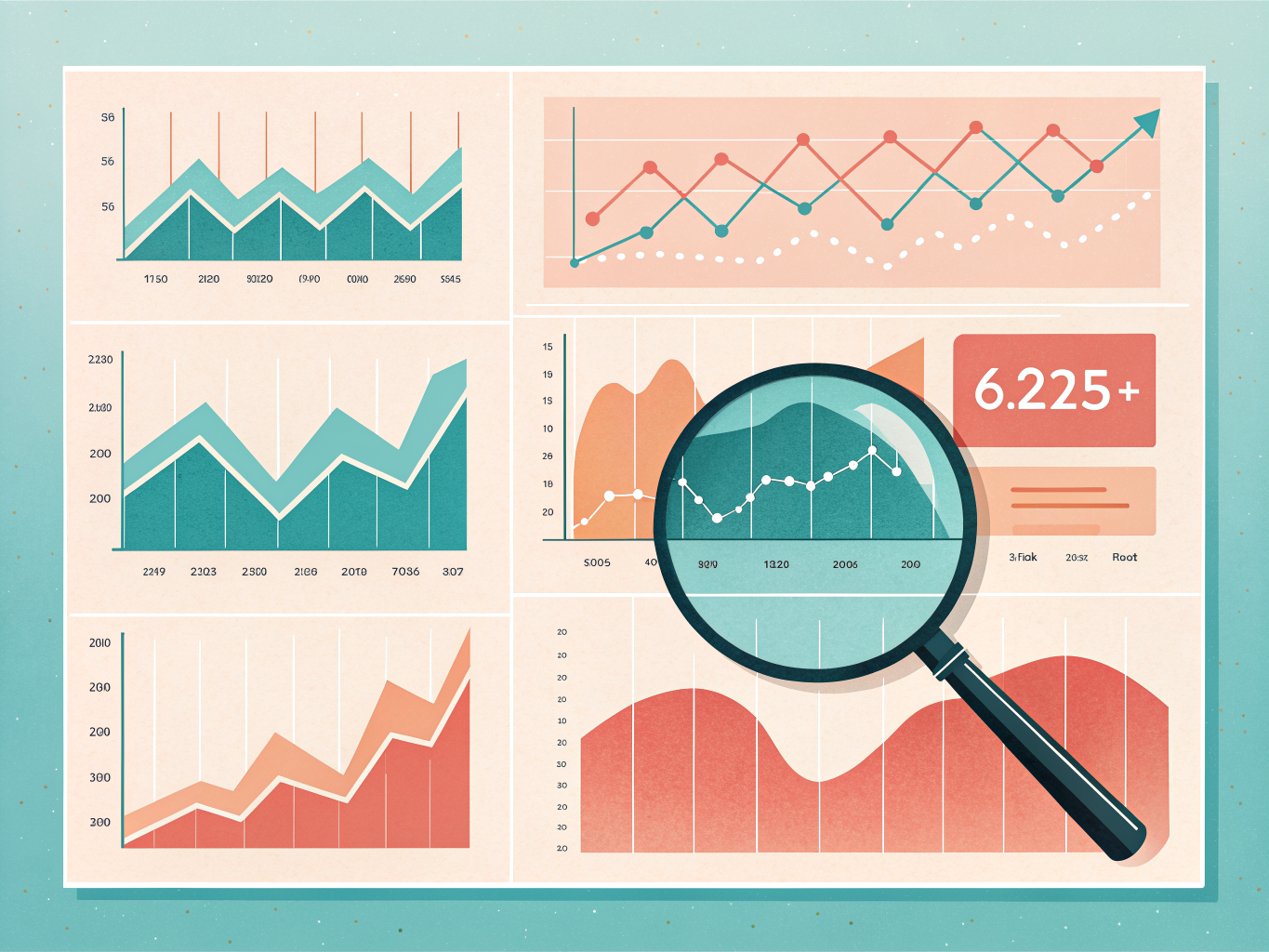
For follow-up cadence, embrace multi-channel persistence. A 7-10 touchpoint sequence across LinkedIn, email, and phone over 2-3 weeks consistently improves connection and reply rates. Space these out: initial message, wait three days, follow-up on LinkedIn, switch to email two days later, add a phone call if you have the number. Different prospects respond to different channels.
A/B testing separates amateurs from pros. Test one variable at a time: subject lines, opening hooks, call-to-action phrasing, or timing. Run 50-message batches with variation A, then 50 with variation B. Track which performs better, then build on the winner.
Log everything in your CRM. Whether you use HubSpot, Salesforce, or Pipedrive, integrate your LinkedIn activity so you never double-touch someone and can measure which channel drives actual revenue. Review these metrics weekly, not monthly. The faster you identify patterns, the faster you optimize.
This systematic approach transforms LinkedIn from a networking site into a predictable revenue engine.
FAQ: Common LinkedIn Messaging Questions Answered
Is cold messaging on LinkedIn actually acceptable?
Yes, absolutely. The platform is designed for professional networking, and cold outreach is a core feature. The key is relevance and respect. If your message addresses a genuine business need and you've done basic research on the person, you're not being intrusive. Generic "let's connect" messages are the problem, not personalized outreach.
How often should I follow up?
Space your follow-ups 2-3 weeks apart, with a maximum of 3-4 touches total. Most responses come on the second or third attempt, but pestering someone daily kills your credibility. If they don't respond after four attempts, move on.
What about automation tools?
Automation is fine when combined with human review and genuine personalization. Sending the exact same message to 500 people? That's spam. Using a tool to help you manage outreach while you customize each message? That's smart efficiency.
When's the best time to send messages?
Tuesday and Wednesday are optimal days to send messages. Send between 10 AM and 2 PM in your prospect's timezone when possible. Timing matters less than message quality, but these windows do see higher open rates.
Can I use AI to write my messages?
AI tools are incredibly effective for drafting cold messages if you give them the right data. But they need real information: the prospect's company, recent achievements, specific pain points. Garbage in, garbage out. Use AI as your draft, then inject personality and real details.
How do I avoid the spam folder?
Personalize aggressively, use conversational language, avoid excessive links, and stay within LinkedIn's message limits. The platform flags mass generic outreach, not thoughtful individual messages.
Key Takeaways: Your LinkedIn Messaging Action Plan
You've now got the complete framework. Here's how to turn it into results.
Your 30-Day Implementation Plan:
Week 1: Foundation Start by defining your ideal customer profile with laser precision. Who are you actually trying to reach? Get specific on industry, company size, job title, and pain points. Then audit your LinkedIn profile to ensure it reflects your value proposition. A weak profile kills even great messaging.
Week 2: Warm-Up Before sending a single connection request, spend 3-5 days engaging authentically with your target audience's content. Like, comment, share insights. This primes them to recognize your name when your request arrives.
Week 3: First Contact Send personalized connection requests (80-120 words) that reference something specific about their work or company. Skip the generic "let's connect" approach. Include a soft call-to-action: a question, an insight, or a relevant resource.
Week 4: Follow-Up & Optimization Plan 3-4 follow-ups over 2-3 weeks using different channels (LinkedIn message, email, another platform). Track everything: reply rates, meeting bookings, conversion rates. 71% of B2B buyers anticipate personalized interactions on every platform, so consistency matters.
The Real Differentiator: Test ruthlessly. Try different subject lines, message angles, and timing. What works for one persona might flop for another. Use automation tools strategically, but always review high-value outreach personally.
Start this week. Your first 10 outreach attempts will teach you more than any guide ever could.
Conclusion: Transform Your LinkedIn Messaging Into a Lead Generation Machine

You now have everything you need to build a LinkedIn messaging strategy that actually converts. The data is clear: personalization beats volume, and consistent follow-up generates 50 to 70% of your total responses. This isn't complicated, but it does require discipline.
Start small. Pick one segment of your target audience. Craft genuine, specific messages. Track what works. Refine ruthlessly. Then scale what's proven.
The magic happens when you combine strategic automation with authentic human connection. Your LinkedIn presence becomes a lead generation engine, not because you're sending more messages, but because every message counts.
Your competition is sending generic templates. You're sending thoughtful, targeted outreach backed by data and testing. That's your unfair advantage.
Implement these strategies this week. Measure results after 30 days. Adjust based on what the numbers tell you. Within 90 days, you'll see measurable growth in qualified leads and meaningful conversations.
Your next deal is waiting on LinkedIn. Go find it.