How to Set Up a Company LinkedIn Page: Step-by-Step
Why Every Business Needs a LinkedIn Company Page in 2026 Here's your section: !Professional standing before LinkedIn logo representing business growth and compa...
Wilmer KarlssonTarstad
Why Every Business Needs a LinkedIn Company Page in 2026
Here's your section:
Here's the uncomfortable truth: if you don't have a LinkedIn company page in 2026, you're essentially invisible to the professionals who matter most. Your competitors aren't waiting around, and neither should you.
LinkedIn isn't just another social platform anymore. It's where serious business happens. With 830+ million members and 58+ million registered companies, the network has become the beating heart of professional discovery. Better yet, 200 million people actively use LinkedIn every month, and they're actively searching for solutions, talent, and trustworthy partners.
Here's what really matters: LinkedIn is perceived three times more trustworthy than other social platforms. That's not a small advantage. That's the difference between being taken seriously and being overlooked.
The numbers tell the story. Companies with complete, optimized pages see 30% more views per week compared to incomplete profiles. That's free visibility sitting on the table, waiting for you to claim it.
Whether you're hunting for top talent, generating B2B leads, or building genuine brand credibility, a LinkedIn company page is non-negotiable. Most businesses are still underutilizing this free asset or haven't set one up at all. That's your opening. This guide walks you through every step, so you can stop missing opportunities and start capturing them.
Step 1: Prepare Your Account and Gather Essential Assets
Before you create your company page, you need to set yourself up for success. Think of this as gathering your toolkit before building a house.
Here's what you need in place:
First, you need an active personal LinkedIn account as an admin to create and manage your company page. This takes just minutes if you don't have one already.
Next, collect your visual assets. Your company logo should be 400 x 400 pixels in JPG, JPEG, or PNG format. Your cover image works best at 1200 x 627 pixels. Having these ready prevents delays and ensures your page looks polished from day one.
Then gather your company information. You'll need:
- Official company name
- Website URL
- Industry category
- Company size (employee count range)
- Brief company description (up to 2,200 characters)
Finally, prepare your narrative. Write down your company's mission statement and unique value proposition. This isn't busywork; it clarifies what makes your company different. When you can articulate this clearly, your page becomes more compelling to visitors.
Spending 30 minutes on this prep work saves you hours of frustration later. You'll move through setup smoothly, and your page will reflect your professionalism from the first impression.
Step 2: Create Your Company Page and Select the Right Type
Here's the good news: creating your LinkedIn company page is genuinely simple and takes just minutes. You've got this.
Start by clicking the "For business" dropdown in your navigation bar at the top of LinkedIn. You'll see several options appear. Select "Create a company page" to get started. LinkedIn will walk you through the process, and it won't feel overwhelming.
Next, you'll need to choose your page type. Most businesses use a standard Company Page, which serves as your main professional hub. However, if you're part of a larger organization with distinct divisions or brands, a Showcase Page works better as a sub-page under your main company profile. If you represent an educational institution, select that option instead.
Now fill in the essentials. You'll enter your company name, website URL, company size (from startup to enterprise), and industry type. Be accurate here; these details help LinkedIn surface your page to the right audience. This information also makes your profile more discoverable to potential employees, partners, and customers.
Here's a critical step: verification. LinkedIn asks you to confirm that you have the right to represent your company. This protects both you and LinkedIn from fraudulent pages. You'll tap the verification box to confirm your authority on behalf of the organization.
Once you've completed these fields, click "Create Page" to finalize everything. Congratulations, your company page officially exists. You're ready to move forward with customization and optimization.
Step 3: Optimize Your Page Profile for Search and Discovery
Now comes the strategic part: filling out every section of your profile with both your audience and LinkedIn's algorithm in mind. Think of this as building a bridge between what people are searching for and what you're offering.
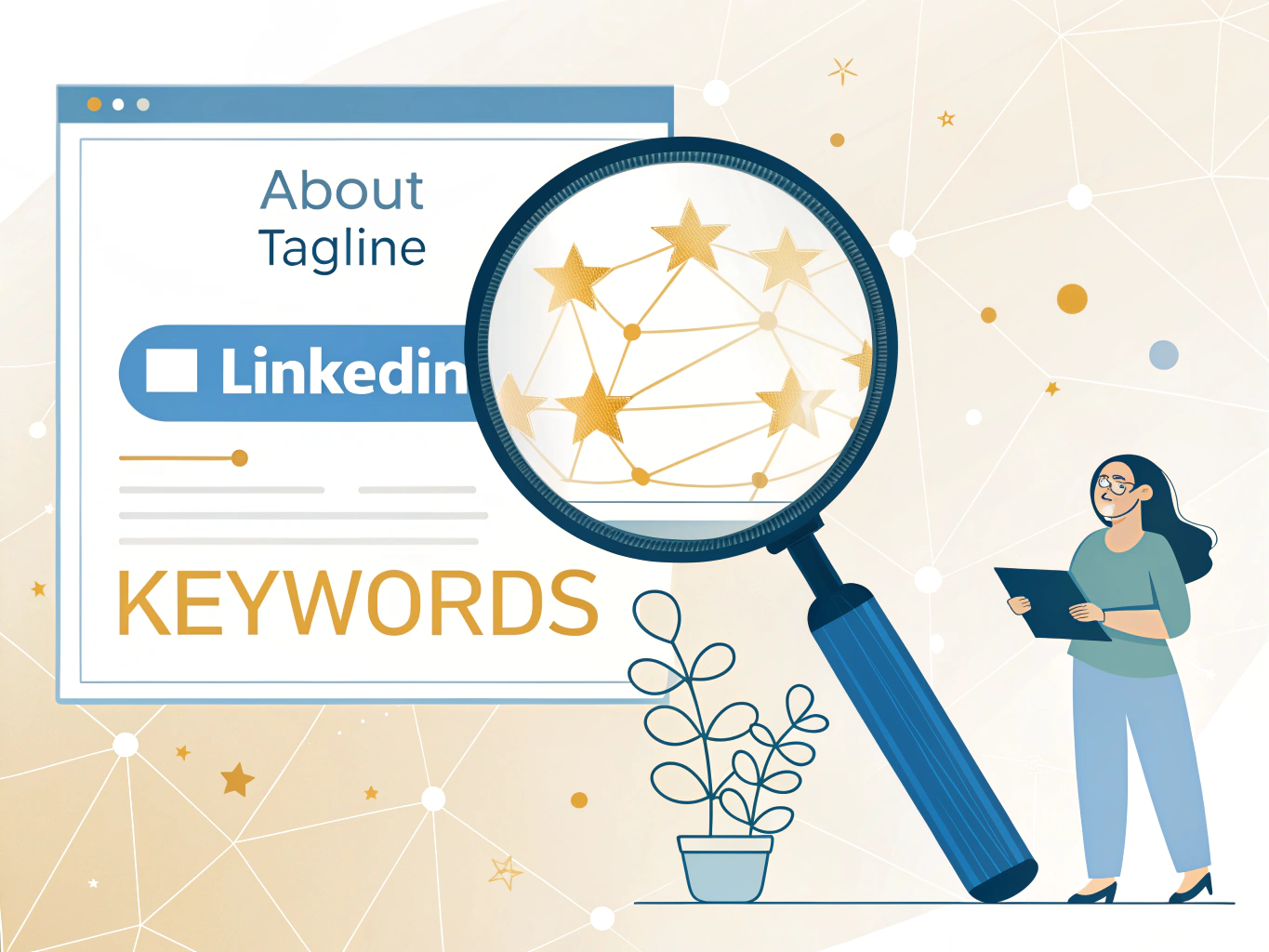
Start with your tagline. This 120-character field is prime real estate. Add keywords to the beginning as your 'elevator pitch', then follow with a benefit or differentiator. Instead of "Marketing Agency," try "B2B Marketing Agency | Lead Generation & Brand Strategy." This tells both humans and algorithms exactly what you do.
Your About section gets up to 2,000 characters, so use them. Write your company story in a way that feels authentic, not robotic. Share your mission, core values, and what makes you different. Weave in relevant keywords naturally throughout. The LinkedIn algorithm analyzes keyword presence and frequency in your tagline, About section, services, posts, articles and hashtags, but here's the critical part: keyword stuffing damages your credibility and rankings. Write for humans first; keywords follow naturally.
Complete every remaining field: company size, industry, location, and specialties. Companies with complete information see 30% more weekly views, so don't skip sections thinking they're minor.
Finally, add up to three relevant hashtags at the end of your About section for discoverability. Choose hashtags your ideal customers actually follow, not generic ones.
This foundation sets you up for real visibility and engagement ahead.
Step 4: Upload Visuals and Set Up Your Page Appearance
Here's the thing: your company's visuals are doing heavy lifting you might not realize. Companies with logo images get six times more traffic to their pages, which means this step directly impacts who discovers your business.
Let's make it happen. Upload your logo first. LinkedIn requires 400 x 400 pixels in JPG, JPEG, or PNG format. This tiny image matters because it appears across LinkedIn whenever someone visits your profile or sees your posts. Make sure it's clean, centered, and instantly recognizable.
Next, tackle your cover image. Think of this as your digital storefront window. Use 1200 x 627 pixels for crisp display across all devices. This is your chance to make a statement: showcase your team in action, promote an upcoming event, highlight your company culture, or announce a campaign that matters. Whatever you choose, keep it aligned with your brand identity and messaging.
Here's your refresh strategy: update that cover image every six months. Stale visuals signal a dormant company; fresh visuals signal you're active and engaged. It takes minutes but signals momentum.
Don't underestimate this step. Complete profiles get 30% more views per week. When you combine a polished logo with a compelling cover image, you're not just decorating a page, you're building credibility. Your visuals are working for you 24/7, attracting the right people to your business.
Step 5: Assign Admin Roles and Build Your Team
You've built something worth sharing, so don't carry the weight alone. Setting up admin roles lets you distribute responsibilities and keep your page thriving even when you're focused elsewhere.
There are several types of Page Admins, each with different levels of access. Super admin has complete control over the page, can add or remove other admins, edit page information, and even deactivate the page. Content admin can create and manage page content, updates, events, and job postings. Curator can view content suggestions and create recommended content. Analyst can access your page analytics to track what's working.
Here's the real secret: your employees are your first brand ambassadors on LinkedIn. Encourage them to follow your page and list your business as their employer. When they do, their networks see your company organically, expanding your reach far beyond what your page alone can achieve.
Make it easy for them to participate. Share company content directly in Slack or email, asking team members to share it on their profiles. You'll be amazed at the engagement boost. This isn't about forcing participation; it's about giving your team the tools and permission to represent something they believe in.
When you delegate thoughtfully, you're not losing control. You're multiplying your impact. Your page becomes a collective effort that reflects your entire company's voice, not just one person's bandwidth.
Step 6: Launch Your Content Strategy and Grow Your Audience
You've done the hard work. Your LinkedIn company page is live, polished, and ready to make an impact. Now comes the part that separates thriving pages from forgotten ones: consistent, strategic content.
Here's what you need to know: LinkedIn research reveals that companies posting at least weekly see a 2x lift in engagement. But don't stop there. Post at least once per weekday for momentum that compounds. Your audience needs to know you're active, present, and worth following.
The content itself matters just as much as frequency. Videos get 3x more engagement than text-only posts, and images drive 2x higher comment rates than links. Keep videos under 60 seconds with captions; short-form content wins on LinkedIn. Mix in behind-the-scenes clips, industry insights, employee spotlights, and customer wins. Use scheduling tools to batch-create content and maintain consistency without burning out.
Here's the game-changer: After reaching 150 followers, your page grows 9x faster. That threshold is closer than you think. Start inviting your employees, colleagues, and network to follow your page now. Engage authentically with every comment and question. This isn't broadcasting; it's building community.
Your setup is complete. Your growth starts now. Stay consistent, stay genuine, and watch your LinkedIn presence transform from setup to serious business asset.