Top CRMs with LinkedIn Integration for 2026: Complete Guide
Last Updated: February 24, 2026 TL;DR | Key Takeaways LinkedIn-CRM integration boosts win rates by 17%, deal sizes by 42%, and pipeline by 15% Three integration...
Wilmer KarlssonTarstad
Last Updated: February 24, 2026
TL;DR | Key Takeaways
- LinkedIn-CRM integration boosts win rates by 17%, deal sizes by 42%, and pipeline by 15%
- Three integration types exist: native CRM integration, third-party tools ($10-79/month), or Sales Navigator only
- HubSpot, Salesforce, and Pipedrive offer native Sales Navigator integration; Salesflare integrates personal LinkedIn
- Manual data entry costs sales reps time and revenue; automation eliminates copy-pasting between platforms
- Choose based on team size, budget, and workflow: SMBs use HubSpot/Zoho; enterprises use Salesforce/Dynamics
Why LinkedIn-CRM Integration is Essential for B2B Sales in 2026
Here's your section:
Your sales team is bleeding money, and you might not even realize it.
Right now, your reps are likely juggling two separate worlds: LinkedIn, where 80% of B2B leads actually originate, and your CRM, where deals supposedly get tracked and closed. Except they're not talking to each other. So your team manually copies prospect names, company info, and engagement history between platforms, wasting hours that should be spent actually selling.
Here's what this disconnect costs you: Companies with integrated Sales Navigator and CRM systems see 17% higher win rates, 42% larger deal sizes, and 15% boost in pipeline opportunities. That's not incremental improvement. That's transformational revenue growth sitting on the table while your competitors capture it.
The numbers get worse. Sales reps spend only 28% of their time actually selling; manual CRM updates are a major culprit. Your best closers are data entry clerks instead of relationship builders. Meanwhile, LinkedIn generates 80% of B2B leads from social media, and integrating it with your CRM can increase sales by 29% and boost productivity by 34%.
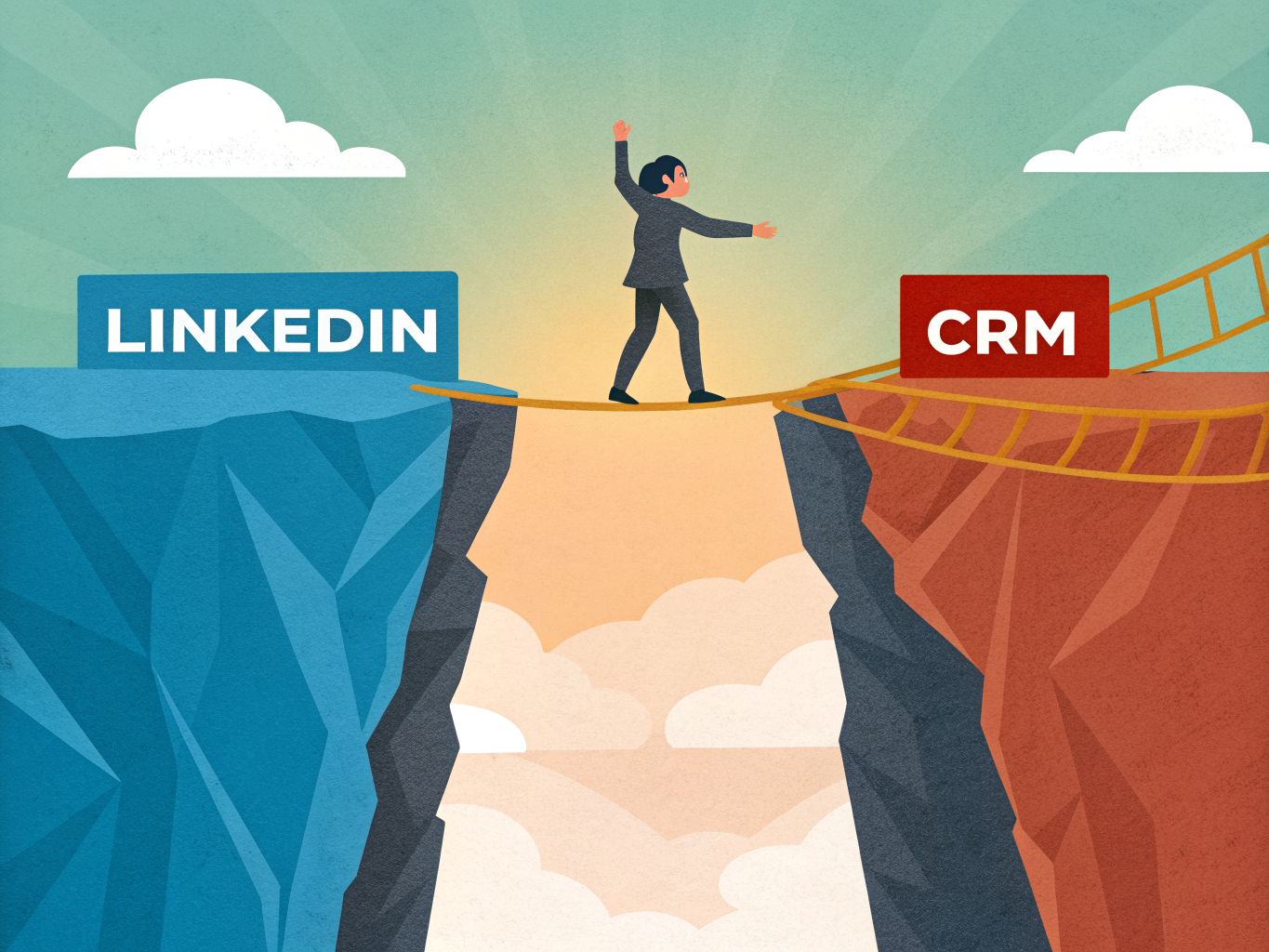
In 2026, this gap remains the biggest bottleneck in B2B sales. The fix isn't optional anymore; it's survival.
The Three Types of LinkedIn-CRM Integrations Explained
Think of LinkedIn-CRM integration like connecting two power sources. You can hardwire them directly (native integration), use an adapter cable (third-party tools), or settle for a basic connector (Sales Navigator only). Each approach delivers different voltage to your sales workflow.
Native Integration: The Gold Standard
Native integration means your CRM and LinkedIn speak directly to each other without middlemen. HubSpot's native Sales Navigator integration, for example, lets you pull prospect data, track engagement, and log activities without leaving your CRM. It's seamless, fast, and eliminates data entry friction. The catch? Native integrations typically live behind higher-tier CRM plans, making them pricier for growing teams. A CRM that integrates directly with both personal LinkedIn and LinkedIn Sales Navigator is most people's preferred option, but that preference often comes with premium pricing.
Third-Party Tools: The Practical Middle Ground
This is where tools like Surfe, Hublead, and Kendo enter the picture. These bridge solutions sync LinkedIn data with lower-tier CRM plans, costing between $10 and $79 per user monthly. They're not native, but they're remarkably effective. You get automated lead capture, profile enrichment, and activity logging without upgrading your entire CRM subscription. The tradeoff: slightly slower syncing and an extra platform to manage. For budget-conscious teams, this hits the sweet spot between functionality and cost.
Sales Navigator Only: The Budget Route
This approach strips integration down to basics. You manually work with LinkedIn Sales Navigator data and manually enter it into your CRM, or use basic automation for lead capture only. It's the most affordable option but also the most labor-intensive. You're essentially doing the integration work yourself, which kills productivity gains.
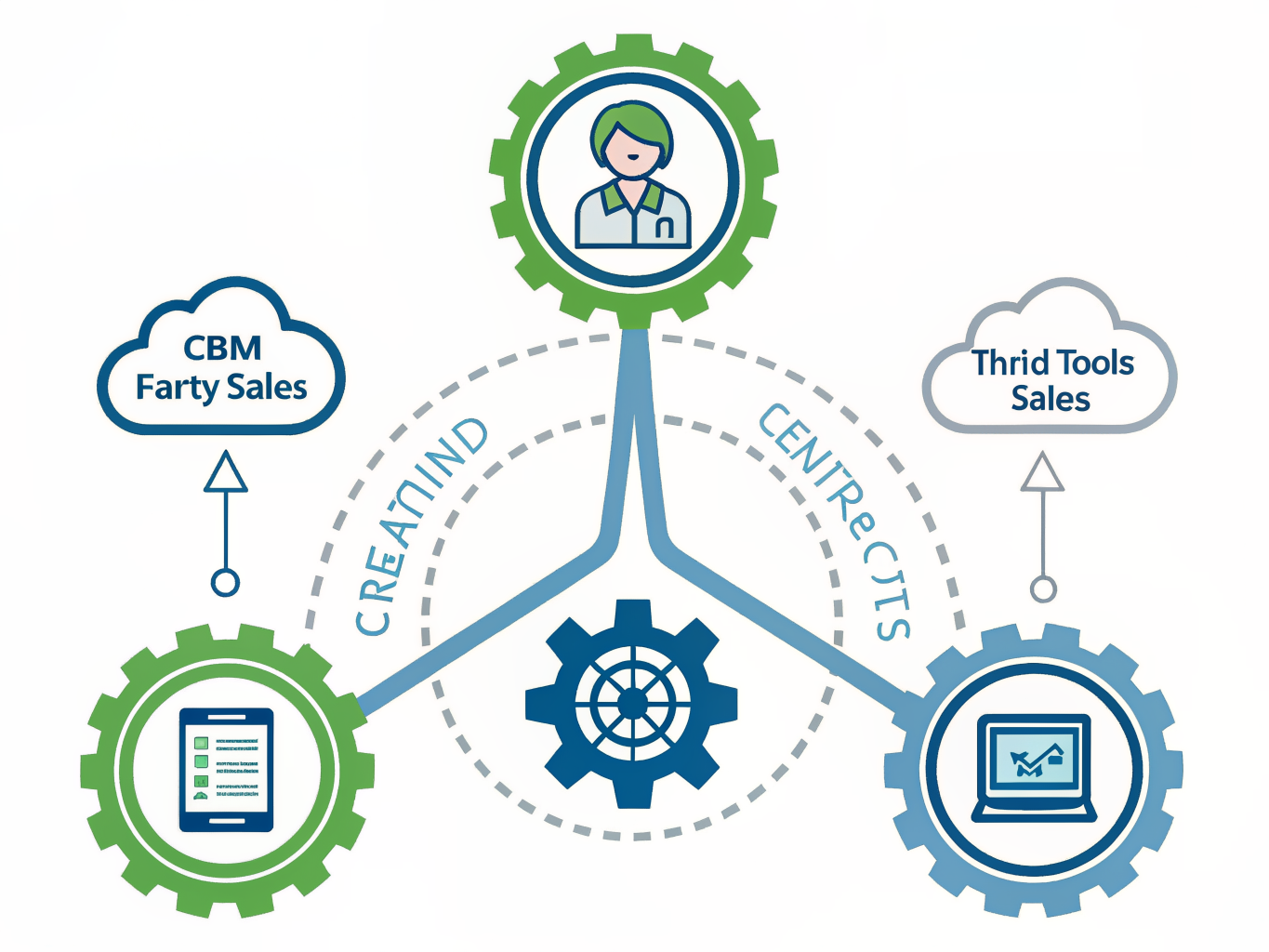
Which Type Fits Your Team?
Choose native if budget allows and you want zero friction. Pick third-party tools if you're locked into a lower CRM tier but need real integration power. Accept Sales Navigator only if you're testing before committing to larger investments. CRM integrations can improve lead conversion rates by up to 30%, so the investment pays dividends across all three approaches.
Top CRMs with Native LinkedIn Integration: HubSpot, Salesforce, and Pipedrive
When it comes to LinkedIn-CRM integration, three platforms dominate: HubSpot, Salesforce, and Pipedrive. Each takes a different approach based on your team size and complexity needs.
HubSpot is the most seamless for mid-market teams. HubSpot powers marketing and sales alignment by integrating LinkedIn Lead Gen Forms and Sales Navigator natively; contacts from LinkedIn forms autopopulate with source attribution, triggering scoring, nurtures, and sales tasks. Here's what makes it practical: when a prospect fills out a LinkedIn Lead Gen Form, their data flows directly into HubSpot without manual entry. Reps equipped with Sales Navigator licenses can send InMails or connection requests from HubSpot contact records, with sales activity auto-logged. The real power lies in the unified activity feed. HubSpot unifies email tracking, ad performance, call logging, and site analytics, giving a 360-degree view from the moment a lead clicks a LinkedIn ad to closing a deal. No CSV exports, no context switching.
Salesforce is your answer if you're running a large organization with complex sales cycles. Salesforce Sales Cloud is the go-to CRM for large organizations needing LinkedIn Sales Navigator integrated deeply within complex deal environments. Einstein AI adds intelligence by surfacing LinkedIn insights within opportunity records, helping reps identify buying signals and timing. However, expect a steeper learning curve and higher implementation costs; Salesforce demands dedicated admin resources.
Pipedrive punches above its weight for small-to-mid teams obsessed with deal velocity. Pipedrive is a user-friendly CRM optimized for small-to-mid teams focused on deal velocity with LinkedIn Lead Gen Forms and Navigator connecting via marketplace apps. The kanban board interface makes pipeline management intuitive, while AI-powered insights flag deals at risk of stalling. LinkedIn integration happens through marketplace connectors, giving you flexibility without enterprise complexity.
The choice depends on your priorities: HubSpot for balanced marketing-sales alignment, Salesforce for enterprise scale, Pipedrive for speed and simplicity.
Budget-Friendly and Specialized CRMs: Zoho, Copper, and Apollo
Not every team needs enterprise-level pricing. If your budget is tight or you operate within specific ecosystems, these three platforms deliver solid LinkedIn integration without the premium price tag.
Zoho CRM is built for lean teams that need simplicity without sacrificing functionality. It centralizes lead capture across email, phone, web chat, and LinkedIn through Lead Gen Form integrations and SalesSignals alerts. You're pulling LinkedIn prospects directly into your pipeline without manual data entry. The real win: Zoho costs a fraction of competitors while handling the repetitive work that kills productivity. Best for: Startups and small sales teams bootstrapping their growth.
Copper takes a different approach, betting that most teams already live in Google Workspace. Rather than forcing you to learn a new ecosystem, Copper surfaces LinkedIn data through Chrome and Gmail extensions, auto-logging profile views, emails, and calendar events. This seamless integration means your team stays in Gmail while your CRM stays current. You're not switching tabs constantly; LinkedIn context just appears where you need it. Best for: Google Workspace-dependent teams that value friction-free workflows over feature bloat.

Apollo flips the script entirely. It combines B2B contact database, multichannel outreach, and CRM features in one tool. The Chrome extension lets you scrape and enrich LinkedIn profiles instantly, populating your outreach database in seconds. Apollo is a favorite among SDR teams running outbound on LinkedIn because it includes a built-in dialer, email engine, and sequence builder. You're not just capturing leads; you're executing campaigns at scale. Best for: High-volume outbound teams prioritizing speed and data enrichment over relationship depth.
The choice depends on your workflow, team size, and sales motion. Pick the platform that fits your existing tech stack, not the one with the longest feature list.
Third-Party Tools and Extensions: When Native Integration Isn't Enough
Native CRM integrations with LinkedIn often fall short. They're either locked behind expensive paywalls, limited in functionality, or require Sales Navigator licenses that cost $135-149 per user monthly. That's where third-party tools step in, offering deeper integration at a fraction of the cost.
Tools like Surfe, Hublead, LeadCRM, and Kondo typically run $10-79 per user per month, yet deliver what native features promise but don't quite execute. Here's when you actually need them.
Contact Import and Enrichment
Hublead lets you add prospects directly from LinkedIn to HubSpot with one click, regardless of your HubSpot tier, without requiring Sales Navigator. The extension automatically captures profile details and enriches contact data in real time. LeadCRM, the highest-rated Chrome extension on the Chrome Web Store, does the same across HubSpot, Salesforce, Pipedrive, Zoho, and Copper, using AI-powered enrichment to find verified emails and phone numbers with impressive accuracy rates.
Message Syncing
This is where most native integrations completely fail. Kondo solves a critical problem: syncing LinkedIn messages directly into your CRM, eliminating the manual copy-paste workflow that wastes time and loses context. Your entire conversation history stays in one place where your team can actually reference it.
When to Invest
Ask yourself: Are your reps manually logging LinkedIn interactions? Are you losing leads because contact data isn't enriching automatically? Is your team paying for Sales Navigator just to get basic integration? If you answered yes to any of these, third-party tools pay for themselves within weeks through time savings alone.
The pricing difference is stark: $135-149 monthly per user for Sales Navigator versus $30-50 monthly for tools that do more of what you actually need. Most teams find the ROI undeniable once they eliminate manual processes and start capturing LinkedIn data systematically into their CRM workflow.
How to Choose the Right LinkedIn-CRM Integration for Your Team
Choosing the right LinkedIn-CRM integration comes down to three factors: your team structure, your budget, and how tightly LinkedIn needs to connect to your sales pipeline.
Start with your team size. Small businesses and SMBs should prioritize ease of use and affordability; HubSpot or Zoho are ideal starting points because they offer native LinkedIn integration without forcing you into expensive enterprise plans. Enterprises with complex sales processes need advanced customization and automation; Salesforce or Microsoft Dynamics 365 deliver the flexibility you'll need as you scale.
Consider your sales motion next. Founder-led and SDR-driven teams benefit from LinkedIn-first CRMs like Folk, which capture prospects with one click and automate follow-up sequences directly from your feed. Agency teams often prefer the same approach for speed and efficiency. If you're budget-conscious but need more powerful integration, third-party tools like Surfe or Hublead let you enhance your existing CRM without upgrading tiers.
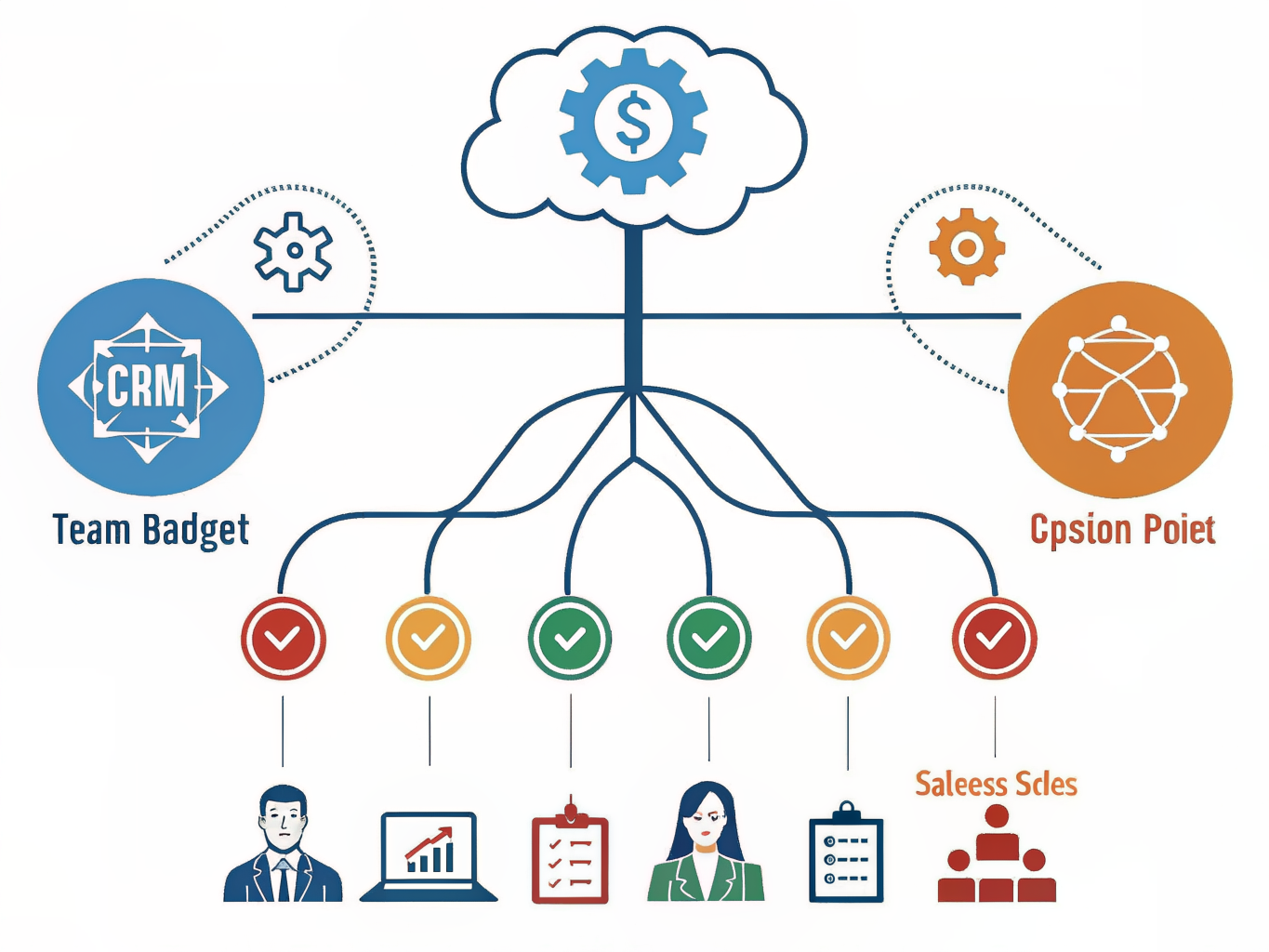
Don't skip compliance. Compliance and security are essential when connecting LinkedIn to your CRM for building trust and avoiding legal headaches. Ensure GDPR compliance and encrypted connections, especially if you're handling prospect data across regions.
The right integration isn't about the fanciest features; it's about matching your actual workflow. Test a few options with your team before committing long-term.
Key Takeaways: Implement LinkedIn-CRM Integration Today
The data is clear: companies with integrated LinkedIn and CRM systems see 17% higher win rates, 42% larger deal sizes, and 15% more pipeline opportunities. In 2026, this isn't a nice-to-have feature anymore. It's essential.
Here's your action plan to implement today:
Step 1: Identify Your Pain Point Where does your LinkedIn-to-CRM workflow break down? Is it manual data entry eating your team's time? Lost leads falling through cracks? Start there, not with the fanciest tool.
Step 2: Choose Your Integration Type Small team with tight budget? A third-party tool like Surfe or Hublead works fast and costs less. Enterprise operation? Salesforce's native integration handles complexity. Founder-led company? folk keeps things lean and focused.
Step 3: Select and Implement HubSpot wins for SMBs seeking balance between features and ease. Salesforce dominates enterprise environments. Whatever you choose, verify it meets your security and GDPR compliance requirements.
Step 4: Train and Monitor Success hinges on consistent implementation and team training. Set clear expectations, track metrics weekly, and adjust tactics based on what the data shows. Your team needs to understand not just how to use the tool, but why it matters to their pipeline.
The companies winning in 2026 aren't debating whether to integrate LinkedIn and their CRM. They're already doing it, optimizing it, and watching their deal sizes grow. Don't get left behind.
Frequently Asked Questions About LinkedIn-CRM Integration
LinkedIn-CRM Integration: Your Top Questions Answered
Do I need Sales Navigator to make this work?
Not necessarily. While Sales Navigator unlocks native integration features directly within LinkedIn, browser extensions like Surfe work with free LinkedIn accounts and any HubSpot tier without requiring a paid LinkedIn subscription. Your budget and workflow determine which approach makes sense.
What's the actual cost here?
Native integrations built into your CRM (HubSpot, Salesforce, Pipedrive) are typically included in your existing plan at no extra charge. Third-party tools fall between $10-79 per user monthly, depending on features and data limits. Calculate your cost-per-lead to see if it pays for itself; most teams recoup investment within 2-3 months.
How long does setup actually take?
Native integrations take 10-15 minutes; you're mainly authorizing data access and mapping fields. Third-party tools are faster, usually 2-5 minutes. If setup feels complicated, your CRM provider's support team can walk you through it.
Will this replace my LinkedIn prospecting strategy?
No. Integration streamlines data flow but doesn't generate leads. Integration moves contacts into your CRM automatically, but you still need a LinkedIn inbound strategy that attracts prospects. Think of it as the plumbing, not the water source.
Is my data actually secure?
Choose tools with GDPR compliance and encrypted connections. LeadCRM uses encrypted connections and follows GDPR best practices for data handling. Before signing up, verify the vendor's security documentation and data residency policies.
What ROI should I expect?
Companies using LinkedIn-CRM integration see 17% higher win rates, 42% larger deal sizes, and 15% more pipeline opportunities. These gains come from faster lead response, better contact context, and reduced data entry time. Your results depend on execution, but the baseline is solid.
Conclusion: Transform Your B2B Sales with LinkedIn-CRM Integration
The data is clear: teams that sync LinkedIn with their CRM see 17% higher win rates and close deals 42% larger on average. This isn't marginal improvement. This is the difference between hitting quota and crushing it.
LinkedIn-CRM integration has moved from "nice to have" to essential infrastructure for B2B sales in 2026. The manual grind of copying prospect details, hunting for contact information, and maintaining separate systems costs your team thousands of hours annually while introducing errors that tank deal quality. The right integration eliminates that friction entirely.
But here's the reality: choosing the wrong tool wastes money and creates adoption friction. Start by diagnosing your biggest pain point. Is it data entry overhead? Lead qualification delays? Pipeline visibility gaps? Your answer determines which CRM or integration platform actually solves your problem. HubSpot works differently than Pipedrive; Outreach serves different needs than Salesforce. Match the tool to your workflow, not the other way around.
Once you've selected your platform, implementation isn't optional. Your sales team needs hands-on training on the new workflow, clear expectations about data standards, and ongoing monitoring to catch adoption gaps early. ROI compounds when your reps actually use the system consistently.
The opportunity is immediate. Teams moving now gain a competitive edge that compounds monthly as their data quality and efficiency improve. Your prospects are already on LinkedIn. Your CRM should know exactly who they are, what they need, and when to reach out.
Start your assessment this week. Your 2026 quota depends on it.