Free AI Tools for Content Creation: 2025 Ultimate Guide
Why Free AI Tools Are Changing Content Creation in 2025 You're drowning in content demands. Your boss wants three blog posts, five LinkedIn updates, and a video...
Wilmer KarlssonTarstad
Why Free AI Tools Are Changing Content Creation in 2025
You're drowning in content demands. Your boss wants three blog posts, five LinkedIn updates, and a video script by Friday. Your budget? Nonexistent. Your team? Just you.
This is the reality for most founders and marketers in 2025, and it's unsustainable without help.
Enter free AI tools. They're not some distant future anymore; they're actively reshaping how creators work right now. 75% of enterprise marketers now use GenAI to create and manage content, and smaller teams are catching up fast. What used to require hiring a copywriter, designer, and video editor can now happen in your browser, for free.
The playing field is leveling. Individual creators can now compete with agencies that spent hundreds of thousands building in-house teams. You don't need a massive budget to produce quality content anymore; you need to know which tool does what.

Here's what matters: AI amplifies your creativity rather than replacing it. The best creators aren't abandoning their voice; they're using these tools to write faster, brainstorm better, and ship more consistently. Speed without quality is worthless. But speed with quality? That changes everything.
The Essential Free AI Writing Tools Every Creator Needs
Here's the thing: you don't need five different AI tools to write faster. You need three that work together.
ChatGPT's free version (GPT-3.5) is your workhorse for the heavy lifting. Use it to brainstorm LinkedIn post angles, outline long-form articles, or generate rough first drafts. It handles context well and remembers what you've told it within a conversation, making it ideal for iterative writing. The limitation? It occasionally hallucinates details and can't access current information. That's where the other tools come in.
Copy.ai is built for speed in short-form content. Need five subject line variations for your newsletter? Social captions for a campaign launch? Product descriptions? It generates multiple options in seconds, saving you the mental load of starting from scratch. Copy.ai generates everything from blog intros to social ads in seconds, making it perfect for B2B creators drowning in daily posting demands.
Gemini excels where ChatGPT falters: real-time research and ideation. Gemini is particularly strong at brainstorming and research, pulling current information and helping you spot angles competitors haven't covered yet. If you're writing about industry trends or recent news, start here.
The workflow that works: use Gemini to research and ideate, ChatGPT to outline and draft, Copy.ai to polish headlines and social snippets. One tool for thinking, one for writing, one for refining. This combination keeps you moving without the quality collapse that happens when you rely on a single tool.
These accelerate your writing process, but they're not writers. You're still the strategist, editor, and voice behind every piece.
Free AI Design Tools: Create Professional Visuals Without a Designer
Here's the section:
You don't need design experience or a $100/month software subscription to create graphics that look professionally polished. Canva's free tier, paired with AI image generation, puts professional design within reach for anyone willing to spend five minutes learning the basics.
Start with Canva's Magic Design feature. Drop in a text prompt or upload existing content, and it generates custom layouts, color schemes, and design variations in seconds. This is especially useful for LinkedIn: create eye-catching profile banners, carousel post templates, or document covers without touching a single design tool. The free version gives you access to millions of templates and most core AI features; the limitations are minimal for solo creators and small teams.
For original imagery, DALL-E (accessible free through ChatGPT) eliminates your dependence on generic stock photos. Describe what you need—"a minimalist illustration of a founder working late at a laptop with coffee"—and you get unique visuals that actually match your brand story. This matters because stock photos blend into the background; original AI-generated images stand out.
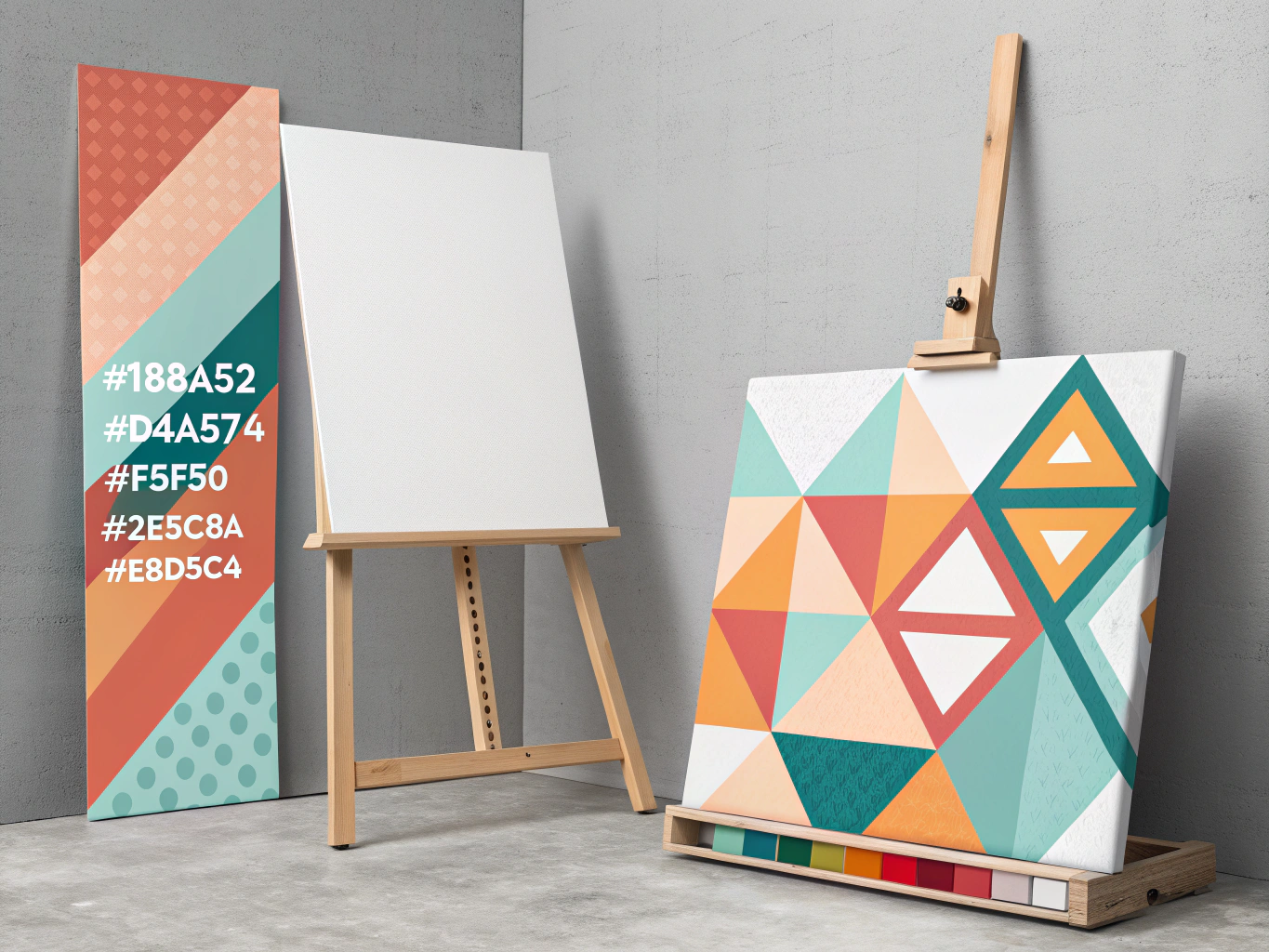
The real power is consistency. Save your color palettes, fonts, and best-performing templates in Canva. Reuse them across posts, presentations, and materials. This builds visual brand recognition without hiring a designer. Your free tier covers this entirely; upgrading only makes sense once you're scaling beyond 10+ pieces monthly and need premium stock assets.
The bottleneck isn't tools anymore. It's your willingness to experiment.
Video and Audio: AI Tools for Multimedia Content
Video content isn't optional anymore. LinkedIn video posts get 5x more engagement than text, which means your written content is leaving serious reach on the table.
Start with Synthesia for AI avatar videos. The free tier gives you 3 minutes monthly and access to 9 avatars, enough to test whether video repurposing fits your workflow before committing budget. Use it to turn written posts into talking-head videos without recording yourself.
Descript handles the heavy lifting for audio and video editing. It automatically transcribes your content and removes filler words like "um" and "uh", then lets you edit by simply deleting text. The free plan has limits, but it's perfect for testing whether text-based editing actually saves you time.
Here's the multiplier effect: record one webinar, podcast episode, or interview. Descript transcribes it. Pull clips for LinkedIn, TikTok, and Instagram. Write a blog post from the transcript. Create quote graphics. Generate short videos with Synthesia. One piece of raw content becomes 10+ assets.
Free tiers show you what's possible. Paid plans unlock longer video lengths, more minutes monthly, and better avatar quality. But don't upgrade until you've validated that video actually moves your metrics. Too many founders pay for tools they never use consistently.
The constraint of free limitations is actually useful. It forces you to be selective about what's worth videoing, which usually improves quality anyway.
Image Generation: From Text Prompts to Professional Visuals
Forget basic design tools. When you need professional visuals fast, AI image generators handle the heavy lifting without the learning curve.
Start with Adobe Firefly, which generates four unique image suggestions per prompt and grants commercial rights on the free tier. It excels at polished, professional aesthetics, making it ideal for LinkedIn headers and article thumbnails. DALL-E 3 offers comparable quality and commercial licensing, though with stricter monthly limits. For budget-conscious creators, Freepik AI Image Generator allows commercial use of generated images and integrates seamlessly with existing design templates.
Different models have distinct strengths. Adobe Firefly and DALL-E handle photorealism and corporate aesthetics well. Leonardo.ai leans into illustration and artistic styles. Freepik AI balances versatility with speed. The key is testing each one with your actual use cases rather than settling on the first option.

Always verify commercial rights before publishing. Free plans typically cap monthly generations (50 to 100 is standard), which covers testing and occasional social content. AI images work best for conceptual visuals, blog backgrounds, and social graphics rather than product photography. Quality has improved dramatically, but human review remains essential. A 30-second edit in Canva often bridges the gap between "AI-generated" and "polished."
LinkedIn-Specific AI Tools: Optimize Your Profile and Content
LinkedIn demands a different content strategy than other platforms, and generic AI tools won't cut it. You need solutions built specifically for how LinkedIn's algorithm actually works.
Start with profile optimization. Tools like Taplio analyze your headline, summary, and keyword placement to boost discoverability. Before you write a single post, make sure your profile is pulling in the right audience. This foundational step takes 30 minutes but compounds over months.
For content creation, LinkedIn-specific tools generate posts that sound like you, not like a robot wrote them at 3 AM. Taplio is used by 6000+ LinkedIn professionals for exactly this reason. RedactAI and MagicPost follow similar principles: they learn your voice and suggest content angles that actually resonate with your network. The difference between "here's a generic inspirational quote" and "here's a post your audience will actually engage with" is everything.
Here's the number that matters: 86% of marketers report increased efficiency after adopting AI content tools. That's not theoretical. That's people shipping more content, faster, without burning out.
Consistency is where most creators fail. AI scheduling tools solve this by maintaining a regular posting rhythm, and regular posting with AI scheduling doubles engagement for consistent publishers. You post when your audience is actually online, not when you remember.
Start with free trials. Taplio, MagicPost, and similar tools offer limited free versions so you can test before committing. Layer these LinkedIn-specific tools with your general-purpose AI stack (ChatGPT for ideas, Midjourney for visuals), and you've built a system that actually works. The key is testing what resonates with your specific audience, then letting AI handle the repetitive parts.
Building Your AI Content Stack: The Strategic Approach
Here's the truth: trying to find one tool that does everything is like looking for a Swiss Army knife that also makes coffee. It doesn't exist, and you'll waste weeks testing before you realize it.
The winning move? Build a stack of 3-4 specialized tools that each do one thing exceptionally well. According to content strategy experts, the beauty of having multiple tools is knowing which excels at which task.
Here's a proven workflow that works for B2B founders:
Ideation with Gemini (free tier handles research and brainstorming instantly). Drafting with Copy.ai (faster than blank-page staring). Refinement with Grammarly (catches what your eyes miss). Design with Canva (no design skills required). Scheduling with Taplio (batches your content distribution). Analytics to measure what actually lands.
The key: batch your content creation. One focused session per week beats scattered daily efforts. You'll write faster, maintain consistency, and actually finish things.
Here's what kills most creators: tool-hopping. They jump between platforms chasing features they don't need yet. Free tools are genuinely sufficient until you hit real limits, not imaginary ones. Most founders never do.
Integration matters more than you think. Choose tools with native connections or Zapier compatibility so your workflow doesn't become a manual copy-paste nightmare. When tools talk to each other, you stop being a glorified data entry person.
This isn't about having the fanciest setup. It's about having the right tool for each job, in the right order, without friction between steps. Once you nail this sequence, you'll create more content in less time than teams using ten different platforms.
Quality Control: Using AI Without Sounding Like AI
Here's the honest truth: AI can generate content in seconds, but it often sounds like a robot wrote it. Generic, safe, forgettable. That's not your brand.
The fix isn't abandoning AI. It's treating it as your first draft, not your final one. Spend 20% of your time personalizing what AI creates, and you'll outperform 80% of creators still publishing raw outputs.
Start by adding what only you know. Real examples from your business. A client story that actually happened. Your specific take on why something matters. These details transform templated content into something readers actually care about.
Use Grammarly's free tier to go beyond basic spelling checks. It catches tone issues AI misses, suggesting rewrites that sound more conversational and less corporate. Run your AI drafts through it, then manually adjust for your voice.
On LinkedIn especially, audiences reward authenticity over polish. A post with personality and a personal story will outperform a perfectly written generic take every time. So edit for voice, not just correctness.
The workflow is simple: let AI handle speed and structure, then inject your expertise and perspective. This hybrid approach delivers content that reads naturally while keeping your production time reasonable. You're not fighting AI; you're using it strategically to buy yourself time for the human work that actually builds credibility.
Common Mistakes and How to Avoid Them
Most creators stumble on the same pitfalls when adopting free AI tools. Here's how to sidestep them.
One tool does everything. This is the biggest trap. No single tool excels at copywriting, image generation, video editing, and scheduling simultaneously. Build a simple stack instead: pick one for writing, one for visuals, one for scheduling. Three tools, mastered well, beat ten tools used poorly.
Publishing without personalization. Raw AI output reads like raw AI output. Always add your voice, specific examples, or insider perspective before hitting publish. Spend 10 minutes editing for authenticity; it's the difference between content that converts and content that disappears.
Ignoring what actually works. Free tools often include basic analytics. Use them. Track which posts get engagement, which topics resonate, which formats perform. This data transforms your strategy from guessing to knowing.
Posting sporadically. Consistency beats perfection. Batch create content during focused sessions, then use free scheduling tools to maintain a regular cadence. Your audience remembers who shows up reliably.
Skipping the fine print. Free tiers have real limits: character counts, monthly credits, watermarks, export restrictions. Test these boundaries before committing your workflow. Nothing's worse than discovering limitations mid-project.
Tool-hopping constantly. The temptation is real when a shiny new option appears. Resist it. Pick three to four tools aligned with your needs and commit for 60 days. Mastery requires repetition. You'll spot workflows and shortcuts that casual users never find.
Your Next Steps: Start Creating Today
Here's the thing: you don't need to master every tool on this list. Start with ChatGPT and Canva. Seriously. These two handle roughly 60% of what most creators need, and they're both free.
This week, pick one content format you've been avoiding. Write a LinkedIn post with ChatGPT's help. Design a social graphic in Canva. Record a quick video script. Just one piece. Get it live.
Then measure it. Check your engagement metrics, click-through rates, or shares. Notice what works. This data becomes your north star.
Here's your sustainable approach: add one new tool to your stack each month as you identify specific gaps. Maybe you'll discover you need better video editing. Fine. Add that next month. You're building strategically, not drowning in options.
The critical insight here: AI amplifies your existing voice; it doesn't create one for you. The strategy, perspective, and authenticity still come from you. The tools just move faster.
Ready? Take the 30-day AI content challenge. One piece per week, four weeks, measurable results. You'll be shocked how quickly consistency compounds.
Your competitive advantage isn't the tool. It's the person willing to start today.