Wilmer KarlssonTarstad
Last Updated: November 20, 2026
Key Takeaways
- AI content calendar tools automate planning, writing, and scheduling to maintain consistency
- Best tools use official LinkedIn APIs and offer voice-matched writing for authenticity
- Choose based on your goals: personal branding, team collaboration, or lead generation
- Batch content creation once weekly saves time and gives AI more leverage
- GetViews.AI combines calendar automation with B2B-specific lead generation features
Why LinkedIn Content Calendars Matter for B2B Growth
Here's the hard truth: your LinkedIn presence lives or dies by consistency. The algorithm rewards founders who show up regularly, but most of us don't. You post sporadically, miss weeks, then scramble to catch up. The result? Your network forgets you exist, and your growth stalls.
This is where content calendars become non-negotiable. A calendar forces structure into the chaos. It transforms LinkedIn from something you do when you remember into a predictable, sustainable channel for building your personal brand and generating qualified leads. But here's the catch: manually planning 4-5 posts per week, across different formats and themes, while running a business is brutal. Most founders abandon the process within a month.

This is why AI content calendar tools have become table-stakes. They automate the planning-to-publishing workflow: ideation, scheduling, optimization, and performance tracking. 86% of marketers report increased efficiency after adopting AI tools, and for B2B founders competing for attention, that efficiency gap is real.
But not all tools work the same way. The right choice depends on your specific goals, team size, and content strategy. This guide cuts through the noise and shows you exactly how to evaluate and select the AI calendar tool that fits your growth playbook.
How AI Content Calendar Tools Work
At its core, an AI content calendar tool automates three essential steps: planning what you'll post, generating the actual content, and scheduling it to go live. This workflow removes friction from your publishing routine and keeps your LinkedIn presence consistent without constant manual effort.
Here's how it works in practice. First, you input your content themes, target audience, and posting frequency into the tool. The AI analyzes this information alongside your past posts to understand your unique voice and brand perspective. This is crucial because generic, robotic content tanks engagement on LinkedIn. Quality AI tools learn the nuances of how you communicate, your preferred story structures, and the topics your audience actually cares about.
Once the AI understands your voice, it generates draft posts tailored to your specifications. You review, edit, and approve them before they go live. Then comes the scheduling component, which is where account safety matters significantly. The best tools use official LinkedIn partner APIs rather than browser automation, which means LinkedIn recognizes the posting as legitimate and your account stays protected from restrictions or bans.
One practical feature that separates stronger tools from weaker ones is the visual content calendar. Seeing your entire month of posts laid out visually helps you spot gaps, redundancy, or timing issues before publishing. It also keeps teams aligned on your content strategy.
Here's a pro tip that works remarkably well: batch your content weekly. Spend one focused session planning and writing five to seven posts at once, then let the tool distribute them throughout the week. This approach conserves decision energy, reduces context-switching, and gives the AI more leverage to maintain consistent messaging. You're not scrambling for ideas daily; you're working strategically in sprints.
Key Features to Look for in an AI Content Calendar Tool
When evaluating an AI LinkedIn content calendar tool, focus on features that solve real operational challenges. The foundation is a visual calendar with drag-and-drop scheduling. This matters because it lets you see your entire month at a glance, spot content gaps, and adjust your strategy without wrestling with clunky interfaces. Solo founders especially appreciate this simplicity; teams need it to coordinate across members without constant back-and-forth messages.
Next, assess the AI writing quality and voice-matching capability. A tool that learns your unique communication style produces posts that actually sound like you, not like generic corporate templates. This authenticity is non-negotiable on LinkedIn, where audiences detect inauthenticity immediately. Look for platforms that improve over time as they analyze your past posts and preferences.
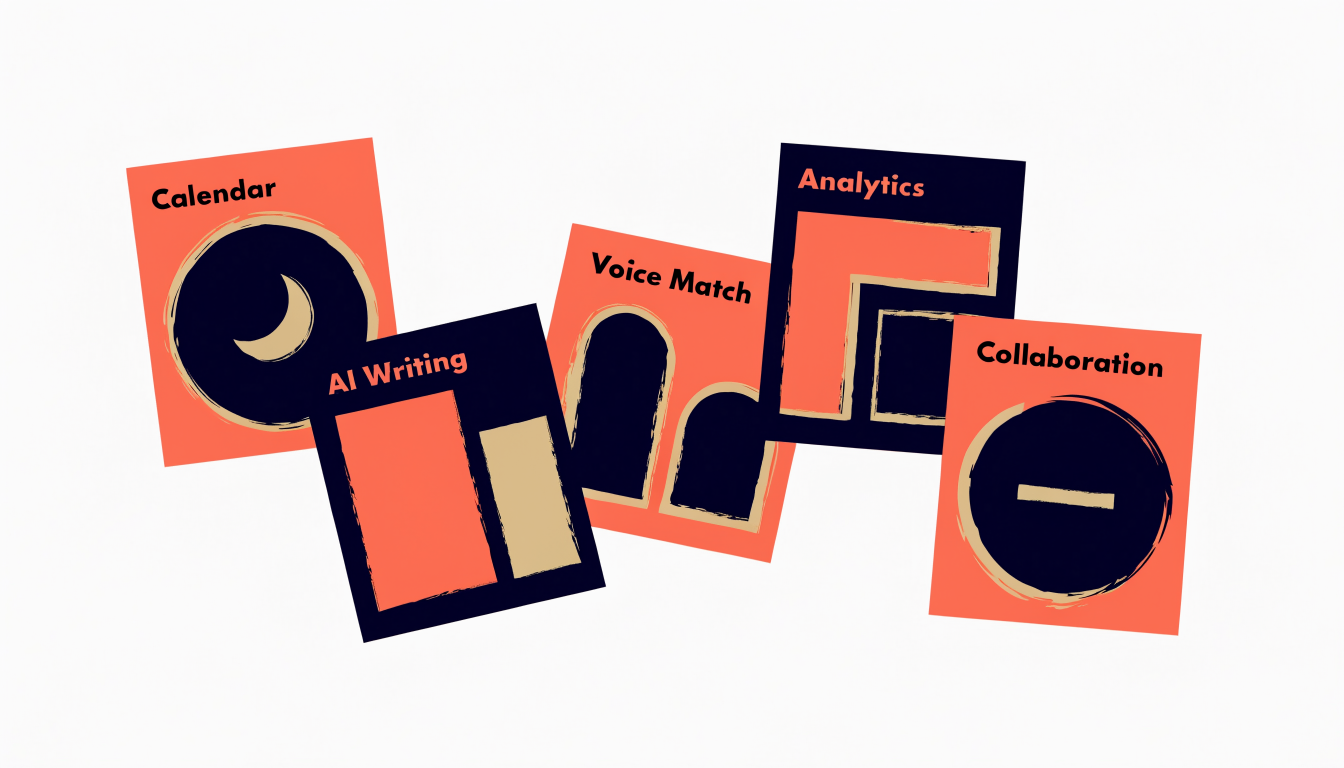
Scheduling flexibility matters more than it seems. The ability to batch-create content in one session and distribute it across the week keeps your posting consistent without daily effort. Pair this with optimal posting time recommendations based on your specific audience behavior, not generic industry benchmarks.
Template libraries accelerate your workflow significantly. Access to proven high-performing post structures gives you starting points rather than blank pages. For teams, collaboration workflows and approval processes prevent embarrassing posts from going live without review. Finally, robust analytics show you which post types and topics drive engagement, informing your next quarter's strategy.
Format support is your final checkpoint. Ensure the tool handles text posts, carousels, polls, and video natively. B2B founders benefit most from tools supporting diverse formats since different messages require different containers. The right combination of these features creates a system that compounds your LinkedIn presence over time.
Top AI LinkedIn Content Calendar Tools in 2026
When evaluating AI LinkedIn content calendar tools, you're really choosing between depth of automation, content quality, multi-platform flexibility, and lead generation integration. Each tool excels in different areas, so your decision depends on what matters most to your growth strategy.
ViralBrain stands out for its full-loop automation capabilities. It auto-publishes through LinkedIn's official API on a 30-day AI calendar, meaning your content goes live without manual posting. This appeals to founders who want hands-off consistency but should note that pre-generated calendars sometimes lack the specificity your audience needs.
Taplio takes a different approach, prioritizing content creators who live on LinkedIn. Their suite includes robust content ideation, hashtag research, and performance analytics. If you're building a personal brand and want granular control over messaging, Taplio delivers. The trade-off: it's LinkedIn-focused, so multi-platform posting requires workarounds.
Buffer remains the go-to for simplicity. It handles LinkedIn, Twitter, Facebook, and Instagram from one dashboard with straightforward scheduling. For founders managing multiple channels without complexity, Buffer works. However, its AI content generation feels generic compared to specialized tools.
Postbeam bridges content and outreach by connecting calendar posts to lead generation workflows. This matters for B2B teams where content serves a specific prospecting purpose. You're not just publishing; you're architecting content that feeds your sales motion. It's more intentional than posting for engagement alone.
ContentIn emphasizes AI ghostwriting and an extensive template library. If your bottleneck is actually writing quality copy rather than scheduling, this tool addresses that directly. Their templates accelerate ideation for founders who struggle with blank-page syndrome.
GetViews.AI specifically targets B2B founders seeking consistent growth paired with lead engagement. The platform combines content scheduling with engagement scoring frameworks that help you identify which posts actually drive conversations with prospects. Rather than vanity metrics, you're optimizing for relationships that convert.
Your choice ultimately depends on whether you prioritize automation speed, content quality, multi-platform reach, or lead integration. Most founders benefit from testing two tools simultaneously to see which workflow feels natural.
Choosing the Right Tool for Your LinkedIn Strategy
The right AI content calendar tool depends on three factors: your team size, your primary goal, and your posting volume. Getting this match right saves you time and money while keeping your LinkedIn strategy aligned with your actual business needs.
If you're a solo founder, simplicity wins. You need a tool that learns your voice quickly, offers templates that feel authentic to your personal brand, and doesn't require you to manage complex workflows. Look for platforms with drag-and-drop scheduling and built-in content inspiration. The friction should be minimal; you're trading time for consistency, not adding another administrative layer.
Teams need different infrastructure. You require approval workflows, role-based permissions, and the ability for multiple people to contribute without stepping on each other's toes. A tool that forces linear approvals or lacks clear content ownership will create bottlenecks faster than it creates content.
Your objective matters too. Personal branding focuses on reach, engagement, and thought leadership. Prioritize tools with strong viral templates and analytics showing what resonates with your audience. If lead generation is your goal, shift focus to audience segmentation, conversion tracking, and account-based targeting features that connect your content to pipeline impact.
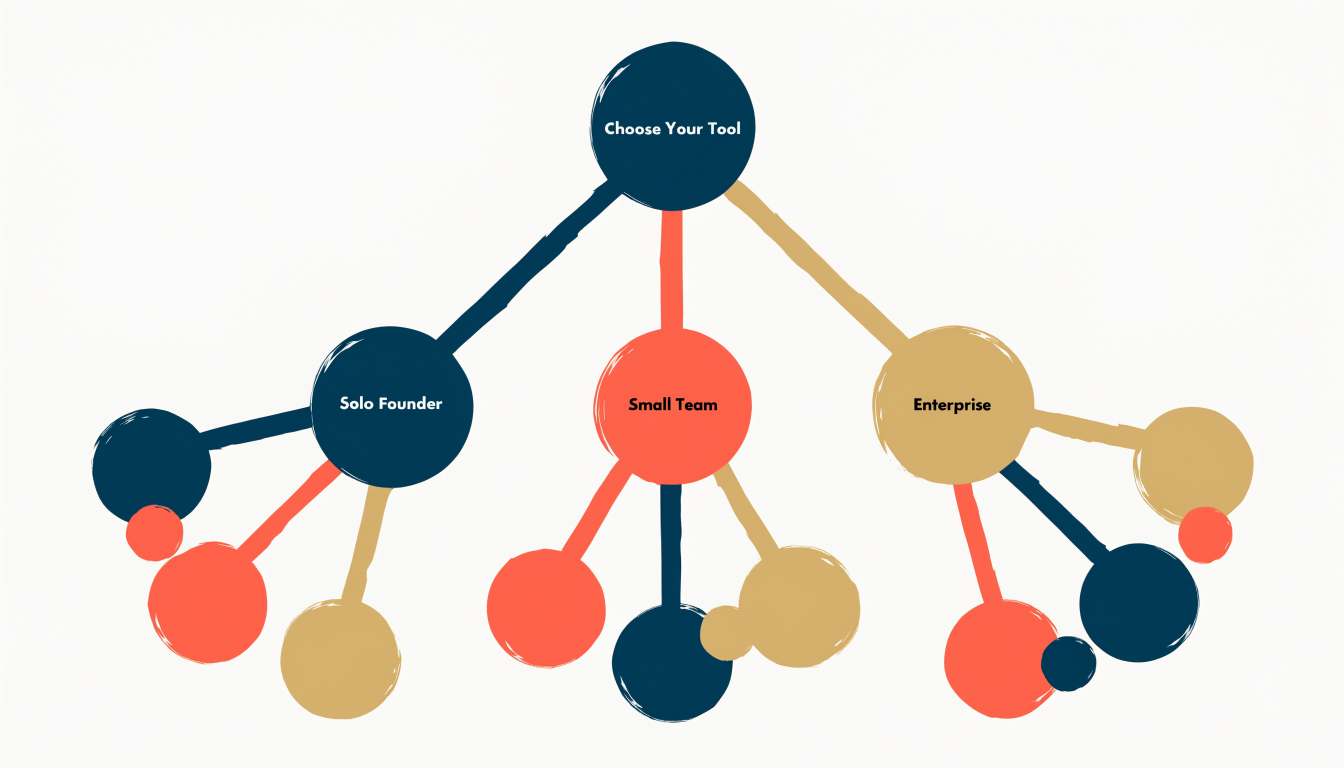
High-volume posters benefit from batching and scheduling efficiency. If you're posting three or more times weekly, content batching saves hours. Budget-conscious founders should test free tiers first; many platforms offer meaningful free plans that reveal whether the tool matches your workflow before you commit financially.
The best choice isn't the most feature-rich option. It's the one that removes friction from your actual process while supporting your specific growth goals.
Best Practices for Using Your Content Calendar Tool
Here's the reality: a content calendar tool is only as good as your strategy behind it. The software handles the logistics, but you're the one who decides what matters.
Start by batching your content weekly. Block two hours on Monday or Friday, write five to ten posts, and let your tool distribute them throughout the week. This approach saves decision fatigue and keeps your calendar predictable without feeling robotic. You're not writing daily; you're thinking strategically once and executing consistently.
Templates are your starting point, not your finish line. Use them to speed up formatting and structure, but always inject your voice, specific examples, and genuine perspective. A template-generated post without personalization reads like exactly that. Your audience connects with authenticity, not efficiency shortcuts.
Analytics tell you what actually works. Most founders guess at posting times or content formats. Stop guessing. Review your engagement data monthly: which post types get comments versus clicks? When is your audience actually scrolling? Adjust accordingly. A post about your methodology might crush it on Thursdays at 9 AM, while a poll performs better Wednesday afternoons.
Maintain format variety. Mix text-heavy posts with carousels, polls, and video snippets. This keeps your feed visually interesting and helps you reach different segments of your audience. Some people engage with questions; others prefer storytelling.
The final step matters most: combine calendar consistency with genuine engagement. Your tool automates posting, but you still need to show up in comments, respond to messages, and participate in conversations. The calendar removes friction from publishing; it doesn't replace your presence. Use that reclaimed time to actually build relationships, not just broadcast content.
FAQ: Common Questions About AI LinkedIn Content Calendars
Is it actually safe to automate LinkedIn posts? Yes, when you use official API scheduling through recognized tools. Content scheduling through official partner APIs carries virtually no risk. LinkedIn's terms allow scheduling; what they prohibit is scraping, fake engagement, or mass messaging. Stick with legitimate tools and you're fine.
What's the realistic cost? Most AI content calendar tools range from $50 to $300 monthly, depending on features. Basic plans cover scheduling and templates; premium tiers add AI writing, analytics, and team collaboration. There's no one-size-fits-all price because your needs vary based on posting frequency and whether you need multi-account management.
Can I use these for company pages, not just personal profiles? Absolutely. Most tools work seamlessly with company pages. Actually, company pages benefit more from consistent scheduling since you're likely juggling multiple responsibilities. Just ensure your brand voice stays consistent across posts.
How long does setup actually take? You're looking at 15 to 30 minutes. Connect your LinkedIn account, import your brand guidelines if you want AI to match your style, and you're ready. The real time investment comes from planning content themes and writing initial briefs, not the tool itself.
Will an AI tool capture my unique voice? Modern tools do this reasonably well if you give them examples. Feed the system 5-10 of your best posts, describe your communication style, and the AI learns your patterns. It won't be perfect initially; expect to edit and refine the first few generated posts until the tool understands your tone.
Should you schedule everything or keep room for spontaneous posts? The sweet spot is scheduling 70-80% of your content while leaving space for real-time reactions and trending topics. This gives you consistency without feeling robotic. Spontaneous posts show you're present and responsive, which LinkedIn's algorithm actually rewards.
The Bottom Line: Consistency Wins on LinkedIn
Here's the truth: you already know consistency matters on LinkedIn. The founders winning right now aren't smarter or more creative than you. They're just posting regularly, showing up in their network's feed week after week, building trust through repetition.
The friction that stops most people isn't inspiration. It's the logistics. Deciding what to post, writing it, scheduling it across time zones, then doing it all again next week. That's where an AI content calendar tool becomes your competitive advantage. Not because the tool writes brilliance for you, but because it removes the planning paralysis that kills momentum.
Here's what matters most: the right tool fits your workflow, your goals, and your team structure. Some founders need heavy automation; others want more hands-on control. Some chase engagement metrics; others focus on lead generation. Your choice should reflect what actually moves your business forward.
But let's be clear: the tool is the enabler, not the magic. Your strategy, your voice, your authentic perspective still drive results. AI handles the calendar logistics so you can focus on what only you can do: share genuine insights, engage meaningfully with your audience, and build real relationships.
Ready to stop letting consistency slip through the cracks? Start with a free trial to test what works for your specific situation. The best time to establish your posting rhythm was last month. The second-best time is today.