LinkedIn Lead Gen Forms: Complete Guide for B2B Lead Generation 2026
Wilmer KarlssonTarstad
Last Updated: November 5, 2026
Key Takeaways
- LinkedIn Lead Gen Forms convert 5x higher (13%) than landing pages (2.4%), cutting CPL by 20-30%
- Keep forms to 3-4 fields maximum; LinkedIn auto-fills name, email, company, job title from profiles
- Set up in Campaign Manager under Lead Generation objective with Sponsored Content or Message Ads
- Content offers cost $164 median per lead; demo requests cost $343; integrate with CRM for instant follow-up
What Are LinkedIn Lead Gen Forms? The Fundamentals Explained
Here's the core problem most B2B founders face: your ideal prospects are already on LinkedIn, but getting them to click away to a landing page, wait for it to load, and manually type their information is friction you can't afford. LinkedIn Lead Gen Forms eliminate that friction entirely.
LinkedIn Lead Gen Forms are native forms embedded directly into LinkedIn ads that auto-populate with member profile data. When someone clicks your ad, a form appears without leaving the platform. Their name, email, company, job title, and other LinkedIn profile information pre-fills automatically. They simply confirm or adjust the details and submit. That's it.
Why does this matter? The numbers are stark. Lead Gen Forms convert at 13% compared to 4.02% for average landing pages. That's not a marginal improvement; that's a 3x difference. You're capturing qualified prospects at a dramatically higher rate because you've removed the barrier between interest and action.
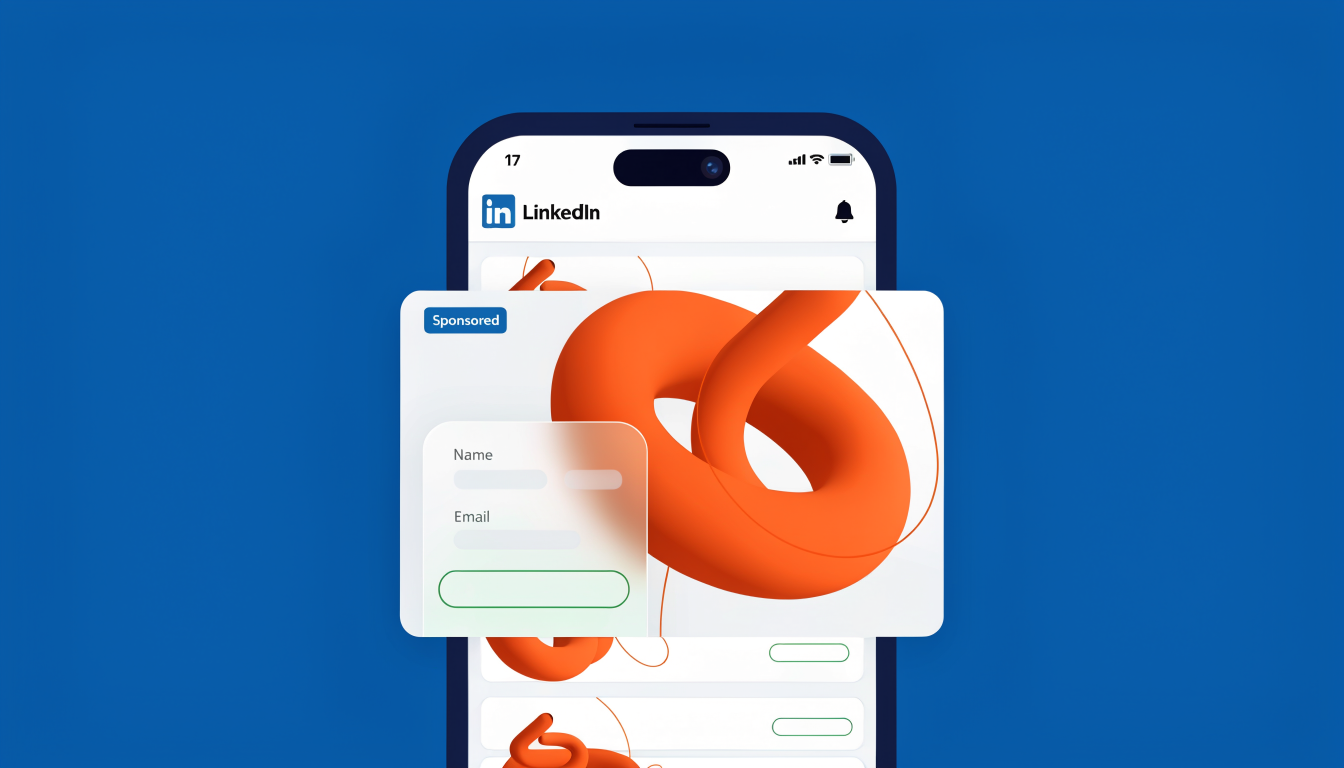
The forms work across two ad formats: Sponsored Content (ads in the feed) and Message Ads (direct messages to prospects). Best part? They're included at no additional cost beyond your standard ad spend. You're not paying extra for this conversion boost; you're simply using the native tools LinkedIn provides more effectively.
For B2B founders running campaigns on tight margins, this is essential infrastructure.
How LinkedIn Lead Gen Forms Work: The Mechanics Behind the Magic
Here's how the mechanic works: a user scrolling through their LinkedIn feed encounters your sponsored content. They click the call-to-action button, and instead of navigating away to a landing page, a form window opens directly within LinkedIn itself. This is the frictionless magic that makes Lead Gen Forms so effective.
The moment that form appears, LinkedIn automatically pre-fills data from the user's profile. Their name, email address, company, job title, location, and industry populate instantly without a single keystroke. The user sees information already there and simply verifies or adjusts what's necessary before hitting submit. They never leave the platform.
You get to customize what fields appear. LinkedIn provides standard profile fields (name, email, phone, company, job title, location, industry, company size) that auto-populate, plus up to 3 custom questions you can add. This means you're working with a maximum of 12 total fields, though research shows 3 to 4 fields deliver the best conversion rates. More fields create friction; fewer means missing qualification data.
Your custom questions support flexible formats: text responses, checkbox selections, or hidden tracking fields that capture UTM parameters and campaign data without the user seeing them. This hidden field capability lets you monitor performance at a granular level without cluttering the visible form.
The entire experience takes seconds. Users submit their information while remaining within a familiar environment, eliminating the abandonment risk that plagues traditional landing pages. That's why Lead Gen Forms consistently outperform other LinkedIn lead capture methods. The platform removes every barrier between interest and conversion.
Why Lead Gen Forms Crush Landing Pages: The Conversion Data
The numbers tell a clear story. LinkedIn Lead Gen Forms convert at 13%, while external landing pages sit at 2.35%. That's a 5.5x difference. For B2B founders operating on tight margins, this isn't just incremental improvement; it's the difference between a scalable channel and wasted ad spend.
The cost advantage compounds this reality. Lead Gen Forms cut cost per lead by 20-30% compared to landing page approach, based on analysis of over 161,000 LinkedIn ads across 211 B2B companies. You're spending less per qualified lead while simultaneously getting higher-quality submissions.
Why does this gap exist? Start with friction. 80% of member engagement with Sponsored Content happens on smartphones, and every redirect to an external landing page introduces mobile abandonment risk. Lead Gen Forms eliminate that friction entirely; users never leave the platform.
There's also a psychological component. Pre-filled data from LinkedIn profiles reduces friction further and increases submission likelihood. Users see their information already populated and simply confirm; abandonment drops dramatically. Plus, forms keep users in-platform, improving first-party signal for LinkedIn's algorithms, which means better ad targeting and lower costs over time.
This isn't marginal improvement. It's structural superiority.
Step-by-Step: How to Create and Set Up Your First Lead Gen Form
Creating your first LinkedIn Lead Gen Form is straightforward, but the setup decisions you make now will directly impact your conversion rates. Here's exactly how to build one that works.
Step 1: Launch Your Campaign Head to LinkedIn Campaign Manager and create a new campaign. Select "Lead Generation" as your objective. This tells LinkedIn's algorithm you're collecting contact information, not driving traffic or engagement.
Step 2: Pick Your Ad Format Choose between Sponsored Content (appears in the feed) or Message Ads (slides into LinkedIn DMs). Sponsored Content typically generates more volume; Message Ads often see higher conversion rates because they feel more personal.
Step 3: Access the Form Builder Navigate to Assets, then Lead Generation Forms, and click Create Form. Give it a descriptive name your team will recognize in reports, like "Q1 2026 Webinar Signups" rather than just "Form 1."
Step 4: Write Your Headline and Description Your headline appears on the ad itself. Keep it under 60 characters and make it specific: "Register for our AI Lead Gen Workshop" beats "Sign Up Today." The description provides context; use it to explain what happens after submission.
Step 5: Select Your Fields (This Matters) According to LinkedIn's best practices, use 3-4 fields maximum. The standard combo is first name, email, job title, and company. Each additional field drops conversions by roughly 5-10 percent, so resist the urge to ask for everything.
Step 6: Add Custom Questions Strategically You can add up to three custom questions. Use checkboxes instead of open text fields; they're faster to complete. Ask qualifying questions like "Are you currently evaluating solutions?" rather than open-ended ones.
Step 7: Configure Your Thank You Page This is critical. Don't just say "thanks." Direct people somewhere useful: a calendar link to book a demo, a download page, or a registration confirmation. This keeps momentum going and shows clear value.
Step 8: Add Legal Protections Include your privacy policy URL and clearly state how you'll use their data. LinkedIn requires this; it also builds trust.
Test your form yourself before launch. Click through as a user would, check that the thank you page loads correctly, and verify the data flows to your CRM. A five-minute test run catches most problems before they cost you leads.
Conversion Benchmarks and Cost Per Lead: What You Should Expect in 2026
Here's what realistic performance looks like for LinkedIn Lead Gen Forms in 2026, and why your numbers might differ from the industry average.
LinkedIn's internal benchmark sits at approximately 13% conversion rate, which is genuinely impressive compared to off-platform landing pages that typically convert around 2-3%. That said, this doesn't mean your first campaign will hit 13%. Your actual performance depends heavily on three factors: what you're offering, how you're targeting, and how well your offer matches audience intent.
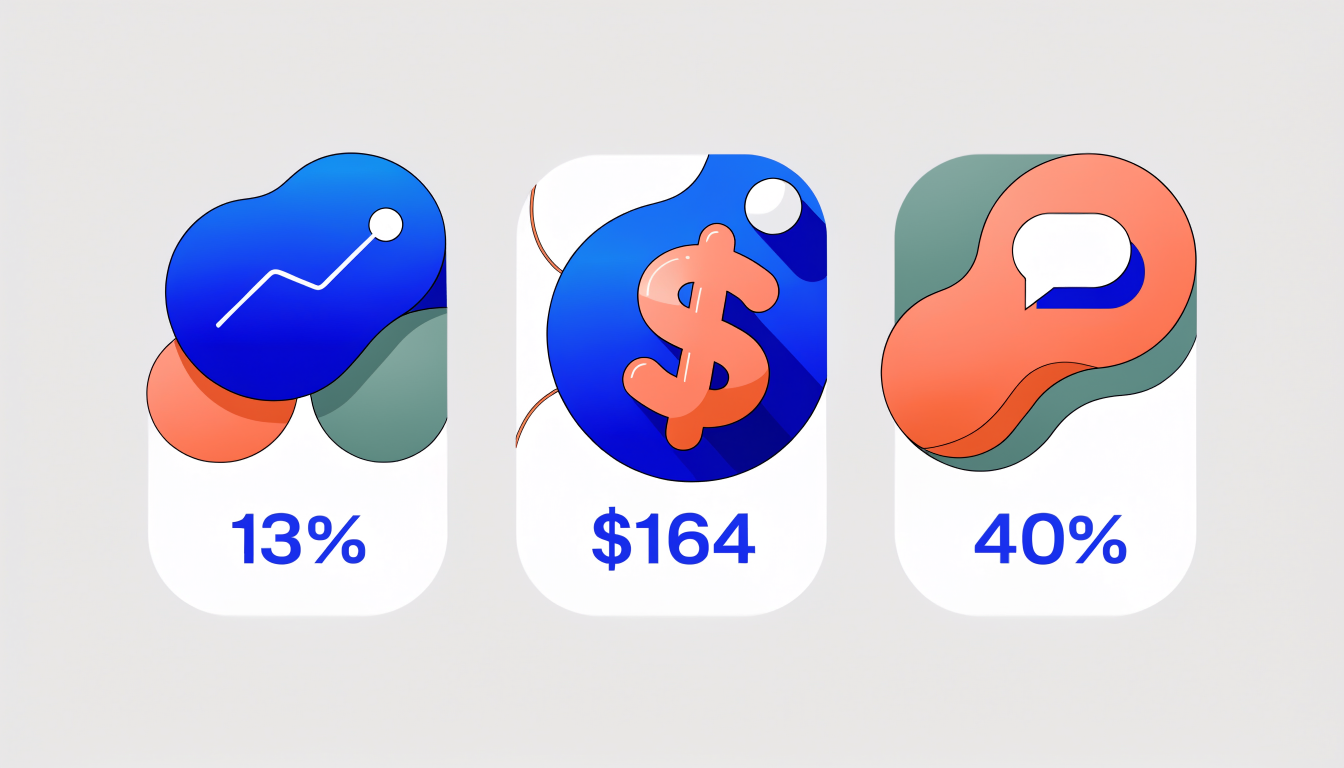
The cost per lead varies dramatically by offer type. Content offers like whitepapers or case studies average $164 per lead at the median, while demo requests or sales consultations cost $343 per lead. That's a significant difference. You're essentially paying for qualification here; demo requests naturally filter for higher-intent prospects, so the cost premium reflects that reality.
Format matters too. Feed-based forms convert at roughly 2% completion rate, but message and conversation ads hit 40% median completion. That's not a typo. Message ads work because they feel personal and less interruptive; people are already in a conversation mindset.
Your cost per click will run around $9.39 on average, but expect $11.93 specifically for Lead Gen Forms. Industry, audience size, and seasonal demand all push these numbers up or down. B2B SaaS typically costs more than recruiting; niche audiences cost more than broad targeting.
The takeaway: benchmark against your specific offer type and industry, not generic averages. A 10% conversion rate on content offers might be excellent; 10% on demo requests might signal you're attracting the wrong audience. Track both metrics independently and adjust accordingly.
Best Practices: Optimization Tactics That Drive Higher Conversions
The difference between a mediocre form and a high-converting one often comes down to specific tactical choices. Here's what actually moves the needle.
Start with your headline. Keep it under 60 characters and make the offer crystal clear. "Download our B2B sales playbook" outperforms "Learn industry insights" because prospects know exactly what they're getting. Vague headlines create friction in buyers' minds.
Field selection is where most forms fail. Use multiple-choice questions instead of free-text boxes; they reduce friction significantly. Here's the critical part: only request phone numbers if your follow-up process genuinely requires it. Including a phone field can decrease completion rates by 20 to 30 percent. If email suffices for initial outreach, skip it.
Test aggressively. A/B test different field combinations, form lengths, and even minor copy tweaks. One company might see better results with a four-field form while another converts higher with eight fields that qualify leads better upfront. Your audience and offer type determine the sweet spot.
The thank you page is your second conversion moment. Don't waste it with generic messaging. Personalize based on what they downloaded or requested. Link directly to a demo booking calendar, a download link, or next steps specific to their choice. This reduces friction in the buyer journey and signals that you're organized.
Backend integration matters as much as frontend design. Connect your forms to your CRM or use Zapier to automate lead routing and instant follow-up. Use hidden fields to capture campaign source, ad set ID, and assigned sales rep. This intelligence transforms raw leads into actionable data your team can act on immediately.
Finally, test different CTAs based on your offer type. "Get Quote" works better for pricing-focused offers, while "Download" suits content assets. "Sign Up" typically converts better for webinars or events. Match the language to the expectation you're setting.
Frequently Asked Questions About LinkedIn Lead Gen Forms
Got questions about LinkedIn Lead Gen Forms? Here are the answers that matter most.
Cost and Setup
There's no additional cost for Lead Gen Forms outside of your ad spend. You only pay for impressions and clicks like any other LinkedIn campaign. This makes them surprisingly accessible for testing lead generation strategies without budget surprises.
Form Design
Keep your forms lean. Three to four fields hit the sweet spot between capturing useful data and maintaining conversions. More fields tank your completion rates; fewer fields leave you guessing about lead quality. Test different combinations to find what works for your specific audience.
Technical Capabilities
Lead Gen Forms work across Sponsored Content and Message Ads, both formats delivering solid results. Mobile optimization isn't an afterthought here; these forms are built mobile-first, which matters since most LinkedIn users access the platform on their phones. Integration with Salesforce, HubSpot, or Zapier means leads flow directly into your existing systems without manual export work.
Lead Quality
The myth that LinkedIn leads are lower quality dies with proper form design. Choose fields that actually predict buying intent rather than vanity metrics. Ask for company size, budget timeline, or specific pain points. Bad leads come from bad forms, not from the platform itself.
Lead Access
Download leads directly through Campaign Manager Analytics or let your CRM integration handle it automatically. Either way, you'll have actionable contact information within minutes of submission.
Automating Lead Follow-Up: From Form Submission to Sales Conversation
The moment someone submits a LinkedIn Lead Gen Form, your clock starts ticking. Follow up within one hour and you're five times more likely to convert that lead into a sales conversation. Wait 24 hours, and your conversion odds plummet. This isn't theory; it's how B2B sales actually works.
The good news: you don't need to manually chase every submission. Connect your forms directly to your CRM using native integrations with HubSpot or Salesforce, or use middleware like Zapier to route leads to Google Sheets, your email system, or custom workflows. The setup takes an afternoon; the payoff compounds daily.
Here's the tactical layer that separates high-performing teams from the rest. Use hidden fields within your forms to automatically tag leads by campaign, product interest, or geography. This data routes each submission to the correct sales rep without manual sorting. Pair this with automated thank-you emails that confirm receipt and outline your next steps within minutes of submission.
LinkedIn's Conversions API deserves attention here too. When your forms feed clean first-party data back into this system, your cost-per-acquisition drops roughly 20% while attributed revenue lifts around 31%. It's a direct feedback loop that makes your paid campaigns smarter over time.
Finally, monitor everything in Campaign Manager's Analytics dashboard. Track submission volume, conversion rates by campaign, and response times. If your team is drowning in manual outreach, tools like GetViews.AI can automate personalized connection requests and follow-up messaging to form leads, freeing your reps to focus on actual sales conversations rather than logistics.
Conclusion: Why LinkedIn Lead Gen Forms Are Essential for B2B Growth in 2026
LinkedIn Lead Gen Forms represent a fundamental shift in how B2B companies acquire qualified prospects. The numbers speak for themselves: these forms convert at 13% compared to 4.02% for traditional landing pages, while reducing cost-per-lead by 20-30%. For B2B founders operating with tight budgets and aggressive growth targets, that's not just incremental improvement; it's a competitive necessity.
What makes this opportunity particularly compelling is the compounding effect of optimization. Pre-filled LinkedIn data eliminates friction, improving submission rates while simultaneously enhancing data quality. Hidden fields and sophisticated audience segmentation enable you to score leads intelligently before they even reach your sales team. Mobile-first design ensures you capture leads exactly where they're spending time: scrolling through their LinkedIn feed on smartphones.
But forms alone aren't enough. The real leverage comes from what happens next. Instant CRM integration combined with automated follow-up sequences transforms cold leads into engaged prospects within minutes, not days. This is where most teams leave money on the table. By automating your lead engagement workflow, you compress the time between form submission and first contact, dramatically improving conversion velocity.
The B2B landscape in 2026 rewards speed, precision, and scale. LinkedIn Lead Gen Forms give you all three. The question isn't whether to implement them; it's whether you can afford not to. Your competitors already are.