Phantombuster vs Alternatives: Best Tools for LinkedIn Growth 2026
Wilmer KarlssonTarstad
Last Updated: March 3, 2026
Key Takeaways
- Phantombuster excels at multi-platform automation but costs $69-439/month with complex pricing structure
- LinkedIn-focused alternatives like Expandi and Dripify offer simpler interfaces and 40-60% lower account ban risks
- Setup time for alternatives is 15-30 minutes versus Phantombuster's multi-hour configuration requirement
- Choose Phantombuster for diverse platform needs; choose specialized tools for LinkedIn-only growth strategies
What Is Phantombuster? A Quick Overview
Phantombuster is a cloud-based automation platform designed to handle repetitive data extraction and outreach tasks across 15+ social platforms. The tool operates through 130+ pre-built "Phantoms" (automation templates) that execute tasks like LinkedIn profile scraping, lead enrichment, message sending, and Instagram follower analysis without requiring coding knowledge.
The platform primarily serves sales teams, recruiters, marketers, and growth hackers looking to automate lead generation and data enrichment workflows. Its core strength lies in handling multi-platform automation; you can run LinkedIn outreach campaigns while simultaneously enriching contacts via Google Maps or Twitter data extraction.
Pricing operates on a flexible model: a free tier with limited executions, scaling up to $69-439 monthly depending on usage volume. Rather than fixed monthly capacity, you pay based on execution time consumed, which can create unpredictable costs during high-volume campaigns.
Understanding what Phantombuster actually does is essential before evaluating alternatives. While the platform excels at multi-platform automation, this generalist approach comes with trade-offs in specialization, compliance features, and per-platform optimization that matter significantly for LinkedIn-focused growth strategies.
Phantombuster Pricing Breakdown: What You Actually Pay
Phantombuster's pricing structure sounds straightforward until you actually start scaling. The platform uses a layered system that combines slots, execution hours, email credits, and AI credits, creating hidden cost escalation that catches most teams off guard.

The Starter plan at $69 per month gives you 20 automation slots and limited execution time. Sounds reasonable until you realize one LinkedIn automation might consume multiple slots, and your daily execution window fills fast. The Pro tier jumps to $159 monthly, while the Team plan reaches $439 for enterprise collaboration.
Here's where it gets frustrating: credits don't roll over. Unused email credits or AI credits expire monthly, meaning you're essentially paying for capacity you might not fully utilize. according to December 2026 pricing analysis, this complexity has prompted many users to explore alternatives offering more transparent, credits-based models.
The real cost issue emerges when exporting data. Unlike specialized LinkedIn tools with native Google Sheets integration, Phantombuster requires manual exports, adding friction to your workflow. When you're managing campaigns across multiple accounts, this becomes a significant operational headache.
A typical scaling scenario: you start at $69 monthly with Starter, but as your LinkedIn outreach grows, you'll likely hit Pro ($159) within two months, then Team ($439) within six. That's a 536% cost increase in six months, before considering additional email and AI credits you'll need to purchase separately.
The transparency issue isn't about the prices themselves; it's about how they compound unexpectedly. Factor in manual workflows and credit waste, and many teams discover they're paying significantly more than they anticipated for less efficiency than specialized alternatives provide.
Top Phantombuster Alternatives Compared
When evaluating Phantombuster alternatives, the choice ultimately depends on whether you value breadth or depth. Each competitor excels in specific areas while accepting trade-offs elsewhere.
Expandi ($99/month per account) prioritizes LinkedIn safety above all else. By using dedicated IPs, it reduces ban risk by 40-60% compared to shared infrastructure tools. The interface requires some learning, but the safety premium justifies the investment if your LinkedIn presence is revenue-critical. Best for: professionals managing high-value accounts.
Dripify takes the opposite approach, simplifying everything for one platform. Its drag-and-drop drip campaign builder is genuinely intuitive, making it ideal for users who want LinkedIn-only automation without configuration headaches. The catch: zero multi-platform support and no data extraction capabilities. Best for: LinkedIn-focused sales teams wanting quick deployment.
TexAu ($79-459/month) mirrors Phantombuster's multi-platform ambitions but delivers better pricing-to-features ratio. You get email finder, LinkedIn scraping, and CRM integrations without the premium tax. Setup typically takes 15-30 minutes versus Phantombuster's multi-hour configuration. Best for: budget-conscious teams needing cross-platform reach.

Evaboot ($39/month plus $99.99 Sales Navigator) specializes in what most tools overlook: Sales Navigator export and data cleaning. If your workflow revolves around LinkedIn's premium search features, this focused approach saves time and reduces manual work. Best for: Sales Navigator power users.
Bearconnect ($67/month) stands out for agencies. Unlimited LinkedIn accounts per seat makes it 60-80% more cost-effective for multi-account management than per-account competitors like Phantombuster. You're paying per user, not per profile. Best for: agencies managing multiple client accounts.
The real insight: Phantombuster wins when you need everything. Alternatives win when you know exactly what you need. If LinkedIn automation is your core business need, specialized tools often outperform the generalist approach. If you're orchestrating complex multi-channel campaigns, Phantombuster's integration ecosystem still holds advantages.
The decision isn't about finding the objectively best tool. It's about matching your specific workflow to a tool built for that workflow.
The Real Risks: Account Safety and Reliability Issues
Let's address the uncomfortable truth: using Phantombuster carries real account risk that many users discover too late.

User reports consistently document LinkedIn accounts getting flagged or restricted after running Phantombuster Phantoms. According to user feedback, the problem isn't occasional; it's widespread enough that experienced users treat it as an expected risk rather than an anomaly. The core issue stems from Phantombuster's multi-platform architecture. Because the tool handles everything from Twitter scraping to email finding, LinkedIn's detection systems recognize the pattern of activity as bot-like behavior rather than genuine human engagement.
Based on user reports, Phantoms frequently break down mid-execution, forcing you into time-consuming manual reconfiguration with error logs that provide minimal diagnostic detail. This unreliability compounds the safety problem; you can't simply set it and forget it.
Generic multi-platform scrapers trigger LinkedIn's anti-bot systems more frequently than specialized tools designed specifically for the platform. Tools with dedicated IP pools and behavior-mimicry technology reduce detection risk substantially by appearing indistinguishable from actual users.
Safe Phantombuster usage demands discipline: stick to 20-30 actions per day with random delays between activities and limit simultaneous Phantoms running. Many users ignore these guidelines, then face account restrictions they didn't anticipate.
No automation tool guarantees 100% account safety. LinkedIn actively evolves its detection algorithms. But alternatives offering better risk management exist. The trade-off is worth evaluating: slightly slower growth through safer tools versus faster results with genuine account jeopardy.
When Phantombuster Wins (And When It Doesn't)
Phantombuster shines when you're orchestrating growth across multiple platforms simultaneously. If your team manages presence on LinkedIn, Twitter, Instagram, Facebook, and beyond, its multi-platform automation across 15+ networks eliminates the friction of juggling separate tools. You're not switching between dashboards; everything flows through one interface. For B2B founders running lean operations, this consolidation saves real time.
The tool also excels at complex, multi-step workflows. Need to extract LinkedIn profiles, enrich them with company data, cross-reference Twitter activity, then push results to your CRM? Phantombuster chains these operations together without custom coding. Teams already invested in their ecosystem with existing Phantoms benefit from the learning curve they've already climbed, plus the network effects of their saved automation.
Here's where alternatives win decisively, though.
If LinkedIn is your singular focus, specialized tools deliver better ROI. LinkedIn-focused platforms offer safer, simpler paths with less manual setup and maintenance, and they're typically 40-60% cheaper. For agencies managing 10+ client accounts, that cost difference compounds into serious savings. You're also gaining tools designed specifically for LinkedIn's algorithm and safety requirements, rather than spreading resources across platforms you don't actively use.
Account safety deserves emphasis here. Phantombuster's multi-platform nature means higher risk exposure across your entire digital footprint. If your LinkedIn account is revenue-critical, specialized alternatives with narrower scope and stricter safety protocols reduce that exposure.

The real decision hinges on three factors: Do you need multi-platform automation, or is LinkedIn enough? Can your team handle setup complexity? What's your actual budget? Sales teams prioritizing simplicity often find focused tools more practical. Content creators managing single-platform strategies rarely justify Phantombuster's cost.
Be honest about what you'll actually use. Feature-rich doesn't mean better if half those features sit dormant.
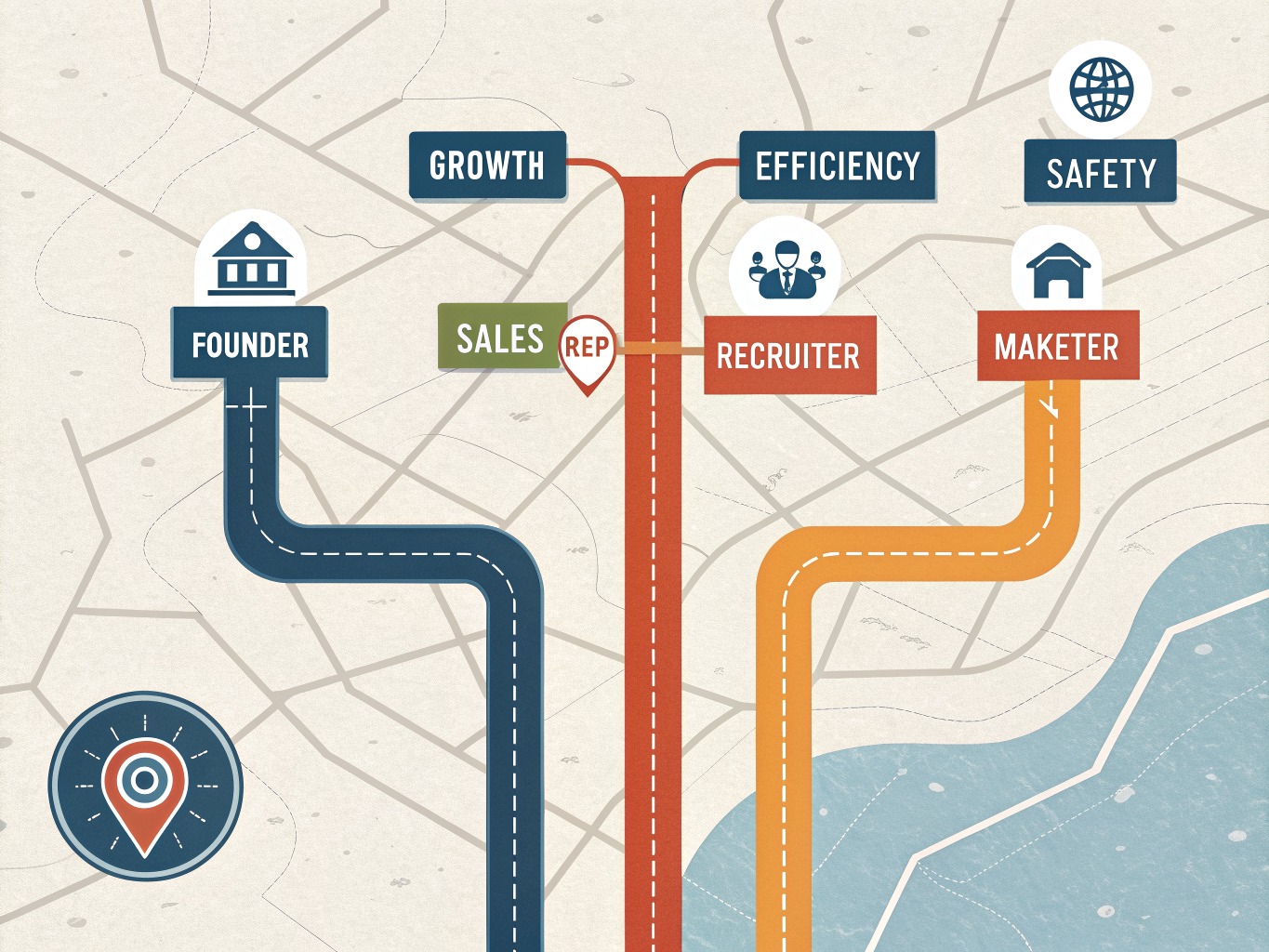
The Best Tools for Your Use Case
The right tool depends entirely on what you're trying to accomplish. Here's where each alternative genuinely excels:
For B2B Founders: Expandi or Dripify offer focused LinkedIn growth without the learning curve. You get reliable connection outreach and follow-ups without juggling multiple platforms. Expandi is safer and easier to use for LinkedIn-only campaigns compared to Phantombuster.
For Sales Teams: TexAu delivers multi-platform automation at better value. TexAu offers similar multi-platform automation as Phantombuster at better price-value ratio, with more daily execution credits and execution time.
For Agencies: Bearconnect is your answer. Managing multiple client accounts at $67 per seat per month beats paying per-account fees across the board. Bearconnect is ideal for agencies managing multiple client profiles at 60-80% lower cost.
For Recruiters: Evaboot specializes in LinkedIn Sales Navigator exports and candidate list building, solving a specific problem Phantombuster handles less elegantly.
For Content Creators and Marketers: Trigify identifies people actively engaging with your competitor content, then targets them with precision. Trigify offers signal-based lead generation identifying people engaging with competitor content. Clay and Apollo work better for integrated enrichment workflows.
Before choosing any tool, optimize your profile first. A polished presence with clear positioning converts better than any automation. Check out our LinkedIn profile optimization guide to strengthen your foundation.
Final Verdict: Making Your Decision

Here's what matters: the best tool isn't the one with the most features or the highest price tag. It's the one that solves your specific problem without creating new headaches.
Phantombuster remains a solid choice if you need cross-platform automation and have the budget to support it. But if your focus is purely LinkedIn growth, specialized alternatives typically deliver better ROI with less complexity and lower risk to your account safety.
Your decision framework should prioritize three factors: your core objective (LinkedIn only or multi-platform?), your technical comfort level, and your budget constraints. A team with limited automation experience might struggle with Phantombuster's setup, while a lean startup might balk at its pricing when a focused alternative costs half as much.
Don't skip the free trials. Most alternatives offer them for good reason; they work. Test drive two or three options with your actual outreach strategy before committing. The 30-minute trial often reveals more than any feature comparison ever could.
Finally, remember that automation is only part of the equation. Combine your chosen tool with genuine profile optimization and strategic engagement. Your profile credibility and content quality will always matter more than volume.
Ready to test your choice? Start with a free trial today, and pair it with solid fundamentals like profile optimization and engagement strategies for maximum impact.