Ultimate Guide to Creating a LinkedIn Banner in 2026
Wilmer KarlssonTarstad
Why Your LinkedIn Banner Matters More Than You Think
Here's your section:
Most LinkedIn users never touch their banner. They scroll past the default grey background, assume it doesn't matter, and move on. That's a costly mistake.
Profiles with customized background banners are 11x more likely to be viewed than those without. Let that sink in. An 11x difference. That's not incremental improvement; that's a fundamental shift in how visible you become to recruiters, clients, and prospects.
The impact gets even sharper when you combine your banner with a professional profile photo. LinkedIn research shows that including both can increase profile views by up to 21x and connection requests by 9x. These aren't vanity metrics either. More views mean more opportunities to make a first impression on decision-makers who can actually hire you, partner with you, or buy from you.
Here's what matters: your banner is the first visual real estate people see before reading a single word about your experience. It communicates your professional brand, your values, and your attention to detail in seconds. For B2B professionals and founders especially, a thoughtful banner signals competence and intentionality. It says you take your personal brand seriously.
The gap between a generic profile and a strategic one has never been wider. If you're competing for attention in 2026, ignoring your banner means leaving significant opportunity on the table.
LinkedIn Banner Specifications: Getting the Technical Details Right
Getting your LinkedIn banner dimensions right is non-negotiable. Here's what you need to know.
For personal profiles, aim for 1584 x 396 pixels with a 4:1 aspect ratio. Company pages use different specs: 1128 x 191 pixels. This isn't arbitrary. LinkedIn's algorithm crops and displays banners differently depending on device type, so these dimensions ensure your image shows up exactly as intended.
File size matters too. Personal profiles accept up to 8 MB; company pages cap out at 3 MB. While you can technically upload larger files, they'll get compressed, which degrades quality. That's why format choice is critical. PNG files retain higher quality than JPGs, especially for text and logos, though JPGs take up less space and load faster. If your banner includes typography or detailed graphics, PNG is worth the extra kilobytes.
The safe zone is where most people stumble. Keep all important elements, including text and logos, centered roughly 100 pixels away from each edge. Why? Mobile devices crop the sides aggressively, focusing on the center portion. Your perfectly positioned headline on desktop could vanish entirely on a phone screen.
Desktop displays your banner at full width, but mobile users see a narrower version. This means your banner needs to work in both contexts without losing impact. Always preview on both devices before uploading. A blurry image or cut-off call-to-action wastes the real estate you've earned.
These specs exist because they've been tested at scale. Ignoring them results in either wasted space, distorted images, or key information disappearing. Spend five minutes getting this right now rather than discovering problems after your banner goes live.
Design Principles That Make LinkedIn Banners Stand Out
The foundation of any LinkedIn banner that actually works comes down to one principle: restraint. Your banner has seconds to make an impression, so every element needs to earn its place.
Keep it simple. Cluttered designs overwhelm viewers and dilute your message. A single, high-quality image or bold visual statement beats a collage of random elements every time. You're making a professional declaration, not decorating a bulletin board. Simplicity is powerful; clean designs work best and avoid overwhelming viewers.
Text is tempting, but resist it. Avoid text-heavy banners; instead use simple bold visuals or logos, ensuring any text included doesn't get obscured by your profile image. If you do include words, make them large, bold, and impossible to miss against your background. Remember that your profile picture overlaps the banner's left side, so don't hide critical information there.
Brand consistency matters. Use your brand's colors and logo so people recognize you instantly. This creates a cohesive professional aesthetic across your entire profile, which signals intentionality to recruiters and potential connections.
Quality separates amateurs from professionals. High-quality images make your banner appear more professional and increase chances of success; blurry images or incorrectly-sized banners may turn away potential opportunities. Invest time in finding sharp visuals or hiring a designer. It's worth it.
Finally, respect the edges. Mobile users see your banner differently than desktop viewers, so keep important visuals and text centered and away from the borders where they'll be cropped. Your banner should complement your profile picture, not compete with it. Together, they tell your professional story before anyone reads a single word.
Banner Content Ideas for Different Professional Roles
Your LinkedIn banner is your chance to speak directly to your industry. Here's how to make it count based on your professional role.
B2B Founders and Business Leaders: Showcase your company logo prominently alongside a mission statement or vision. Include imagery that reflects your industry, whether that's a modern office setup, a product in action, or a team collaboration moment. A tagline like "Building solutions for [specific problem]" communicates your value instantly. Add a subtle upward trend line or growth metric if your business focuses on scaling results.
Sales Professionals: Feature yourself in action. A candid shot of you engaging with clients or presenting builds trust immediately. Pair this with a clear value proposition: "Helping B2B companies close deals faster" or similar. Include your contact information prominently; make it effortless for prospects to reach out. Consider adding a recent client logo or partnership badge for social proof.
Marketers and Content Creators: This is where bold colors and creative visuals shine. Feature your best work, campaign results, or a collection of your content types. Showcase data visualizations, award badges, or press mentions that demonstrate your impact. A personal touch works here too, so include yourself in the design rather than hiding behind purely abstract imagery.
HR Professionals and Recruiters: Emphasize your company culture and values. Use imagery that reflects your workplace environment, team dynamics, or the candidate experience you create. Include messaging around your hiring philosophy or what makes your organization unique. Highlight any certifications in talent management or employer branding achievements.
Technical Professionals: Incorporate industry-relevant visuals like code snippets, tech infrastructure diagrams, or futuristic design elements. Display relevant certifications, programming languages you specialize in, or notable projects. Balance technical credibility with approachability by including a professional headshot alongside the technical elements.
The key across all roles: authenticity matters more than perfection. Show who you actually are and what you genuinely do. Update your banner seasonally or when launching new initiatives to keep your profile fresh and relevant.
Step-by-Step Guide: Creating and Uploading Your LinkedIn Banner
Here's your section:
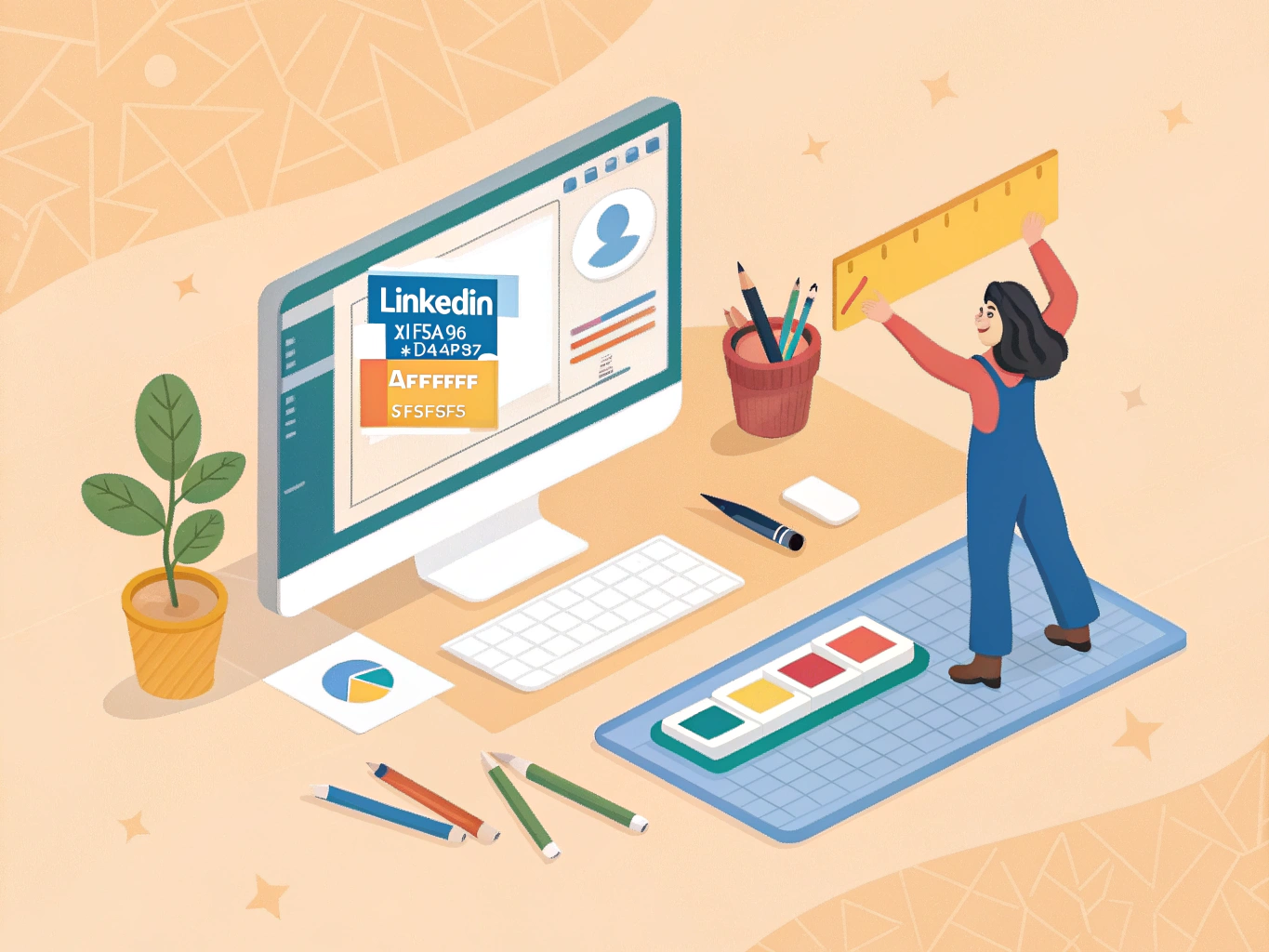
Creating your LinkedIn banner doesn't require design skills or expensive software. Free tools like Canva, Adobe Express, CorelDRAW Go, and Snappa make this genuinely simple, even if you've never designed anything before.
Here's your action plan:
Start by opening Canva or your preferred tool and search for "LinkedIn banner template." These templates come pre-sized to LinkedIn's exact specifications, so you won't waste time figuring out dimensions. Pick a template that matches your industry vibe, whether that's corporate, creative, tech-focused, or entrepreneurial.
Next, customize it. Drag and drop your professional headshot, company logo, or relevant imagery into the template. Swap colors to match your brand, and add text that communicates your value proposition in just a few words. Remember: keep important visuals and text centered in the safe zone; the edges might get cropped on mobile devices.
Export your finished banner as a JPG or PNG file, keeping it under 8 MB. Now for the upload: go to your LinkedIn profile, hover over your current banner, and click the camera icon. Select your file, crop it if needed, and preview it on both desktop and mobile before hitting Apply.
Pro tip: LinkedIn Premium users can upload up to five rotating banners, turning your banner into a dynamic billboard that showcases different achievements or seasonal updates. Consider adding a QR code to drive traffic since banners aren't directly clickable. Update your banner regularly to reflect promotions, milestones, or industry events. Your banner should evolve as your career does.
Common LinkedIn Banner Mistakes to Avoid
Even the best banner concept falls flat when execution stumbles. Here's what's holding professionals back.
Starting with the basics: using LinkedIn's default grey background signals zero effort. It screams neglect. Similarly, uploading low-resolution or blurry images damages credibility faster than you'd think. Your banner represents you; fuzzy visuals undermine that message.
Mobile matters more than you realize. Placing critical text or logos near the edges guarantees they'll vanish on phones. Preview everything on mobile before publishing, period.
Design restraint beats complexity every time. Cramming too many elements, colors, or fonts overwhelms viewers in seconds. Your banner should feel cohesive, not chaotic. This means aligning it with your profile picture for a unified aesthetic that feels intentional.
Generic stock photos are everywhere. Thousands of professionals use the same minimalist desk or city skyline. Stand out by choosing more specific imagery that reflects your actual brand or niche.
Stale banners hurt more than you'd expect. If your banner still features an old job title or expired achievement, update it immediately. Your profile should reflect your current professional reality.
Text-heavy banners also flop. Visuals communicate instantly; words require effort. Trust design to do the heavy lifting instead of relying on paragraphs.
Finally, inconsistent colors or fonts that don't match your professional brand create cognitive friction. Viewers notice when things feel off-brand, even subconsciously. Consistency builds trust; mismatches erode it.
Key Takeaways: Your LinkedIn Banner Action Plan
You're ready to transform your LinkedIn presence. Here's your action plan:
Immediate Steps (This Week) Start with the right dimensions: 1584 x 396 pixels for personal profiles, 1128 x 191 pixels for company pages. Grab a template from Canva or Adobe Express, then customize it with your brand colors and relevant imagery. Keep all important elements 100 pixels from the edges to avoid mobile cutoffs. Preview on both desktop and mobile before uploading.
Why This Matters Profiles with custom banners get viewed 11x more often. That's not a small bump; that's a fundamental shift in how people engage with your profile.
Ongoing Strategy Update your banner quarterly to reflect new achievements, seasonal campaigns, or career milestones. Pair banner optimization with profile improvements like a compelling headline and strategic summary. Use your banner to guide visitors toward action: your website, contact information, or latest content.

Remember: your banner is one piece of a larger growth strategy. Combined with consistent content and engagement, it becomes a powerful conversion tool.