Wilmer KarlssonTarstad
Last Updated: November 13, 2026
Key Takeaways
- AI agents automate research, personalization, and follow-ups while you focus on closing deals
- Safe automation respects daily limits: 20-30 connection requests, 50-75 messages per account per day
- 4-step sequences over 2-3 weeks outperform longer sequences with diminishing returns
- Cloud-based tools with human-like timing and personalization dramatically reduce account restriction risk
What Are AI Agents for LinkedIn Outreach?
Think of AI agents for LinkedIn outreach as intelligent assistants that handle the entire research-to-conversation workflow, not just automated message blasters. Unlike traditional automation tools that simply send templated messages on a schedule, modern AI agents actually think through each prospect interaction. They research your target, analyze their profile and recent activity, craft genuinely personalized messages, manage responses, and adjust their approach based on what happens next.
Here's what separates them from basic bots: AI agents can reason about context. They understand that a VP of Sales who recently posted about team expansion might need a different approach than someone quietly job searching. They recognize when a prospect is engaged versus uninterested, and they know when to follow up or step back. AI agents automate social selling by managing connection requests, publishing thought leadership content, and running multi-stakeholder outreach, handling the repetitive coordination that would otherwise consume hours of your week.
The practical advantage is clear: you get the efficiency of automation with the human touch that actually converts. These systems can manage multiple account profiles, respect LinkedIn's rate limits to avoid triggering security flags, and mimic natural human behavior patterns. They don't spam; they strategize.
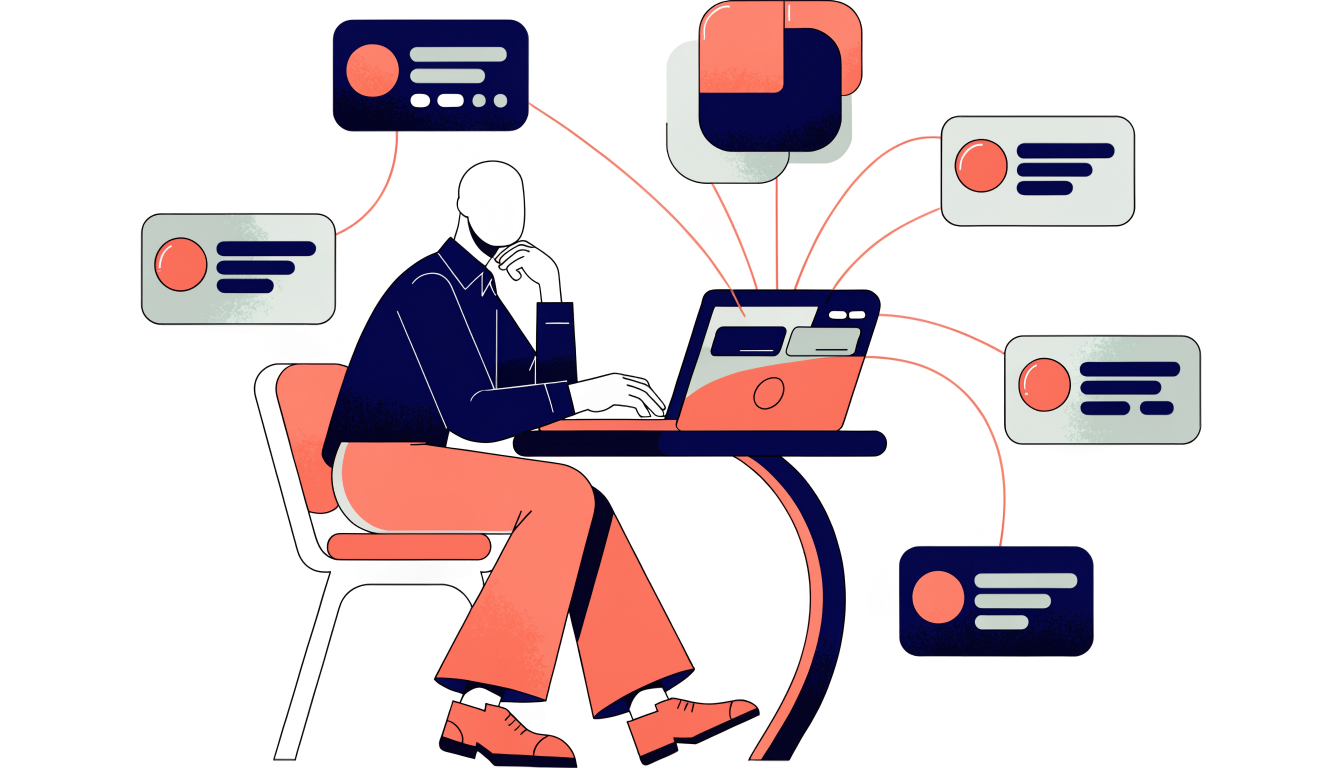
What makes this work at scale is the combination of personalization and compliance. A properly built AI agent researches each prospect individually, writes unique messages, and operates within LinkedIn's guidelines. The result: higher response rates without the account risk that comes from sloppy automation.
How AI Agents Work in LinkedIn Outreach Workflows
AI agents handle LinkedIn outreach through a structured yet adaptive workflow that operates in real-time. Rather than executing rigid, pre-set sequences, these systems make intelligent decisions at each stage, responding to prospect behavior and contextual signals.
The process begins with prospect research. An AI agent gathers information from LinkedIn profiles, company websites, recent news, and engagement history to build a comprehensive picture of your target. It identifies key details: job title changes, company growth signals, content they've engaged with, mutual connections. This foundation ensures every subsequent interaction has genuine relevance, not just surface-level personalization.
Next comes message generation. Armed with prospect context, the agent crafts personalized connection requests and follow-up messages that reference specific details from their profile or recent activity. According to research, email follow-up referencing a LinkedIn touch converts far better than cold first email because context is established. AI agents leverage this principle by coordinating messages across LinkedIn and email channels with complementary messaging that builds narrative momentum.
The intelligence layer distinguishes agents from basic automation tools. Once messages land, agents monitor responses and adjust behavior accordingly. If a prospect replies positively, the agent pauses the sequence and flags the lead for human follow-up. If they ignore initial contact, the agent spaces out follow-ups intelligently, often varying message angle or timing based on their engagement patterns. Some agents even incorporate conditional logic: if a prospect opens an email but doesn't click, they might receive a different message than someone who ignores it entirely.
AI agents can build, launch, and manage LinkedIn campaigns in plain language, removing setup friction. This means less configuration and faster campaign deployment. The system handles multi-touch sequencing, channel coordination, and timing decisions autonomously while you focus on strategy and relationship building.
What AI Agents Can Safely Automate on LinkedIn
The line between smart automation and account risk comes down to understanding what LinkedIn's algorithm tolerates. Not all automation is created equal, and the distinction matters for your account's long-term health.
Safe actions to automate include connection requests to targeted prospects, direct messages to existing connections, and structured follow-up sequences. Profile visits and engagement tracking also work well within automation frameworks. These activities mimic natural user behavior because they're genuinely what active professionals do every day.
What you should never automate: mass InMail campaigns, auto-endorsements at scale, blanket connection withdrawals, or anything resembling spam patterns. These trigger LinkedIn's detection systems and can result in temporary restrictions or, in severe cases, account suspension. The risk simply doesn't justify the marginal gain.
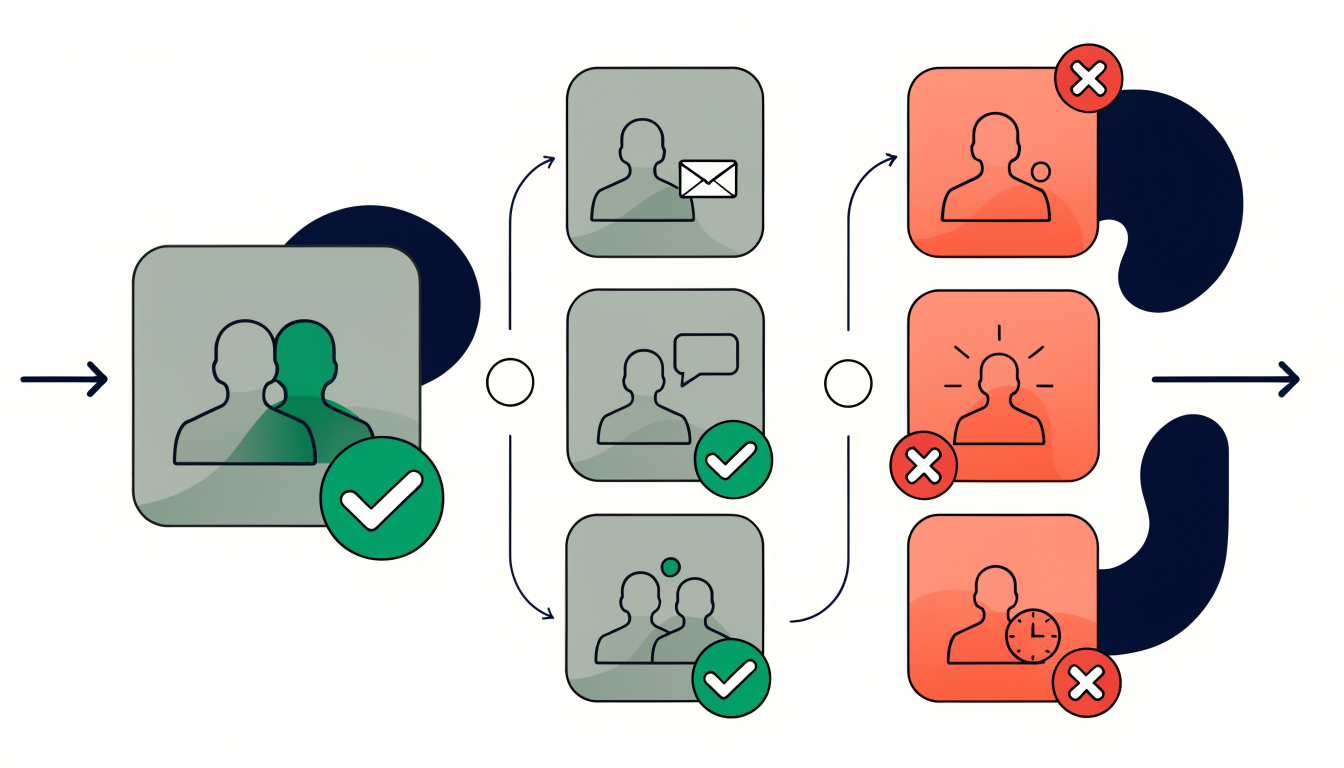
The optimal sequence structure is four touchpoints spread across two to three weeks. Four-step sequences are sufficient; steps beyond four produce sharply diminishing reply rates. More isn't better; it's just more annoying.
Your automation platform choice matters significantly. Cloud-based automation tools are significantly safer than browser extension tools and should be the default choice. Extensions operate directly on LinkedIn's interface, making them easier to detect. Cloud solutions create distance between your account and the automation, reducing detection risk.
Finally, personalization isn't just good manners; it's a safety mechanism. Structured personalization with narrow audience segments and dynamic variables bridges the gap between automation scale and message relevance. Generic messages get flagged. Specific, relevant outreach gets responses and looks natural to LinkedIn's systems.
Best Practices for Implementing AI Agents Safely
Implementing AI agents successfully on LinkedIn means respecting hard boundaries. Think of it as building a sustainable system, not pushing limits. Here's what actually works.
Start with account warm-up. New accounts need 1-2 weeks of manual activity before any automation touches them. This means logging in daily, viewing profiles, engaging with posts, and sending a handful of genuine messages. LinkedIn's algorithm learns your behavior patterns during this period. Skip this step, and you're flagging yourself immediately.
Daily activity limits are non-negotiable: aim for 20-30 connection requests, 50-75 messages, and 80-100 profile views per day. These thresholds are based on what typical users do without triggering detection systems. Stay comfortably below these numbers, not at them.
Randomization matters more than most people realize. Set your AI agent to use variable delays between actions (2-5 seconds, not fixed intervals), and vary session lengths. Bots operate with mechanical precision; humans don't. An agent that performs identical actions every 3 seconds at 2 AM looks suspicious. One that works randomly during business hours looks normal.
Implement conditional logic to pause outreach when prospects reply. If someone engages, your agent should stop sending additional messages to that person for at least 48 hours. This demonstrates responsiveness and prevents the appearance of spam sequences.
Ramp volume gradually. If you're starting automation, begin at 50% of your daily limit in week one. Increase by 10-20% weekly until you reach your target volume. This gradual progression looks organic to LinkedIn's monitoring systems.
Finally, monitor daily. Check your outreach reports, reply rates, and account health metrics. If you notice unusual activity, connection request rejections spiking, or message deliverability dropping, pause immediately and investigate. Early detection prevents account restrictions.
Safety isn't boring; it's profitable. Accounts that survive long-term generate consistent results.
Maximizing Personalization and Response Rates
Here's where AI agents deliver real business results. Generic messages get ignored; personalized ones get responses. The difference isn't subtle, it's measurable: data-backed insights can increase reply rates by three to four times compared to generic outreach.
The secret is feeding your AI agent with rich, real-time data. Job changes, funding announcements, company pivots, new product launches, hiring patterns. These aren't vanity details; they're genuine connection points. An AI agent that knows your prospect just secured Series B funding or moved to a VP role can reference that specific moment and explain why you're reaching out now, not three months ago.
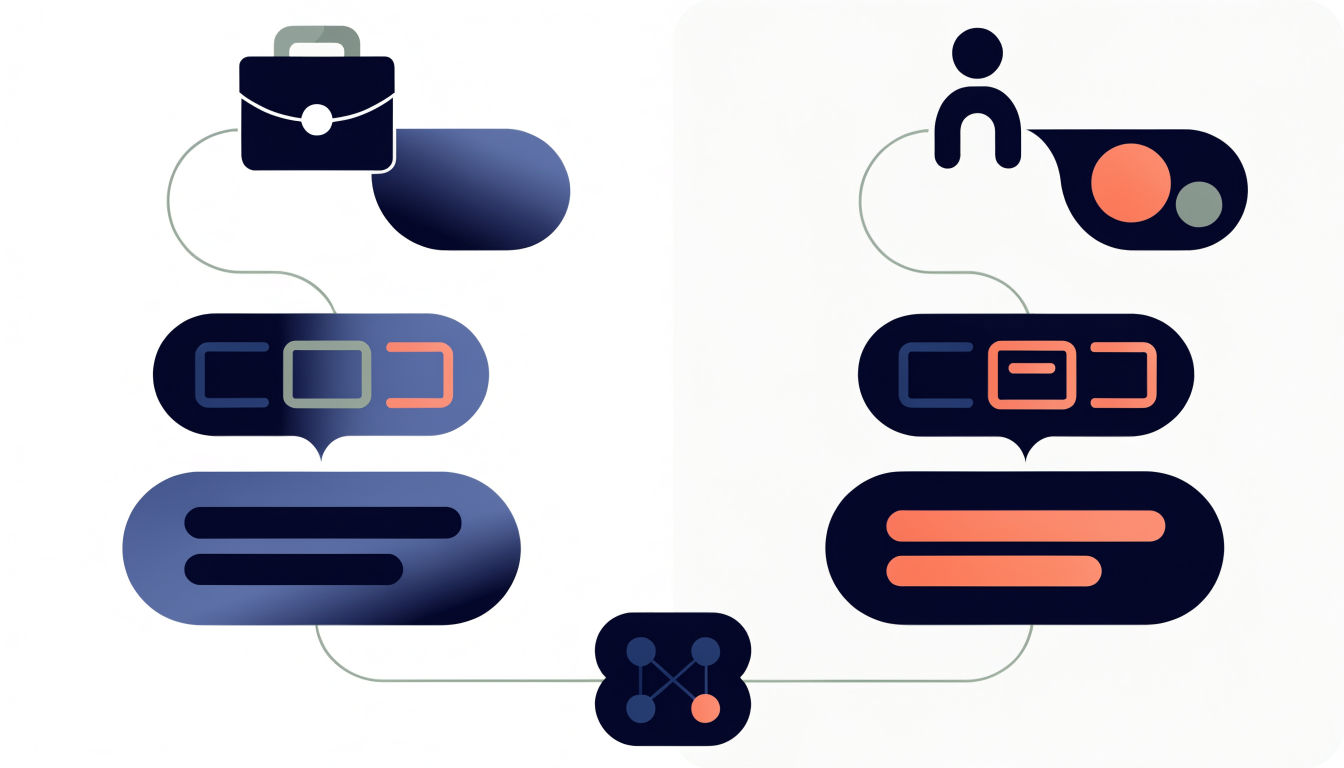
The best agents analyze LinkedIn profiles, company websites, and your CRM data simultaneously, identifying multiple angles for relevance. This creates scale without sacrificing authenticity. You're not blasting 500 identical messages; you're sending 500 distinct conversations that reference real signals. That distinction matters for your metrics and your sender reputation.
There's a secondary benefit nobody talks about enough: reduced spam risk. Messages that reference specific, verifiable details don't trigger detection systems the way templates do. LinkedIn's filters recognize patterns in mass-produced content. Genuine personalization looks like genuine outreach. You get higher response rates and lower account risk, which means your outreach compounds over time instead of hitting walls.
Common Mistakes That Trigger LinkedIn Restrictions
The difference between sustainable LinkedIn outreach and a restricted account often comes down to execution details that seem minor until they trigger LinkedIn's detection systems.
The most common mistake is scaling too fast. LinkedIn monitors for sudden spikes in activity; jumping from 10 connection requests daily to 100 overnight signals bot behavior, even if your tool is legitimate. The platform expects human-like patterns, which means gradual increases over weeks, not hours.
Fixed intervals between actions are another red flag. Sending a message every 30 seconds, or connecting every 2 minutes, creates a mechanical pattern that's impossible for a real person to maintain. Vary your timing randomly. Wait 3 minutes sometimes, 7 minutes other times.
Aggressive tactics accelerate restrictions significantly. Avoid auto-withdrawing pending connection requests, auto-endorsing skills, or sending InMail at scale. These actions scream automation and trigger immediate flags.
Poor personalization compounds the problem. Sending identical messages to dozens of prospects is how accounts get locked. LinkedIn's systems detect template language patterns. Every outreach should reference something specific from their profile or recent activity.
Running automation 24/7 without natural breaks is unnatural. Real professionals take evenings off, use LinkedIn sporadically on weekends. Your automation should mirror actual human behavior, including downtime.
Finally, browser extensions carry higher risk than cloud-based tools because they mimic direct user actions more obviously. If you're serious about scaling, invest in tools designed specifically for compliance.
The cost of a restricted account far exceeds the time saved by cutting corners. Build slowly, personalize genuinely, and monitor your own patterns.
FAQ: AI Agents for LinkedIn Outreach
Will using an AI agent get my LinkedIn account restricted?
No, not if you're using it correctly. The key is working with cloud-based tools that respect LinkedIn's rate limits, maintaining genuine personalization, and avoiding the patterns that trigger LinkedIn's detection systems. Using LinkedIn automation tools is safe in 2026 as long as you follow responsible practices. Think of it like this: LinkedIn restricts bot-like behavior, not smart outreach. AI agents that adapt messaging based on prospect data look and feel human because they are more thoughtful than templated sequences.
How long before I see results?
Give it 2 to 3 weeks minimum. A full outreach sequence takes time to complete, and meaningful responses come after prospects have seen multiple touchpoints. Impatience kills more campaigns than poor messaging.
Can AI agents actually handle replies and book meetings?
Yes. Modern agents draft contextual responses to incoming messages and integrate with calendar tools to suggest meeting times. You still control what gets sent, but the agent removes the friction of manual back-and-forth.
Do I need to review every message?
Most teams use approval mode for their first campaign, then shift to spot-checking after building confidence in the system. This gives you control without creating a bottleneck.
How much manual work is required?
Upfront effort is real: defining your ideal customer profile, building your prospect list, and refining your positioning. Once that's done, the agent handles personalization, sequencing, and follow-ups. You're managing strategy, not typing messages.
What's different about AI agents versus old automation tools?
Traditional tools send the same message to everyone with minor variable swaps. AI agents actually read prospect data, understand context, and adapt their approach. It's the difference between a mail merge and a real conversation.
How GetViews.AI Enables AI Agent-Powered Outreach
GetViews.AI addresses the core tension in AI-powered LinkedIn outreach: automation needs human judgment, and scale requires safety guardrails. The platform keeps you in control by automating the research and personalization layer while you maintain decision-making authority over every campaign.
Here's what makes this practical. Built-in safety features respect LinkedIn's daily connection limits, message quotas, and behavioral patterns that trigger account reviews. Rather than pushing boundaries, GetViews.AI works within them, which means your account stays healthy while you build genuine relationships at scale. The native LinkedIn integration eliminates the browser extension complexity and third-party tool friction that slows most teams down.
The AI handles content creation and message personalization, cutting your manual writing time significantly. Instead of crafting 50 variations of the same message, you set the tone and strategy; the system generates contextually relevant variations based on prospect data. Your analytics dashboard tracks what actually works: response rates, acceptance rates, and conversation quality across campaigns. Integration with your existing CRM means outreach data flows directly into your sales process, no manual data entry required. This is automation that respects both LinkedIn's ecosystem and your business goals.
Getting Started: Your First AI Agent Campaign
You now have a roadmap. The mechanics are straightforward: identify your ideal prospect, warm up your account, craft genuine messages, and let the system handle the logistics while you focus on strategy.
Here's how to move from reading to doing. Start small, not ambitious. Pick 50 to 100 prospects that match your ICP precisely. Spend one to two weeks warming up your account organically, posting and engaging before you send a single outreach message. This isn't wasted time; it's the foundation that keeps your account healthy.
When you launch your first campaign, use approval mode for the initial 50 to 100 messages. Review each one before it goes out. This step feels tedious, but it catches personalization gaps and builds your confidence in the system's output. Watch your response rates daily. You'll start seeing patterns quickly, which ones land, which ones don't.
Scale gradually. Once you've validated your messaging and seen consistent results, increase your daily limits incrementally. This approach protects your account and lets you refine your strategy without risk.
The truth is simple: AI agents remove the operational burden so you can focus on what actually matters, the strategy and relationships. You've got the knowledge. Now it's time to run your first campaign. Start with a free trial, test your ICP, and see what your outreach can actually achieve when you remove the friction.