Best Free CRM with LinkedIn Integration in 2026
Wilmer KarlssonTarstad
Last Updated: April 3, 2026
Quick Summary
- Free LinkedIn CRM integration solves context loss at scale by syncing activity automatically
- HubSpot and Agile CRM offer the best free plans; Zoho is most affordable for advanced features
- LinkedIn CRM integration prevents forgotten follow-ups and scattered relationship history
- Specialized tools like LeadDelta and Kondo excel at network management and messaging workflows
- Most free CRMs require additional tools or paid upgrades for full Sales Navigator integration
What Is a Free CRM with LinkedIn Integration and Why You Need One
Your sales team lives on LinkedIn. But here's the problem: when you're managing hundreds of connections, tracking dozens of conversations, and following up across multiple deals, context evaporates fast. A message you sent three weeks ago gets forgotten. A prospect's job change goes unnoticed. Follow-ups slip through the cracks. You're left copying contact details manually between LinkedIn and your CRM, duplicating work and losing the thread of relationships that matter.
This is where LinkedIn CRM integration steps in. It's the bridge that syncs your LinkedIn activity, contacts, and messages directly into your CRM system, keeping everything connected without manual busywork. Instead of jumping between tabs and losing context, your entire LinkedIn presence feeds into one centralized hub where your sales data lives.

The good news: you don't need an enterprise budget to make this work. Free CRM solutions with LinkedIn integration exist, and they actually function for B2B sales teams at scale. The catch is understanding your options. There are three approaches: native integrations built directly into both LinkedIn and your CRM, third-party tools that bridge the gap, and Sales Navigator-specific solutions. Each has different strengths, trade-offs, and price points that determine whether it fits your workflow.
Top Free CRM Options with LinkedIn Integration
When you're shopping for a free CRM with LinkedIn capabilities, you'll quickly realize that not all free plans are created equal. The best choice depends on your team size, budget constraints, and how deeply you need LinkedIn integration woven into your workflow.
HubSpot CRM remains the gold standard for free CRM offerings. HubSpot's free plan includes contact management, deal tracking, email marketing, and LinkedIn lead form integration, making it accessible for solo entrepreneurs and small teams. You get unlimited contacts and basic automation without entering a credit card. The trade-off: advanced features like custom workflows, reporting, and multi-user collaboration require paid upgrades. For most people starting out, this limitation barely stings.
If you need to accommodate multiple team members without paying, Agile CRM deserves attention. The platform offers a free tier supporting up to 10 users with no credit card required, and it includes direct LinkedIn profile viewing and messaging capabilities built into the interface. This is genuinely useful if your team actively prospects on LinkedIn. However, the free plan caps automation rules and integrations, so you won't replicate enterprise-level workflows.
Zoho CRM takes a different approach. Its free plan is limited, capping you at three users and basic features. But here's where it wins: the paid tier remains remarkably affordable compared to competitors, and Zoho's LinkedIn integration is reliable and intuitive for small to mid-sized businesses. If you're willing to invest $15 to $25 monthly per user, Zoho gives you significantly more functionality than other budget options.
Then there's folk CRM, which operates on a different philosophy entirely. folk is built for LinkedIn from the ground up with one-click capture and streamlined UX specifically designed for mid-size teams scaling outreach. It's not free, but it eliminates the friction of traditional CRM setup. If your sales process centers on LinkedIn prospecting, folk's native approach might justify the investment over wrestling with generic tools.
Here's the honest truth about free plans: they're designed to get you hooked, not to be your permanent solution. You'll hit limitations on user seats, integration count, or automation complexity. Most teams graduate to paid plans within six months. Start free to test the workflow, but budget for expansion as you scale. The real question isn't which free CRM is best; it's which tool's paid version you'll eventually adopt.
HubSpot vs Zoho vs Agile CRM: Feature Comparison
When evaluating free CRM options for LinkedIn integration, three platforms consistently surface: HubSpot, Zoho, and Agile CRM. Each takes a different approach to balancing features, pricing, and ease of use.
HubSpot dominates the "best overall" conversation for good reason. Its free plan includes contact management, basic email tracking, and a clean interface that requires minimal onboarding. However, here's the catch: native LinkedIn Sales Navigator integration lives behind the Professional plan, which costs at least $1,170 monthly for five users. If you're willing to work with manual LinkedIn data entry or lighter integrations on the free tier, HubSpot remains solid for small teams just starting their CRM journey.
Zoho takes the opposite angle. Its free tier supports up to three users with surprisingly robust features, and LinkedIn integration happens at a lower price point. You can connect with Sales Navigator for just $23 per user monthly on Zoho's Standard plan, making it genuinely affordable for teams needing tight LinkedIn syncing without enterprise budgets. The trade-off: Zoho's interface feels busier, and the learning curve is steeper. You'll spend more time figuring out where things live.

Agile CRM serves solopreneurs and tiny teams perfectly. Its free plan caps at 10 users with straightforward LinkedIn contact syncing and task automation. Setup happens fast, and you won't feel overwhelmed by options. The limitation: you'll outgrow it quickly if your team expands or your sales process becomes complex.
The right choice depends on how you sell. Pick HubSpot if you value ease and don't mind staying on the free tier while upgrading later. Choose Zoho if you need LinkedIn integration now and have budget flexibility. Select Agile CRM if you're solo or running a micro-team with straightforward sales workflows.
Specialized LinkedIn CRM Tools for Network Management
If you're managing hundreds or thousands of LinkedIn connections, traditional CRMs can feel like overkill. That's where specialized LinkedIn CRM tools come in. These platforms focus exclusively on solving LinkedIn-specific problems: organizing your network, managing conversations, and tracking engagement without the complexity of enterprise software.
LeadDelta transforms your LinkedIn connections into an organized, searchable database with spreadsheet-like views and advanced filtering. Instead of scrolling through your connections endlessly, you can tag people by role, industry, or interaction history, then resurface them when it matters. This works best if you've accumulated a massive network that's become difficult to navigate.
Kondo takes a different approach by overhauling your LinkedIn messaging experience entirely. Think of it as Superhuman for LinkedIn: it adds labels, split inboxes, and automation to your LinkedIn inbox so conversations don't get buried. If you're drowning in connection requests and messages, Kondo handles the triage.
Breakcold positions itself as a native LinkedIn CRM, letting you organize prospects into lists and tags while tracking their activity and engagement patterns. You can monitor first and second-degree connections without leaving the platform, making it ideal for relationship-focused sales work.
NetHunt offers seamless LinkedIn integration with automatic message and contact syncing, bridging your LinkedIn activity with a traditional CRM backend if you need both.
Here's the crucial distinction: these specialized tools rarely replace traditional CRMs entirely. Instead, they work alongside them, handling the uniquely messy problem of LinkedIn relationship management while your main CRM handles deals, forecasting, and team coordination. Use them when LinkedIn is your primary prospecting channel but your general CRM feels clunky for managing those specific workflows.
How to Set Up LinkedIn Integration: Methods and Best Practices
Setting up LinkedIn integration depends on which CRM you're using and how much automation you need. The good news: you have three solid approaches, each with different complexity levels.
Native integrations are your easiest route if your CRM supports them directly. HubSpot and Zoho CRM both offer built-in LinkedIn connections that require just a few clicks. You'll authorize your LinkedIn account, and the CRM automatically syncs contact information. No configuration headaches, no third-party tools needed. The tradeoff is limited to CRMs that have invested in native LinkedIn support.
For everything else, Zapier enables Zoho CRM to sync messages from LinkedIn directly to contact records with triggers for new messages. Zapier and Make.com act as bridges, connecting virtually any CRM to LinkedIn through automated workflows. You can capture new leads, sync messages, or trigger follow-up actions without manual work. The learning curve is slightly steeper, but the flexibility is worth it.
Chrome extensions like LeadDelta and Add to CRM offer the quickest solution for capturing individual contacts. One click on a LinkedIn profile, and the contact data flows into your CRM. Perfect for quick prospecting, though less useful for large-scale syncing.
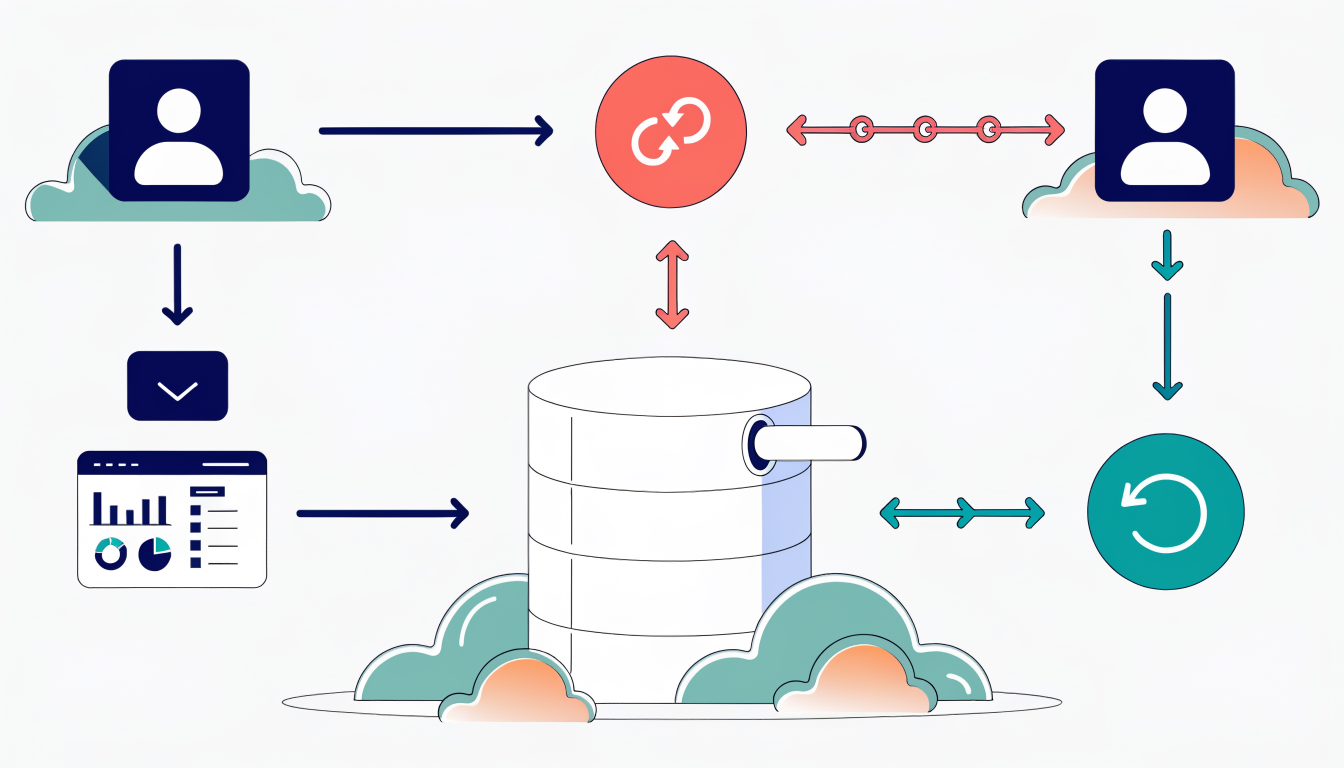
Regardless of your method, always map LinkedIn fields correctly to your CRM fields. A messy field mapping creates data chaos. Enable duplicate detection in your CRM settings to prevent importing the same contact twice, which wastes time during follow-up and skews your metrics.
Common Questions About Free CRM and LinkedIn Integration
Do I really get LinkedIn integration for free?
Yes, but with important caveats. Most free CRMs offer basic LinkedIn integration, meaning you can pull contact information and view profiles directly from your dashboard. However, free plans typically exclude advanced features like Sales Navigator data syncing, automated profile tracking, or bulk contact imports from LinkedIn searches. You're getting the foundation, not the full toolkit.
Can I use a free CRM with a larger sales team?
It depends on the platform. Agile CRM offers free access for up to 10 users with no credit card required, making it viable for small teams. Other tools cap free users at three or five. Check the specific platform's limits before committing your team to a free plan; what works for a solo founder won't work for a five-person sales department.
Is my LinkedIn data actually secure in a CRM?
Absolutely. Reputable CRM providers use encryption, comply with GDPR and SOC 2 standards, and undergo regular security audits. Your data isn't sitting in an unsecured spreadsheet. That said, choose established platforms with transparent privacy policies rather than unknown startups.
What if I want to switch CRMs later?
Most CRMs allow data export, though the format and ease vary. Some provide CSV files; others offer API access. Before committing to any platform, confirm their export process. This flexibility protects your investment in data entry and prevents vendor lock-in.
When should I upgrade from free?
When limitations directly impact revenue. If you need Sales Navigator integration, team collaboration features, or advanced automation, the paid version becomes worth the cost. Free works perfectly until it doesn't.
Amplify Your LinkedIn Growth Beyond CRM Integration
Free CRM integration solves a critical problem: keeping your LinkedIn contacts organized and your conversations in one place. But here's what most free CRMs won't do for you. They manage what you've already captured, not how you capture it in the first place. They're reactive tools, not growth engines.
The missing pieces are content, engagement, and insight. You can have perfect contact records but still struggle with what to post, when to engage with your network, or whether your LinkedIn strategy is actually moving the needle. Most free CRMs skip these entirely because they're not built for LinkedIn specifically.
The real strategy is layering your tools. Use a free CRM to manage relationships and track conversations. Then pair it with platforms designed for LinkedIn growth, content creation, and analytics. This combination gives you both the organizational backbone and the growth acceleration you actually need.
Start with the CRM recommendations above. Then explore how AI-powered content tools can help you post consistently and LinkedIn analytics can show you what's working. Your complete system works harder than any single tool ever could.