Zoho CRM LinkedIn Integration: Complete Setup Guide 2026
Wilmer KarlssonTarstad
Last Updated: March 24, 2026
TL;DR: Key Takeaways
- Zoho CRM lacks native LinkedIn Sales Navigator integration; use automation platforms instead
- LinkedIn Lead Ads sync natively with Zoho Social, then to Zoho CRM automatically
- Third-party tools like Zapier, Pluga, and Pabbly enable custom LinkedIn to Zoho workflows
- Chrome extensions like LinkMatch streamline manual LinkedIn profile imports into Zoho
- Automation saves hours monthly on lead entry and follow-up tasks
What Is Zoho CRM LinkedIn Integration and Why You Need It
LinkedIn has your prospects. Zoho CRM has your sales data. The integration bridges that gap, letting information flow automatically instead of requiring manual entry across two separate platforms.
Here's the honest reality: Zoho doesn't offer the same native integration pathway that Salesforce or Microsoft Dynamics users enjoy. LinkedIn Sales Navigator officially integrates with Microsoft Dynamics and Salesforce only, which means you won't find a direct "connect Sales Navigator to Zoho" button in either platform's settings. But that limitation doesn't mean you're stuck with manual workflows.
Multiple solutions work equally well for most B2B teams. Zapier, Make, and native Zoho Flow automation handle the heavy lifting by syncing contact data, activity logs, and prospect information between LinkedIn and your Zoho instance. For teams using Sales Navigator specifically, these third-party connectors replicate the functionality you need without the premium price tag of enterprise platforms.
Why this matters: your sales team spends time on LinkedIn researching accounts and building relationships. Without integration, those insights stay trapped in LinkedIn while your CRM remains incomplete. The right setup ensures prospect data automatically populates your records, enriching profiles and eliminating duplicate entry work. You'll move faster from research to outreach, and your data stays current across both systems.
Method 1: Native LinkedIn Lead Ads to Zoho Social Integration
LinkedIn Lead Ads eliminate friction from the lead capture process. Rather than directing prospects to an external landing page, these ads let users submit their information directly within LinkedIn. This native approach means higher conversion rates and faster lead collection, which is exactly what you want feeding into your CRM.
Zoho Social serves as your bridge between LinkedIn Lead Ads and Zoho CRM. Think of it as the translator that takes LinkedIn data and converts it into structured CRM records. The setup is refreshingly straightforward: once you connect your LinkedIn account to Zoho Social, you can toggle the 'Sync LinkedIn Lead Ads with Zoho CRM' option in your Zoho Social settings to activate automatic syncing.
What makes this method genuinely powerful is the field mapping capability. LinkedIn captures specific information (name, email, phone, company), and Zoho Social ensures each field maps correctly to your CRM's structure. You're not forcing data into wrong slots; every LinkedIn field has a designated Zoho CRM home. This accuracy matters because messy data creates downstream problems with reporting and follow-up.
The auto-sync toggle gives you granular control. You can filter which leads sync based on status, set sync frequency, and adjust field mappings without touching code or hiring developers. This is integration without the typical complexity. Once activated, leads flow automatically from LinkedIn into Zoho CRM within minutes of submission.
No third-party tools, no webhooks, no technical debt. This pathway works because both platforms were designed with this workflow in mind. If your team relies primarily on LinkedIn Lead Ads for prospecting, this native integration is your fastest route to a functioning system. Setup takes less than an hour, and the ongoing maintenance is minimal. That's the kind of efficiency that compounds over time as your lead volume grows.
Method 2: LinkedIn Sales Navigator and Manual Lead Segmentation
LinkedIn Sales Navigator offers the precision that standard LinkedIn searches can't match. Advanced filters let you narrow prospects by job title, company size, seniority, and engagement level, creating saved searches tailored to your ideal customer profile. This is where account-based selling strategies shine, especially for teams targeting specific accounts rather than casting wide nets.
The catch: LinkedIn Sales Navigator doesn't pull email addresses into Zoho CRM natively. You'll need to export your saved searches as lists, then download them as CSV files. From there, email enrichment tools like Wiza or Ulinc fill the gaps, appending contact information to your prospect list before import.

Here's why this manual approach works better than it sounds: you segment leads by criteria before they enter Zoho. Filter your exported list by industry, company revenue, or engagement history. Map custom fields to your CRM schema. By the time leads land in Zoho, they're pre-qualified and properly categorized.
This method demands more legwork upfront but delivers higher-quality lead lists. For teams doing targeted prospecting with smaller, curated accounts, that extra control justifies the process. You're not automating everything; you're being intentional about who enters your pipeline and why.
Method 3: Automation Platforms for Custom Workflows
If you need flexibility without touching code, automation platforms bridge Zoho CRM and LinkedIn through pre-built connectors and trigger-action workflows. These tools handle the heavy lifting by connecting both platforms via API, letting you create sophisticated automations in minutes rather than weeks.
The core concept is straightforward: set a trigger (what happens on LinkedIn) and define an action (what happens in Zoho). A new LinkedIn connection request triggers a lead creation in Zoho. A profile view from a prospect automatically logs an activity. A message in your LinkedIn inbox spawns a task reminder. Zapier supports triggers like new messages, connection requests, and profile views with actions to create leads or update contacts, making it simple to automate repetitive data entry.
Popular options each serve different needs. Zapier offers the broadest integration library and handles complex multi-step workflows, though pricing scales quickly past $20/month for advanced usage. Pabbly Connect provides free integrations with a generous free tier and 3-step setup, making it ideal for startups testing workflows before committing budget. Integrately sits in the middle, balancing affordability with feature depth. Pluga enables LinkedIn Lead Ads to Zoho CRM automation in 2 minutes with no coding, specializing in speed-to-value for teams prioritizing quick implementation.
Pricing ranges from free tiers (usually 2-5 monthly automations) to $17-$71/month for teams running dozens of simultaneous workflows. Most platforms charge per task or connection, so costs scale with ambition rather than hitting you upfront. The real advantage emerges when you need real-time data flow across multiple steps: a LinkedIn Lead Ad submission could simultaneously create a Zoho lead, send a welcome email, and assign it to a sales rep. That complexity is where automation platforms outshine native integrations.
Choose this method if your team needs customization without hiring developers, or if you're running campaigns where timing matters (immediate lead capture, instant follow-up triggers).
Method 4: Chrome Extensions and Specialized Tools
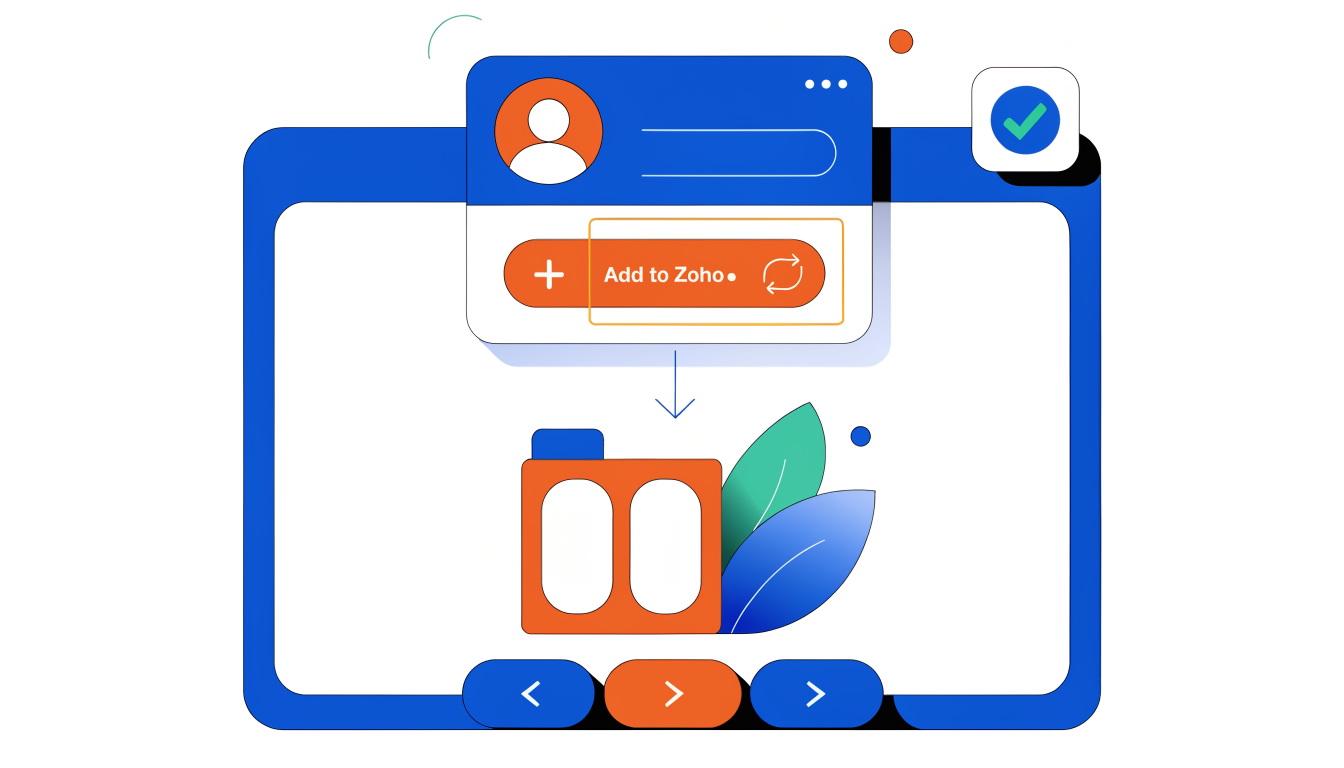
Chrome extensions transform how sales reps interact with LinkedIn directly inside their browser. Instead of copying profile data manually, you can add prospects to Zoho CRM with a single click, saving time on data entry and reducing errors that come with manual input.
LinkMatch streamlines this workflow by letting you import LinkedIn profiles straight into Zoho CRM custom pipelines. When you find a prospect on LinkedIn, the extension captures their profile information, work history, and contact details, then populates those fields automatically in your CRM. This is especially valuable for account executives managing high-volume prospecting; you stay in your natural workflow without tab-switching or data transcription.
Linked Helper takes integration further by syncing messaging history directly into Zoho records. Every LinkedIn conversation you have with a prospect gets logged as an activity or note tied to their contact or lead record. This creates a complete communication history within your CRM, so your team always knows what's been discussed without hunting through LinkedIn messages.
These tools work best for teams doing targeted, manual outreach where you control which profiles enter your pipeline. They're ideal for reps who need flexibility and transparency over every contact added, rather than bulk automation that might capture irrelevant prospects.
Common Questions About Zoho CRM LinkedIn Integration
Q: Can I sync email addresses from LinkedIn to Zoho CRM?
LinkedIn Sales Navigator doesn't pull email addresses natively. You'll need a third-party tool like Wiza or Ulinc to capture emails before syncing contacts into Zoho. This adds a small workflow step but solves the biggest limitation most teams face. The alternative is manual entry or relying on LinkedIn profile URLs as your primary identifier until prospects provide email directly.
Q: How often does data sync between LinkedIn and Zoho?
Sync frequency depends on your integration method. Direct API connections typically update in real-time or within minutes. Zapier-based automations can run every 15 minutes to hourly, depending on your plan. If you're using a LinkedIn scraping tool as an intermediary, syncs happen on schedules you control, usually daily or weekly. Plan your workflows around these intervals rather than expecting instant updates across all platforms.
Q: What's the cost of integrating Zoho CRM with LinkedIn?
The base integration is free through Zoho's native LinkedIn connector. Third-party tools add costs: Zapier runs $20-$299 monthly depending on task volume; dedicated LinkedIn sync tools like Wiza range from $50-$200 monthly. Your total investment depends on automation complexity and lead volume, not on Zoho itself.
Q: Is Zoho CRM LinkedIn integration as good as Salesforce's?
Salesforce has deeper native integration, but Zoho's approach is equally functional for most teams. Zoho actually excels at flexibility through third-party connectors, giving you more pathway options. The real difference is your team's technical comfort level and specific feature requirements, not inherent capability.
Q: Can I automate follow-ups after syncing LinkedIn leads?
Absolutely. Use Zoho Workflows or Zapier to trigger email sequences, task creation, or lead scoring once contacts sync. You can build sophisticated nurture campaigns based on LinkedIn profile data or engagement history. This automation is where the integration truly pays dividends.
Choosing the Right Integration Method for Your Team
The right integration method depends on three factors: your team's size, your LinkedIn strategy, and how much manual work you're willing to do.
For speed and simplicity, LinkedIn Lead Ads paired with Zoho Social is your answer. This native connection requires minimal setup and automatically captures leads without them leaving LinkedIn. It's ideal for teams prioritizing volume over personalization, though you'll sacrifice the ability to cherry-pick prospects.
For strategic prospecting, LinkedIn Sales Navigator combined with manual CRM import gives you precision. You control exactly which accounts enter your pipeline and can layer in research before adding them to Zoho. This works best for smaller teams targeting high-value accounts where quality matters more than quantity. The tradeoff: it's slower and requires discipline to stay consistent.
For real-time automation, third-party platforms like Zapier or Make sync LinkedIn data directly into Zoho workflows. This approach handles complex scenarios: automatically tagging leads by industry, triggering follow-up sequences, or updating contact records instantly. It costs more and demands technical setup, but eliminates manual data entry entirely.
For hands-on control, Chrome extensions let your team capture prospects with one click while browsing LinkedIn. This suits sales reps who prefer deciding exactly when and what to save, though it doesn't scale across large teams.
The most effective teams don't choose just one method. They combine Lead Ads for inbound volume, Sales Navigator for strategic outreach, and extensions for opportunistic prospecting. This hybrid approach balances efficiency with control.
Start with whichever method matches your immediate need. You can layer in additional pathways as your process matures. The goal isn't picking perfectly; it's starting with what your team can execute consistently today.
Beyond Integration: Maximizing Your LinkedIn Growth Strategy
Syncing leads to Zoho CRM marks the finish line for integration, but it's actually where your real strategy begins. The leads sitting in your CRM are only valuable if they arrived pre-qualified and genuinely interested in your solution. This is where most teams stumble: they optimize the pipeline mechanics while neglecting the quality of prospects entering it.
Lead volume without engagement is a resource drain. A hundred lukewarm prospects consume more time than twenty warm ones. The difference comes down to visibility and credibility on LinkedIn itself. When your content performs well, when your profile attracts the right audience, and when your messaging resonates with your ideal customer profile, the leads that eventually sync to Zoho CRM are fundamentally different. They've already warmed to your approach before conversion.
This is why combining CRM integration with a deliberate LinkedIn growth strategy compounds your results. Your integration handles the operational side; your content strategy handles the attraction side. Optimizing your LinkedIn profile and leveraging engagement tactics directly impact lead quality before they ever touch your CRM.
GetViews.AI bridges this gap for B2B founders and sellers. It amplifies your LinkedIn visibility, increases meaningful engagement with your target audience, and ensures you're attracting prospects worth your sales team's time. Combined with Zoho CRM's integration capabilities, you're building a system where visibility fuels qualified leads, which your CRM then nurtures systematically.
The integration setup you've completed is solid infrastructure. Now strengthen the foundation by investing in the visibility that fills it with quality prospects.